
HAVIT Bluetooth Speaker Crackling or Distorted? Audio and Mic Fixes

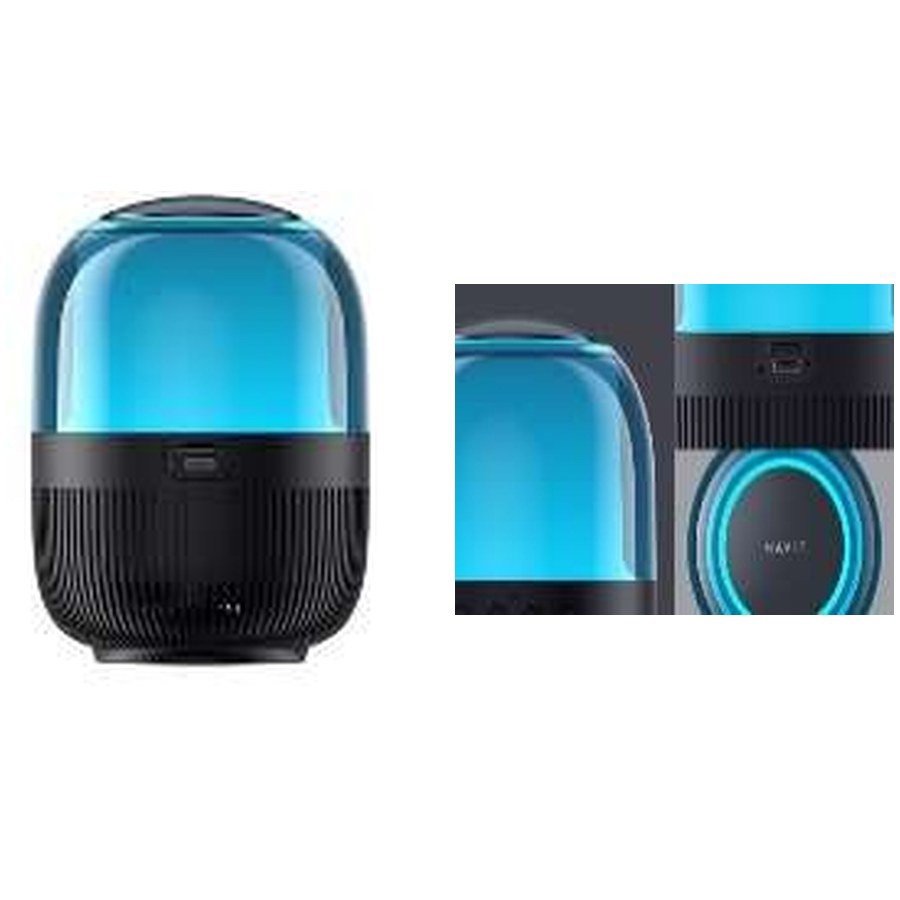
A HAVIT Bluetooth speaker can produce crackling, buzzing, harsh bass or muffled voice even when the speaker itself is functioning. The cause may be the source recording, volume clipping, Bluetooth interference, a loose AUX cable or a blocked speaker grille. The November 2026 HAVIT supplier list covers compact models such as SK900BT and SK885BT, and larger models including SK861BT and SK906BT. Their quoted wattages and features differ, but none of the printed wattage values independently proves how clean the sound will remain at maximum volume. This guide offers safe listening and troubleshooting checks.
1. Reduce volume on both devices first
Playing heavily compressed music or an already distorted recording at maximum volume can sound harsh through a perfectly functioning speaker. Start at a moderate level on the phone and speaker, then raise one gradually. If distortion appears only at the highest setting, it may reflect the driver or amplifier reaching its limits rather than a permanent fault. Don’t continue forcing maximum output to “break in” the speaker: that can damage drivers or stress the power system.
2. Compare another audio source
Test a clean, legitimately obtained audio recording from another app or a second trusted phone. If the buzzing happens only on one source, inspect its recording quality, app equalizer and volume normalization. If all sources distort, move to connection, physical and power checks. On compatible speakers with AUX input, use a known-good cable to compare wired audio against Bluetooth, but confirm the port’s function and the source’s supported output. Do not assume that a speaker’s USB socket automatically accepts digital USB audio.
3. Check Bluetooth interference and placement
Bluetooth audio can stutter when the source is too far away, behind dense walls or near crowded radio equipment. Move the phone close to the speaker and turn off unrelated pairing activity for a short test. Restart a known good Bluetooth connection through the exact model’s documented procedure. A disconnected speaker that auto-repairs to a different phone might play unexpected sounds or go silent. Avoid unknown firmware tools or unverified model-reset sequences.
4. Inspect AUX plugs, cables and ports
The SK885BT and SK906BT list AUX among their source options. If wired audio crackles when the cable moves, a worn plug or connection may be involved. Disconnect power when appropriate before inspecting external connections. Never insert metal objects into the AUX socket or attempt to solder it without qualified service. Substitute a safe known-good cable rather than twisting the plug repeatedly to make it work.
5. Check bass settings without assuming higher is better
Some HAVIT speakers advertise equalizer modes, and the larger SK861BT is described with separate woofer and treble power statements. A strong bass boost can cause audible distortion on particular recordings or at high volume. Reduce low-frequency boost and test the same track at a moderate level. Wattage is not a measurement of tonal accuracy, and the catalogue does not provide controlled distortion curves or maximum clean sound pressure levels. A larger cabinet doesn’t automatically guarantee clean output in every room.
6. Inspect grilles and surroundings
A speaker placed against a wall or in a vibrating cabinet may make nearby objects rattle. Move it to a stable flat surface away from loose items to distinguish environmental rattling from driver distortion. Check the visible grille for damage without pushing objects through it. If the cabinet has been dropped or exposed to moisture, stop use if unusual heating, cracking or electrical symptoms appear. An IPX7 marking on one HAVIT model must not be applied to another without the exact model’s rating.
7. Audio output versus microphone feedback
Party speakers such as SQ146BT or SQ143BT advertise included microphones. A loud screech when the microphone is close to a speaker can be acoustic feedback, not a faulty audio codec. Move the microphone away from the loudspeaker’s main sound direction, reduce microphone gain and test at a lower level. Don’t place an external microphone directly in front of a high-volume cabinet while troubleshooting.
8. When repair may be necessary
If severe distortion persists across separate audio sources, at normal levels, using the correct input and on a stable surface, a driver, amplifier or internal connection fault is possible. Don’t open a powered cabinet or bypass fuses. Record a short example and the exact model for the seller. If the appliance produces smoke or unusual electrical heat, disconnect and stop using it immediately.
Frequently asked questions
Does more speaker wattage mean it won’t distort?
No. Distortion also depends on amplifier headroom, recording, enclosure and volume.
Why is the sound clear on Bluetooth but crackly on AUX?
A worn cable, source output or AUX connector may be involved; test a known-good safe connection.
What causes a high-pitched noise near a microphone?
Acoustic feedback often occurs when microphone sound is amplified and re-enters the microphone.
See the HAVIT Bluetooth speaker guide, TWS guide and HAVIT Kenya hub. Infinite Tech is at Rehema House, Standard Street, First Floor Shop 2, Nairobi CBD; 0720 450 148.
Source for model input options and speaker features: HAVIT November 2026 supplier catalogue. No independent distortion/loudness testing is claimed.
