
HAVIT TWS Speakers Not Pairing Together? Stereo Linking Checklist

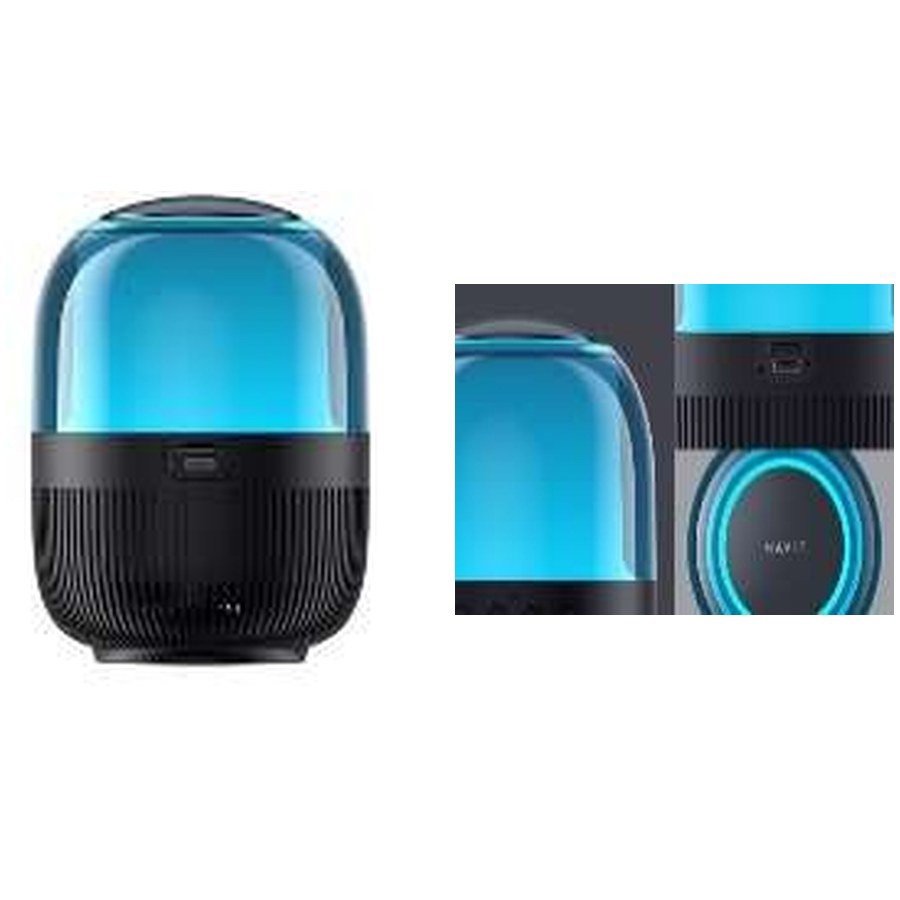
HAVIT True Wireless Stereo (TWS) speakers may connect individually to a phone but refuse to link with one another. That isn’t always a hardware fault. Bluetooth pairing with a phone and TWS pairing between two speakers are separate procedures, and a speaker advertised as “TWS” is not necessarily compatible with another HAVIT model. The November 2026 catalogue lists TWS among the features of SK900BT, SK885BT, SK875BT and several larger models, but provides no universal cross-model TWS compatibility chart. This guide explains what to check before buying a second speaker or trying a reset.
1. Confirm that both speakers support TWS
Start by identifying the exact model printed on each cabinet. A HAVIT SK900BT, SK885BT or SK875BT may each be advertised with TWS, but that does not establish that SK900BT can pair with SK875BT. TWS implementations can differ by chip, firmware and manufacturer model grouping. Request an official compatible-pair list or demonstrated working pair. Buying a second speaker only because the product box shows “TWS” can lead to an unsuitable setup.
2. Check whether one speaker is still paired to another device
If one cabinet reconnects to a family member’s phone as soon as it switches on, it may remain in an ordinary Bluetooth listening mode rather than its speaker-linking mode. Disconnect the known earlier phone and stop playback temporarily. Keep both speakers near each other while preparing to use the exact model’s TWS linking instructions. Some models must enter TWS before the source phone pairs to the combined device, while others use a different sequence. The November supplier sheet does not list a universal control order, so follow the actual user manual.
3. Don’t confuse two Bluetooth names with a linked stereo pair
A phone may discover two individual speakers under similar device names. Connecting to one, then separately connecting to the other, does not automatically create left and right stereo channels. The two speakers first need the appropriate supported speaker-to-speaker link. After successful TWS, the phone may see only one logical audio device depending on the product design. Avoid deleting unrelated paired Bluetooth devices or repeatedly holding unknown buttons to force pairing.
4. Use matching model and firmware where specified
The safest first test is two identical, legitimately supported models of the same revision if the manufacturer explicitly instructs that arrangement. Even two matching retail names may have firmware or regional revisions that behave differently, so check the official instructions. The fact that a speaker has Bluetooth 5.3 while another uses a different marketed version is not enough to predict TWS compatibility. Never install unverified firmware or use a random recovery file found on an online forum.
5. Are both speakers charged and on the correct input?
Low battery, a connected AUX cable, USB/TF playback, FM mode or a source-mode mismatch can interfere with linking on some speaker models. Check the intended input mode using the manufacturer’s controls and recharge appropriately if needed. The supplier descriptions of models such as SK885BT include several source inputs; confirm whether the exact speaker supports TWS while another mode is active. Don’t promise TF/USB playback is always broadcast to the second unit unless a real manual or demonstration supports that behavior.
6. Understand what “stereo” will actually produce
In a correctly implemented TWS pair, compatible speakers may assign different left and right channels. That may improve stereo separation when the two speakers are spaced apart correctly. It does not automatically double perceived loudness or guarantee better bass in every room. Unbalanced placement, close spacing, echoes and different cabinet orientations can affect listening quality. No controlled speaker-output test is available from the November price list.
7. If one linked speaker is silent
Check the volume levels and any independent mute settings. Try simple stereo test audio at moderate volume rather than a mono voice note. If only one unit responds after successful pairing, power down normally, verify both battery levels and repeat the official link process. If both work independently but not together, that points toward compatibility or linking-state issues rather than two simultaneous driver faults. If a supported pair consistently fails under proper conditions, document the model/revision and seek service guidance.
Frequently asked questions
Can I pair SK900BT and SK875BT in TWS?
The available supplier sheet does not confirm cross-model support; ask for authoritative compatibility evidence.
Does Bluetooth 5.4 guarantee TWS compatibility with 5.3?
No. TWS is a model-specific speaker linking feature, not simply a Bluetooth-version match.
Will both speakers play from the same USB drive?
Only if the exact TWS implementation supports storage playback sharing; that is not established in the summary catalogue.
Compare compact HAVIT speakers, larger SK885BT/SK875BT options, our ordinary Bluetooth pairing guide and the HAVIT Kenya hub. Infinite Tech: Rehema House, Standard Street, First Floor Shop 2, Nairobi CBD; 0720 450 148.
Source: HAVIT November 2026 supplier catalogue, Bluetooth speakers section, for TWS-labeled models. No specific cross-model interoperability is claimed or independently tested.
