
Hisense PX3-PRO vs PT1 Laser Cinema: Screen and Room Compatibility

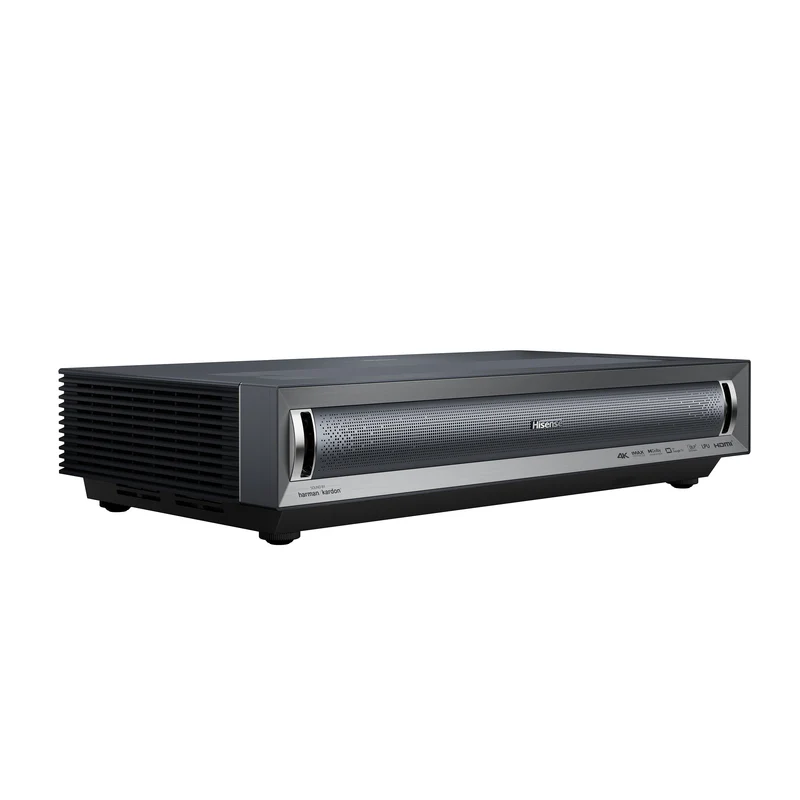
The PX3-PRO and PT1 are catalogue-listed laser cinema products with 80–150-inch image-size ranges. Their shared size range does not establish equal picture performance or identical cabinet geometry.
Check throw geometry first
Request the exact projector-to-screen distance and height for your preferred diagonal. Measure furniture depth, wall clearance and the screen position. A small change in short-throw projector placement can change the image geometry considerably.
Screen compatibility and light
Verify whether a screen is included and whether the screen material is appropriate for the projector’s throw geometry. Compare independent brightness and contrast measurements under similar settings. Plan daylight control for the intended room.
Gaming and streaming
Check the actual HDMI input timings, input latency, supported HDR formats and local smart-app availability. Confirm audio output compatibility if using a soundbar or receiver.
Full system cost
Compare the live projector prices plus screen, delivery, furniture and installation where needed. See the PT1 versus M2 Pro guide for a different installation format.
Explore the Hisense Knowledge Centre for related guides. Confirm current physical stock, exact regional model, selling price and local warranty with Infinite Tech before ordering. This guide uses catalogue information, not independent performance testing.

One thought on “Hisense PX3-PRO vs PT1 Laser Cinema: Screen and Room Compatibility”
Comments are closed.