
Hisense Laser Projector Screen Buying Guide: UST ALR vs Standard Screens

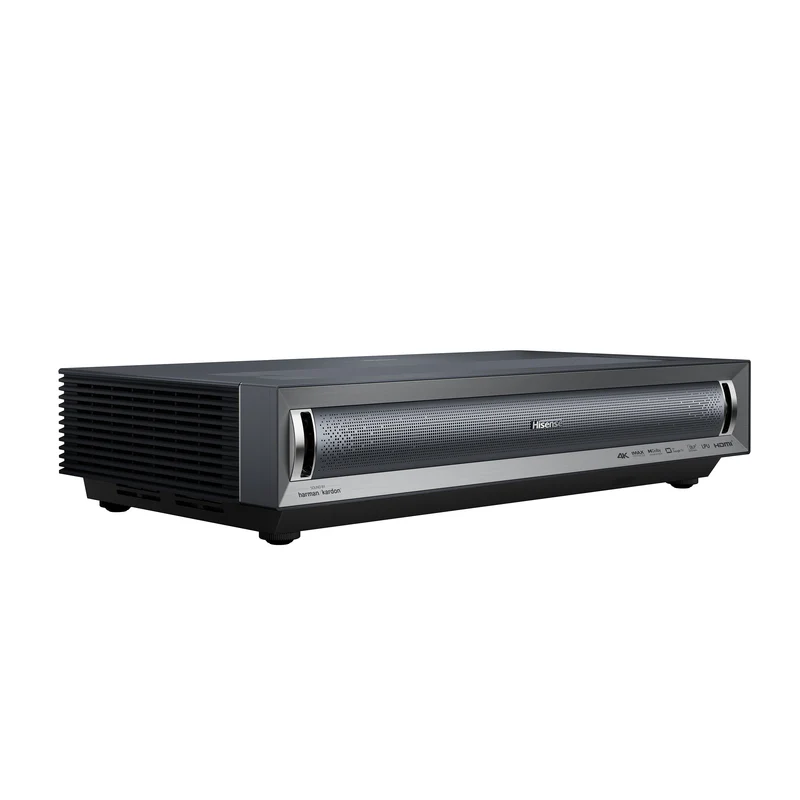
A screen designed for a conventional projector is not automatically suitable for an ultra-short-throw (UST) projector. For buyers considering the PX3-PRO or PT1, verify the actual projection geometry and screen requirements first.
Why geometry matters
UST systems direct light toward the screen from a position close to it. A screen engineered to reject light from some angles may also reject useful projector light if the geometry is wrong. Check the screen manufacturer’s explicit compatibility with the projector’s throw arrangement, not just the label ALR.
Compare screen options
A standard matte screen can be suitable in a room with controlled lighting when the projector and screen are compatible. An ambient-light-rejecting screen may help manage particular directions of room light, but will not remove every reflection or make direct sunlight irrelevant. Compare viewing-angle characteristics and screen gain from documentation.
Measure and budget
For a 100-inch 16:9 image, the approximate picture width is 2.21 metres and height 1.25 metres, excluding the frame. Verify the actual screen dimensions, furniture height and projector placement drawing. Include the screen, installation, audio and any light-control treatment in the total price.
Ask for a complete package
Confirm whether a screen is included in the exact product listing, its size, material and mounting requirements. The PX3-PRO versus PT1 guide covers the projector comparison. Use approved installation methods and avoid looking into the laser light path.
Explore the Hisense Knowledge Centre for additional buyer resources. Confirm the exact regional SKU, live price, physical stock and warranty before ordering. This independent retail guide does not claim hands-on testing.
