
Hisense HDMI-CEC Guide: Controlling TV, Decoder and Soundbar with Fewer Remotes

HDMI Consumer Electronics Control (CEC) allows compatible connected devices to exchange certain control commands. Support varies by model and function. A television and soundbar that exchange audio through HDMI do not necessarily support every CEC control behaviour.
Identify required functions
Decide whether you want TV remote volume control, coordinated power or automatic input selection. Check the TV, soundbar and source manuals for the exact supported CEC features. Some functions have separate settings on each device.
Test one connection at a time
Connect compatible devices using their documented input and output ports and enable supported control settings. Test volume, power and input switching separately. If devices unexpectedly turn on or change inputs, isolate the connected devices and review their individual control settings rather than resetting everything immediately.
Audio compatibility is a separate check
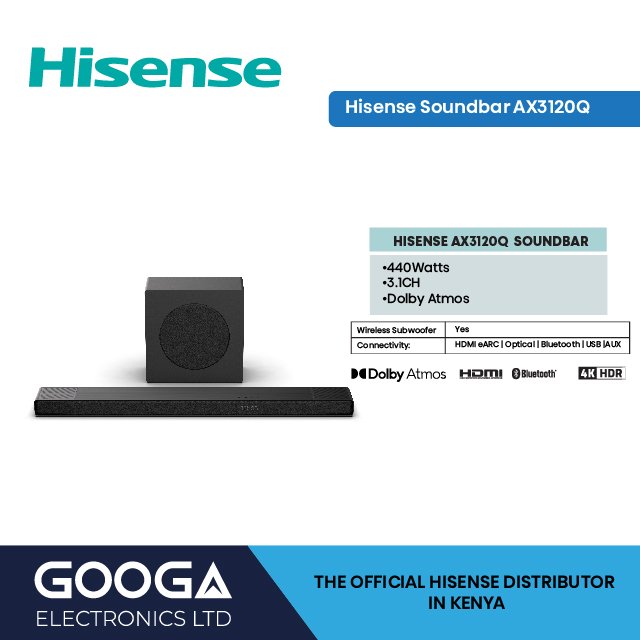
For the AX3120Q or AX3100Q, verify the available audio connection and CEC functions with the television’s manual. See the optical versus HDMI ARC guide and the HDMI port planning guide before finalising the setup.
Explore the Hisense Knowledge Centre. Confirm exact regional SKU, current selling price, physical stock and warranty with Infinite Tech before buying. This independent guide does not represent hands-on testing.

2 thoughts on “Hisense HDMI-CEC Guide: Controlling TV, Decoder and Soundbar with Fewer Remotes”
Comments are closed.