
Dell Laptop Prices in Kenya: Latitude, Inspiron, XPS and Precision

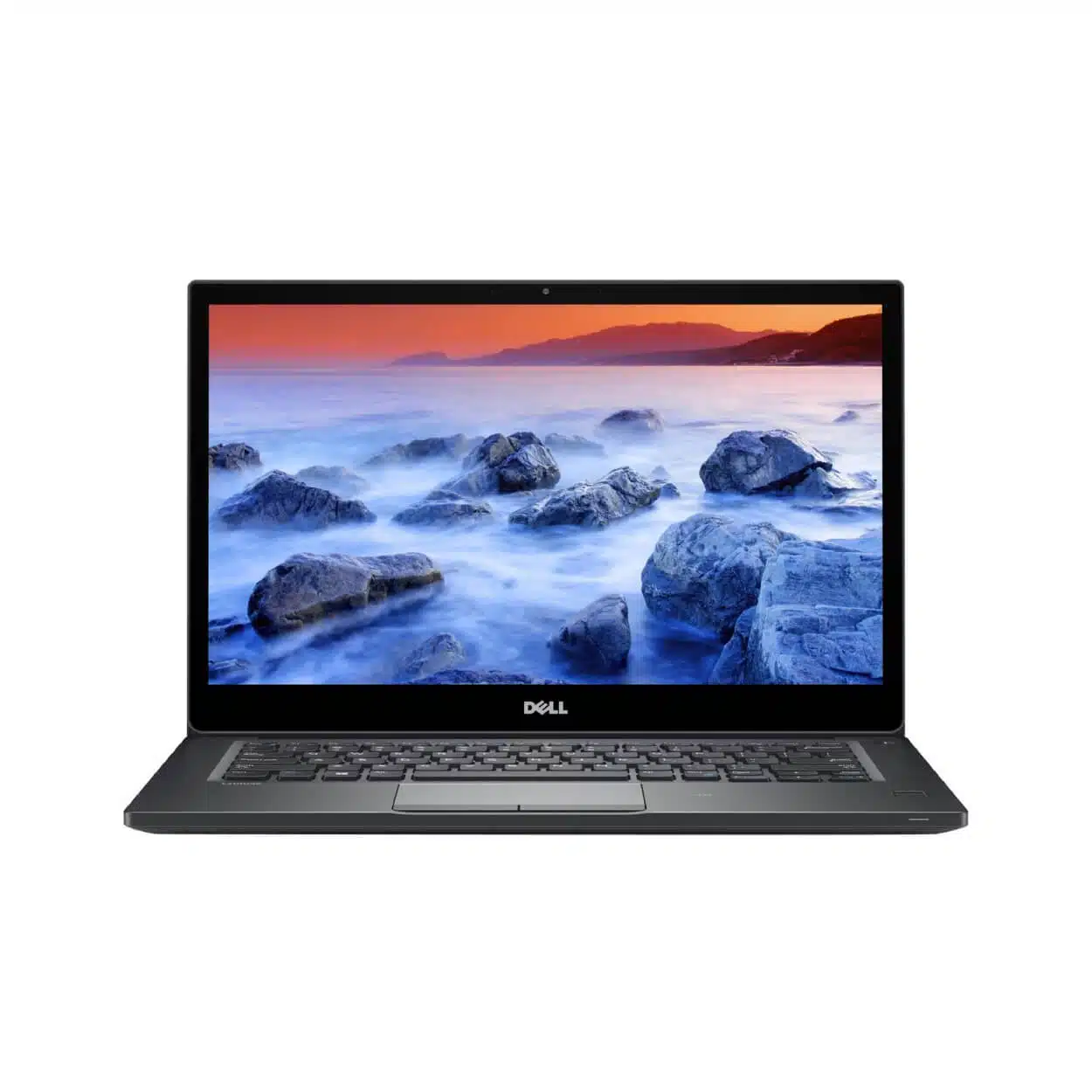
Dell laptop prices in Kenya are easiest to understand when you separate older refurbished business machines from newer configurations and mobile workstations. Latitude, Inspiron, XPS and Precision names span many years and specifications. This guide explains how to compare the families and uses real Infinite Tech listings as dated price examples, without claiming that every family or configuration is currently available.
Catalogue and references checked: 20 October 2026. Prices below are Infinite Tech catalogue asking prices for the stated configuration. Confirm the actual unit, availability, accessories and written warranty before payment.
The Dell Latitude buying guide introduces the business range. Use the Latitude 5400, 5410 and 5420 comparison to understand how generation and installed components change the offer.
The EliteBook vs Latitude comparison offers another business-laptop route. Read Precision vs Latitude when a workstation and a conventional business notebook appear on the same shortlist.
Compare Dell Latitude, Inspiron and Precision offers
| Choice | What to compare | Buying implication |
|---|---|---|
| Latitude | Business notebooks across several generations | Compare exact CPU, panel, RAM and condition |
| Inspiron / XPS | Different everyday and premium designs across model years | Check the actual configuration and support history |
| Precision | Mobile workstation configurations | Verify the installed GPU and the requirements of your professional software |
Read the configuration behind the price
A low-cost older Latitude and a newer Core Ultra model do not answer the same buying need. The catalogue table shows actual examples, but the variation is not a single-brand price range for otherwise identical machines. RAM capacity, SSD capacity, display specification, form factor and condition must stay visible in the comparison.
Ask for the full processor model and service tag where available. If the title only says Core i5 or Core i7, the generation remains essential context. Also check whether the price includes a suitable charger and operating-system arrangement. A machine listed with DOS, for example, should not be assumed to include a licensed Windows setup merely because another Dell listing does.
Choose a family for the work, then compare individual models
Latitude is a useful starting point for office, study and business-laptop comparisons, but one Latitude can differ greatly from another. A 2-in-1 design, a conventional notebook and a compact premium model may carry similar family branding while offering different memory layouts and ports.
For an Inspiron or XPS quote, request the same detail instead of assuming a consumer or premium label establishes performance. For Precision, identify the exact graphics adapter and compare the software publisher’s requirements. A workstation name can be relevant to technical work, but it does not make every used configuration suitable for every modern CAD, rendering or engineering project.
Compare the total cost of ownership
Include the battery condition, charger, planned memory or SSD work, monitor adapters and delivery. A cheaper machine can be the right answer when it already meets the workload and its condition is verified. A more expensive one should provide a useful difference such as more suitable memory, supported software or the required display connections.
For a workstation, consider the carry weight, power adapter and desk setup as well as the component list. For a mobile student, a smaller laptop with reliable unplugged use may be a better practical fit. Ask to try your normal task and record any known limitations on the quotation. Do not compare a seller’s maximum launch specification with the lower configuration actually offered.
Use current support checks when comparing older Dell stock
A Windows installation is not by itself proof of supported hardware eligibility. Check the exact CPU, firmware and security requirements for the intended operating system using Microsoft’s guidance and Dell’s documentation. For professional software, check the required version rather than a general statement that a machine is good for engineering.
At collection, verify the RAM, SSD, display and graphics information against the invoice. Inspect charging and battery health, and confirm that no unknown password or organisation prevents normal setup. The table below gives real routes into the catalogue; where a desired Inspiron or XPS configuration is absent from the shortlist, request an exact quote rather than treating another family as the same product.
Real Infinite Tech catalogue examples
These links lead to individual listings, not a promise that every model in the wider family is available. Compare the complete configuration rather than the processor badge alone.
| Exact listing | Listed price | Next check |
|---|---|---|
| Dell Latitude 7490 Core i5 8th Gen 8GB RAM 256GB SSD | KSh 23,495 | Confirm unit condition, exact components and what is included |
| Dell Latitude 5410 14-inch Laptop Intel i5-10210U 10th Gen 8GB DDR4 256GB NV Me Windows10 BOXED | KSh 31,995 | Confirm unit condition, exact components and what is included |
| Dell Latitude 5420 Intel Core i7-1185G7 16GB RAM 512GB SSD 14 Inch HD Display | KSh 42,500 | Confirm unit condition, exact components and what is included |
| Dell Precision 7550 Core i7 10th Gen 16GB RAM 512GB SSD 4GB Graphics | KSh 65,000 | Confirm unit condition, exact components and what is included |
| Dell Latitude 5450 Core Ultra 5 16GB RAM 256GB SSD | KSh 115,995 | Confirm unit condition, exact components and what is included |
A practical buying decision
Use a family name to organise the search, then choose on the individual specification, condition and complete cost. Latitude is a practical place to begin general work comparisons; Precision needs a separate GPU and software check. Compare any Inspiron or XPS offer with the same discipline.
Frequently asked questions
Why do Dell prices vary so much?
Generation, processor, memory, display, form factor, graphics and condition can all differ. Compare the complete configuration.
Does this guide confirm every Dell family is stocked?
No. The linked table shows specific catalogue examples. Request the exact model you need.
Is every Precision better than every Latitude?
No. Their suitability depends on the particular hardware and workload, not just the family name.
Does a listed price always include Windows?
Check the individual offer and written quote, especially where DOS or no operating system is stated.
Related Infinite Tech buying pages
More Dell buying guides
- Dell Latitude 5400 vs 5410 vs 5420: Which Offers Better Value?
- Dell Latitude 7390 Standard vs 2-in-1: What Changes?
- Dell Latitude vs Inspiron for Students and Office Work
- Dell Precision vs Latitude for Engineering and CAD
- Best Dell Laptops Under KSh 40,000 in Kenya
- Buying an Older Dell Latitude: How to Check Windows 11 Compatibility
- Used Dell Inspection Guide: Battery, BIOS Passwords and Charger Recognition
Compare other brands: HP, Lenovo, MacBook, ASUS, Microsoft Surface, Acer.
Manufacturer references and research method
This is a research-based buying guide, not a hands-on test or a benchmark report. Manufacturer references describe supported options; the linked catalogue identifies the configuration being offered. Model-specific details should be matched to the full product code or service tag.
Confirm your laptop with Infinite Tech
Contact Infinite Tech at Rehema House, Nairobi, on 0720450148. Ask for the full model code, a written specification and the applicable warranty. Read warranty information, delivery information and contact Infinite Tech before placing an order.
One thought on “Dell Laptop Prices in Kenya: Latitude, Inspiron, XPS and Precision”
Comments are closed.