
Buying an Older Dell Latitude: How to Check Windows 11 Compatibility

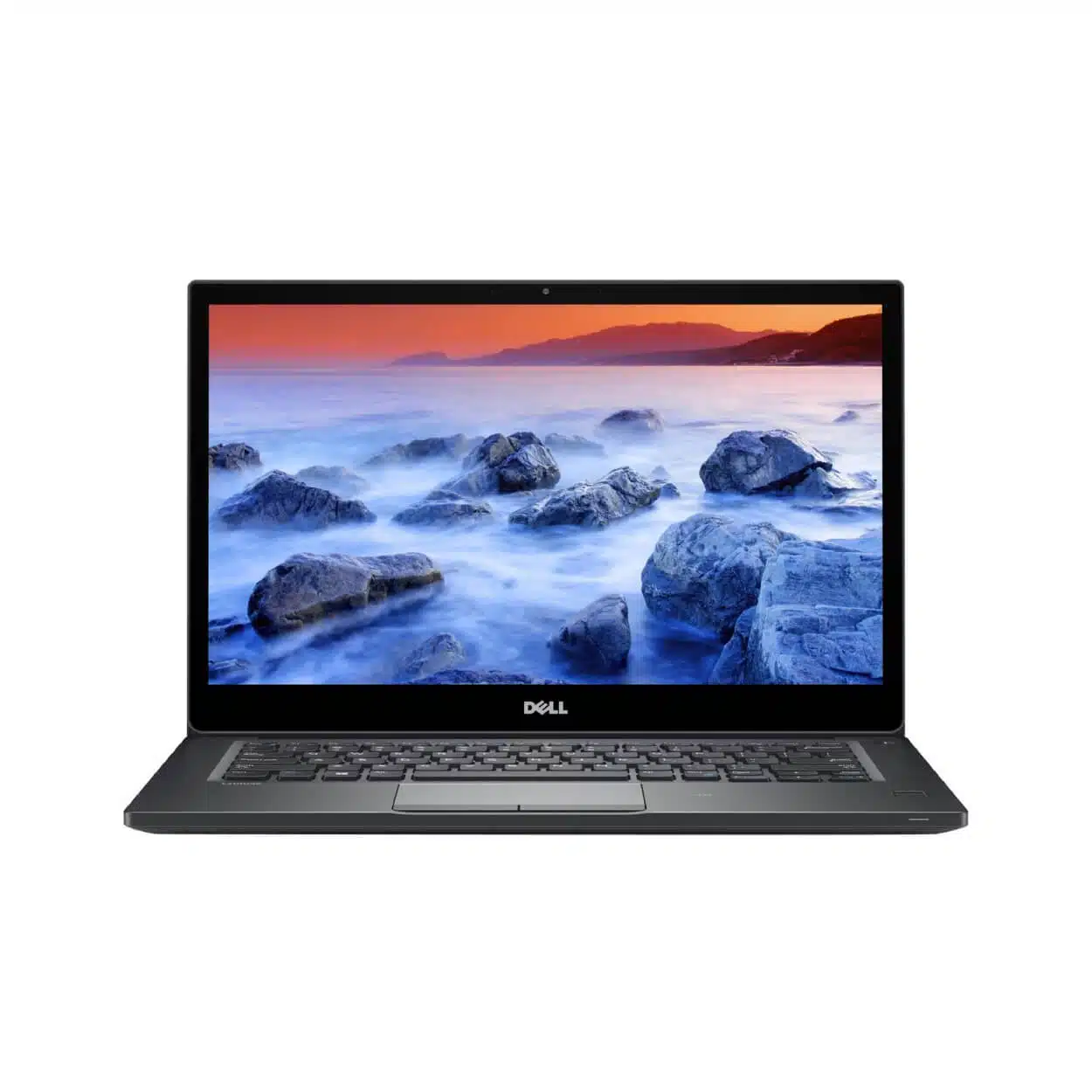
When buying an older Dell Latitude, check supported Windows 11 eligibility on the exact device. The fact that Windows 11 is installed, or that a seller says the laptop has enough RAM, does not establish that it meets Microsoft’s complete requirements. This guide explains a legitimate checking route and separates operating-system eligibility from the performance required by your applications.
Catalogue and references checked: 20 October 2026. Prices below are Infinite Tech catalogue asking prices for the stated configuration. Confirm the actual unit, availability, accessories and written warranty before payment.
The programming laptop guide helps separate software workloads from operating-system eligibility. The Intel vs Snapdragon OmniBook guide covers a different compatibility question: processor architecture.
Use the used-laptop inspection checklist when examining an older unit. The Dell buying checklist adds the practical charging, identity and firmware checks to perform before payment.
Older Dell Latitude: supported Windows 11 checks
| Choice | What to compare | Buying implication |
|---|---|---|
| Processor | Full model identifier and supported platform | The Core i5 or Core i7 badge alone is insufficient |
| Firmware and security | UEFI, Secure Boot capability and TPM 2.0 requirements | Check the device’s actual configuration |
| Memory and storage | Windows requirements plus the application’s needs | Minimum installation eligibility is not a workload recommendation |
Use the exact processor and Microsoft’s checking route
Write down the complete CPU model from system information, not just the processor brand or generation described in a short advert. Then use Microsoft’s Windows 11 guidance and PC Health Check where applicable. Dell’s service-tag documentation helps identify the original platform, but installed components and settings should also be checked on the machine.
Avoid a blanket rule that every Latitude of a certain family qualifies. Models and configurations can vary, and supported eligibility involves more than RAM and disk space. Ask the seller to demonstrate the check on the unit reserved for you and explain any failing item before payment.
Understand TPM and Secure Boot before changing settings
Microsoft lists TPM 2.0 and UEFI Secure Boot capability among the Windows 11 requirements. A suitable feature can sometimes depend on the actual firmware configuration, but that does not mean every old machine can be made eligible by changing one setting. Use the matching Dell and Microsoft instructions.
If the laptop is managed by an organisation, involve its authorised administrator. Do not reset security settings or clear a TPM casually: encryption and recovery arrangements can be affected. Keep important files and legitimate recovery information available before any supported change. The objective is a documented, supported setup, not merely making an installation complete.
Do not confuse installation with support or useful performance
A screenshot of a Windows 11 desktop confirms that the system is running; it does not prove that the installation follows Microsoft’s supported hardware requirements. An unsupported workaround should not be sold as the same assurance as an eligible device. Ask the seller to state the actual support position.
Even an eligible laptop may need more memory or storage for your work than the operating system’s minimum. Check the applications used for university exams, design, accounting or development separately. A machine can meet the Windows installation requirements yet still be a poor fit for a large project or a specialist peripheral.
Evaluate Windows 10 offers using current lifecycle information
Microsoft states that standard Windows 10 support ended on 14 October 2025. If an older Dell is offered with Windows 10, establish whether a current, applicable extended-support arrangement exists and whether your required software still supports the setup. Do not infer security-update coverage from the fact that the machine still starts normally.
Before purchase, also inspect battery health, charging, screen condition and normal personal setup. If supported Windows is essential and the exact device cannot meet that need, compare a different verified configuration. Keep the CPU, operating system, eligibility result and warranty position on the quote so the final machine matches the basis of your decision.
Real Infinite Tech catalogue examples
These links lead to individual listings, not a promise that every model in the wider family is available. Compare the complete configuration rather than the processor badge alone.
| Exact listing | Listed price | Next check |
|---|---|---|
| Dell Latitude 7490 Core i5 8th Gen 8GB RAM 256GB SSD | KSh 23,495 | Confirm unit condition, exact components and what is included |
| Dell Latitude 5410 14-inch Laptop Intel i5-10210U 10th Gen 8GB DDR4 256GB NV Me Windows10 BOXED | KSh 31,995 | Confirm unit condition, exact components and what is included |
| Dell Latitude 5420 Intel Core i7-1185G7 16GB RAM 512GB SSD 14 Inch HD Display | KSh 42,500 | Confirm unit condition, exact components and what is included |
A practical buying decision
Buy an older Latitude for Windows 11 only after checking the exact device through the supported Microsoft route and reviewing Dell’s documentation. Treat unsupported installation, ordinary eligibility and application performance as three different questions.
Frequently asked questions
Does a Windows 11 installation prove eligibility?
No. Check the complete supported requirements on the exact device.
Is enough RAM the only requirement?
No. CPU, firmware, security and other requirements also matter.
Should I clear the TPM to make a used laptop pass?
Do not make casual security changes. Follow the authorised support route and protect recovery information and data.
Is Windows 10’s standard support still active?
Microsoft says standard support ended on 14 October 2025. Verify any applicable extended arrangement separately.
Related Infinite Tech buying pages
More Dell buying guides
- Dell Laptop Prices in Kenya: Latitude, Inspiron, XPS and Precision
- Best Dell Laptops Under KSh 40,000 in Kenya
- Used Dell Inspection Guide: Battery, BIOS Passwords and Charger Recognition
Manufacturer references and research method
This is a research-based buying guide, not a hands-on test or a benchmark report. Manufacturer references describe supported options; the linked catalogue identifies the configuration being offered. Model-specific details should be matched to the full product code or service tag.
Confirm your laptop with Infinite Tech
Contact Infinite Tech at Rehema House, Nairobi, on 0720450148. Ask for the full model code, a written specification and the applicable warranty. Read warranty information, delivery information and contact Infinite Tech before placing an order.
One thought on “Buying an Older Dell Latitude: How to Check Windows 11 Compatibility”
Comments are closed.