
Best Dell Laptops Under KSh 40,000 in Kenya

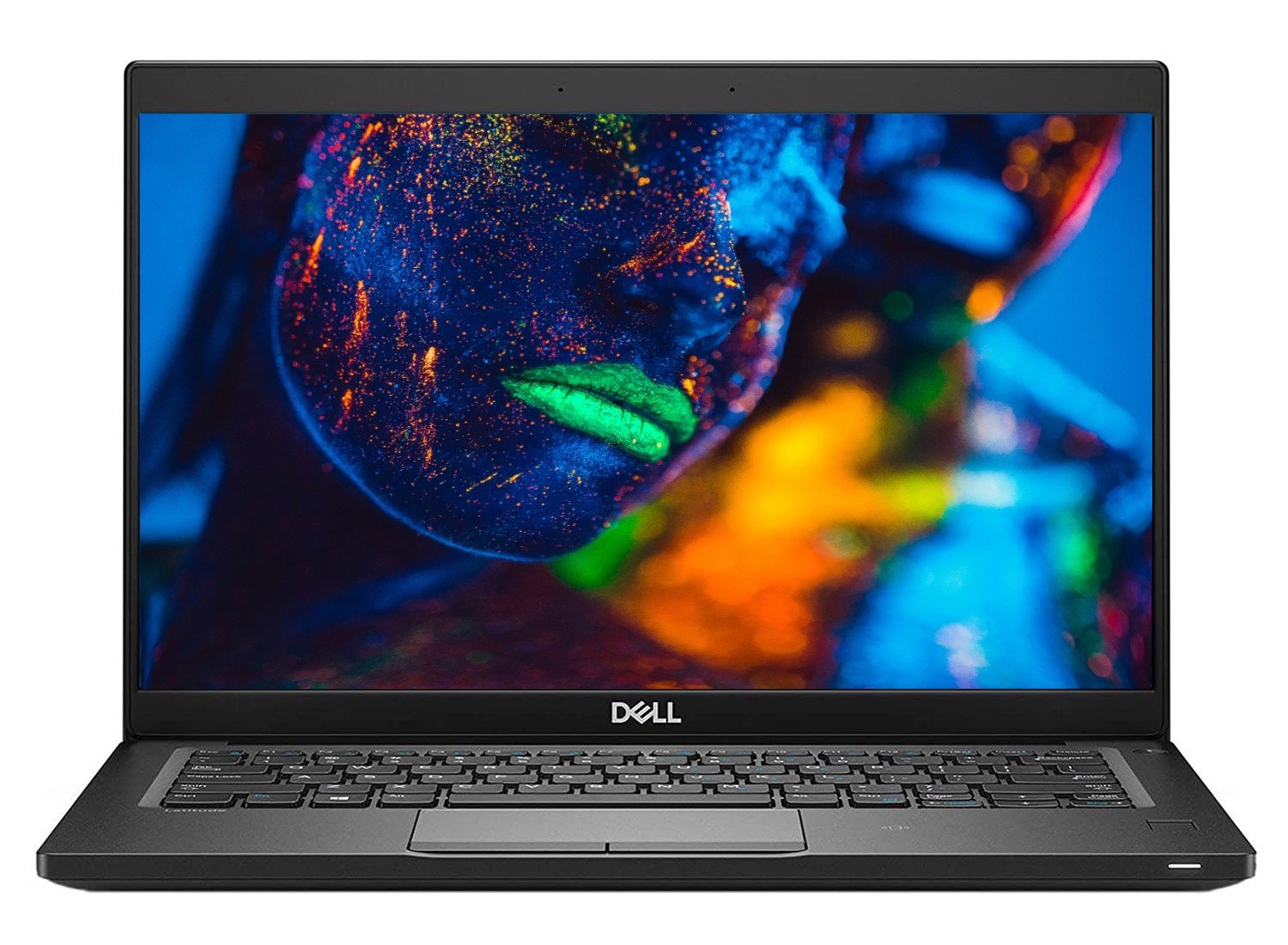
A strict Dell laptop budget below KSh 40,000 can cover several different refurbished configurations in the Infinite Tech catalogue. The useful shortlist compares exact RAM, SSD, screen and CPU details rather than treating every Latitude as the same offer. The examples below were checked against the price ceiling, with unit condition and the complete purchase cost still requiring confirmation.
Catalogue and references checked: 20 October 2026. Prices below are Infinite Tech catalogue asking prices for the stated configuration. Confirm the actual unit, availability, accessories and written warranty before payment.
The laptop guide below KSh 50,000 gives a wider budget comparison. The Lenovo guide below KSh 30,000 provides an alternative brand and price ceiling to assess separately.
The refurbished laptop buying guide explains condition and warranty checks. Use Latitude 5400 vs 5410 vs 5420 when comparing Dell generations within the available offers.
Dell laptops below KSh 40,000: compare exact offers
| Choice | What to compare | Buying implication |
|---|---|---|
| 7390 example | 8GB RAM, 256GB SSD, listed non-touch | Compact conventional notebook option |
| 7490 example | 8GB RAM, 256GB SSD, Core i5 8th Gen | Compare screen and battery condition |
| 5410 example | 8GB RAM, 256GB SSD, Core i5-10210U | Check whether your workload needs more memory |
| 3400 example | 8GB RAM, 256GB SSD, Core i5 8th Gen | Compare the actual unit and support requirements |
Choose the ready-to-use total below the ceiling
A laptop at exactly KSh 40,000 is not below KSh 40,000, and essential repairs can push a cheaper offer beyond the budget. Open each product page for the current price and ask for a written total including the suitable charger, delivery and any immediate work required.
Keep a small allowance for a bag, adapter or backup solution if those are necessary for your use. Do not assume a larger memory configuration from a different product page is included at the cheaper price. The table below links exact offers, so a change in RAM, SSD or screen should be treated as a change in the quotation rather than a harmless substitution.
Make the applications the first filter
For general study and office use, compare the applications you actually run at the same time. For technical courses, check the institution’s current software requirements. A machine that handles documents and calls should not automatically be recommended for larger engineering or graphics projects.
An SSD-based configuration can be a useful starting point for ordinary productivity, but sufficient memory and a comfortable display remain important. The 5410 example is a different processor generation from the other examples; that does not make it an automatic winner if its screen, battery or complete cost is less suitable. Test a representative workload on the proposed unit.
Inspect the unit instead of trusting the stock photograph
Ask for the condition grade and inspect the screen, keyboard, hinges and charging socket. Test the webcam, microphone, wireless connection and the ports required for your desk. Use a short call and a real document rather than only looking at a desktop screenshot.
Review a recent battery report, then test unplugged operation under an ordinary task. Check the suitable charger is recognised and charging remains stable. If a replacement battery or adapter is needed, include that cost before judging the value. The same model can represent very different purchases when the units have different wear and included accessories.
Check support, setup and the warranty before payment
Confirm the full CPU, intended Windows support and device eligibility using Microsoft’s requirements. A Windows 11 desktop alone is not proof that the hardware is supported. For an older operating system or a special managed setup, clarify the current support arrangement rather than accepting a vague promise.
Make sure normal personal setup is possible and essential firmware settings are not blocked by an unknown owner. Resolve any organisational control through the legitimate seller before purchase. Keep the specification, accepted condition, included charger and warranty terms together on the invoice. If an offer cannot be made clear within the budget, compare the next eligible unit rather than stretching the ceiling without a plan.
Real Infinite Tech catalogue examples
These links lead to individual listings, not a promise that every model in the wider family is available. Compare the complete configuration rather than the processor badge alone.
| Exact listing | Listed price | Next check |
|---|---|---|
| Dell Latitude 7390 Core i5 8th Gen 8GB RAM 256GB SSD Non-Touch | KSh 21,450 | Confirm unit condition, exact components and what is included |
| Dell Latitude 7490 Core i5 8th Gen 8GB RAM 256GB SSD | KSh 23,495 | Confirm unit condition, exact components and what is included |
| Dell Latitude 5410 14-inch Laptop Intel i5-10210U 10th Gen 8GB DDR4 256GB NV Me Windows10 BOXED | KSh 31,995 | Confirm unit condition, exact components and what is included |
| Dell Latitude 3400 Core i5 8th Gen 8GB RAM 256GB SSD | KSh 28,994 | Confirm unit condition, exact components and what is included |
A practical buying decision
Use the linked 7390, 7490, 5410 and 3400 offers as a starting shortlist, then choose the best fit after inspecting the actual unit. Keep all required costs below KSh 40,000 and choose enough memory and support for the intended workload.
Frequently asked questions
Is a KSh 40,000 laptop included in this guide?
No. The ceiling is strictly below KSh 40,000.
Are these physical-stock guarantees?
No. They are dated catalogue offers; confirm availability and the exact unit.
Is Core i7 required at this budget?
No. Compare the full CPU and workload instead of buying from the badge alone.
What if the laptop needs a battery immediately?
Add the replacement cost to the total and recheck whether the offer still fits the budget.
Related Infinite Tech buying pages
More Dell buying guides
- Dell Laptop Prices in Kenya: Latitude, Inspiron, XPS and Precision
- Dell Latitude 5400 vs 5410 vs 5420: Which Offers Better Value?
- Used Dell Inspection Guide: Battery, BIOS Passwords and Charger Recognition
Manufacturer references and research method
This is a research-based buying guide, not a hands-on test or a benchmark report. Manufacturer references describe supported options; the linked catalogue identifies the configuration being offered. Model-specific details should be matched to the full product code or service tag.
- Dell Latitude 5400 setup and specifications
- Dell Latitude 5420 manuals
- Microsoft: Windows 11 system requirements
- Microsoft: Windows 10 support transition
Confirm your laptop with Infinite Tech
Contact Infinite Tech at Rehema House, Nairobi, on 0720450148. Ask for the full model code, a written specification and the applicable warranty. Read warranty information, delivery information and contact Infinite Tech before placing an order.