
Used Surface Pro 6 vs 7 vs 9: Price, Condition and Support

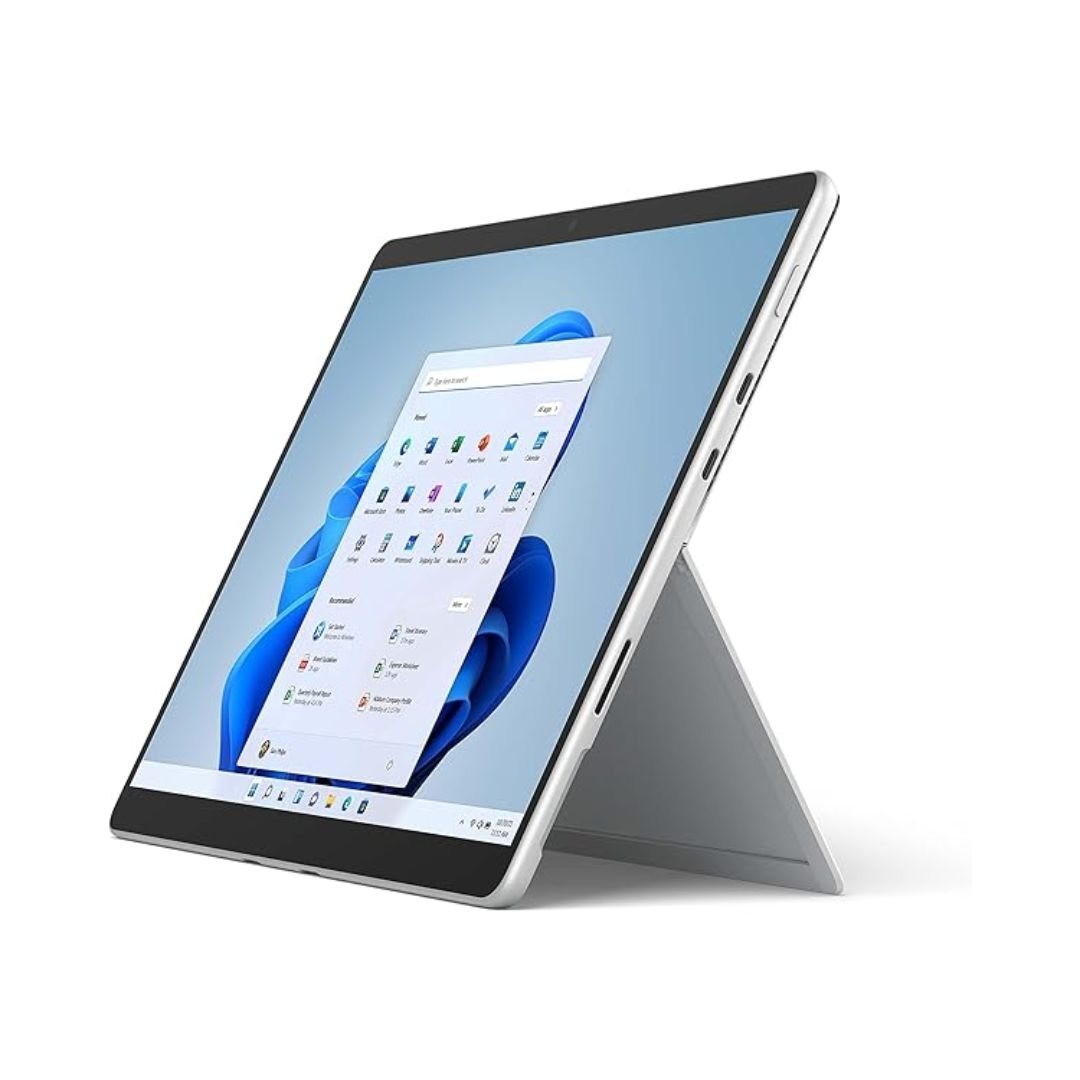
A used Surface Pro 6, Pro 7 or Pro 9 should be compared by exact configuration, present battery condition, supported software and the keyboard or pen included. A later number does not make every offer better value, and an older Type Cover should not be assumed to fit a newer device. This guide links the verified Pro 9 catalogue offer and explains how to assess a Pro 6 or Pro 7 quote without inventing stock or prices.
Catalogue and references checked: 20 October 2026. Prices below are Infinite Tech catalogue asking prices for the stated configuration. Confirm the actual unit, availability, accessories and written warranty before payment.
The refurbished laptop buying guide explains condition and warranty questions. The used Surface battery and repair guide adds device-specific considerations to the comparison.
Use the second-hand inspection checklist on the actual device. Read Intel vs Snapdragon Surface when processor architecture is another difference between the offers.
Used Surface Pro 6, 7 and 9: exact model and condition
| Choice | What to compare | Buying implication |
|---|---|---|
| Pro 6 | Older platform and accessory generation | Check the exact CPU, battery and compatible cover |
| Pro 7 | A separate generation; do not confuse it with Pro 7+ | Use the matching model documentation |
| Pro 9 | Intel and other platform variants exist | Confirm the exact processor, keyboard and intended applications |
Keep the exact model and processor visible
Microsoft publishes separate specifications for Pro 6, Pro 7 and Pro 9, and Pro 7+ is another distinct model. Ask for the full device identity and exact processor rather than accepting a short number as a complete specification. The catalogue Pro 9 below is specifically an Intel Core i7 configuration.
Do not describe all Pro 9 variants as the same software platform. Also record RAM, SSD, display condition and the accessories in the offer. The newer 12-inch Pro link is a separate catalogue option, not a Pro 6 or Pro 7 substitute with identical hardware. Compare the complete intended setup rather than transferring a result from another Surface.
Price the correct keyboard and pen with each quote
Microsoft distinguishes older Surface Pro Type Covers from newer keyboard families, and its 12-inch keyboards form another compatibility group. A cover that looks similar may not be the correct physical accessory. Ask for the exact keyboard code and test the attachment, keys and touchpad.
Pen compatibility and charging features also depend on the device and accessory. Confirm which pen is supported and whether it is included. A pen holder is not proof of a supplied pen or a supported charging method. When comparing a cheaper older Pro with a newer package, add the actual required accessories before treating the price difference as a device-only premium.
Make present battery condition a major part of value
These are portable devices whose usefulness can depend heavily on the actual battery. Review current capacity information and test a realistic unplugged task. Do not assume the launch runtime applies to a used unit, and do not judge health from the battery percentage alone.
Inspect the screen, kickstand, cover connector and charging behaviour, then test webcam, microphone, wireless and required ports. Ask about previous repairs and any known limitations. Obtain a realistic service assessment for a battery or screen issue before purchase; repair options and component availability are model- and location-dependent. A low purchase price is less attractive if essential service costs are unresolved.
Check Windows and application support before choosing the older offer
Use Microsoft’s requirements and the exact device information to confirm the intended Windows setup. A working installation alone does not establish supported hardware eligibility. Check the software required by the course or employer separately, including drivers, VPNs and examination tools.
Confirm normal personal setup and resolve unknown organisation or firmware restrictions through the legitimate seller. Keep the exact device, accessories, condition, support position and warranty on the invoice. No Pro 6 or Pro 7 asking price is invented here: request a current complete quote, then compare it with the real Pro 9 and other verified catalogue paths below.
Real Infinite Tech catalogue examples
These links lead to individual listings, not a promise that every model in the wider family is available. Compare the complete configuration rather than the processor badge alone.
| Exact listing | Listed price | Next check |
|---|---|---|
| Microsoft Surface Pro 9 (QIY-00007) Intel Core i7 12th Gen 16GB RAM 512GB SSD 13 Inches Multi-Touch Windows 11 Pro Platinum | KSh 250,000 | Confirm unit condition, exact components and what is included |
| Microsoft Surface Pro Keyboard for Pro 8/9/X/XI with Pen | KSh 51,500 | Confirm unit condition, exact components and what is included |
| Microsoft Surface Pro 12-inch Copilot+ PC Snapdragon X Plus 16GB RAM 512GB SSD | KSh 187,500 | Confirm unit condition, exact components and what is included |
A practical buying decision
Compare Pro 6, Pro 7 and Pro 9 as complete model-specific packages. Let battery health, supported software, correct accessories and the ready-to-use total decide, and keep Pro 7+ and non-Intel variants distinct.
Frequently asked questions
Is Pro 7 the same as Pro 7+?
No. Use the specification and service information for the exact model.
Does every older Type Cover fit Pro 9?
No. Check the relevant keyboard compatibility group.
Does this guide quote verified Pro 6 or Pro 7 stock?
No. Request exact current quotations; the linked Pro 9 offer is verified.
Should battery health affect the model choice?
Yes. Assess the actual unit and any necessary service cost rather than relying on launch-day runtime.
Related Infinite Tech buying pages
- Laptop Knowledge Centre
- Compare all laptops
- Used laptop inspection guide
- Best Laptops for University Students in Kenya 2026: Course & Budget Guide
More Microsoft Surface buying guides
- Microsoft Surface Prices in Kenya: Include the Keyboard, Pen and Charger
- Used Surface Buying Guide: Battery Health and Repair Considerations
- Surface Keyboard and Pen Compatibility: A Guide by Exact Model
Manufacturer references and research method
This is a research-based buying guide, not a hands-on test or a benchmark report. Manufacturer references describe supported options; the linked catalogue identifies the configuration being offered. Model-specific details should be matched to the full product code or service tag.
- Microsoft Surface Pro 6 specifications
- Microsoft Surface Pro 7 specifications
- Microsoft: Surface Pro 9 features and specifications
- Microsoft: Surface Pen compatibility
- Microsoft: Surface keyboards and Type Covers
- Microsoft: Surface battery capacity checks
- Microsoft: model-specific Surface service information
- Microsoft: Windows 11 system requirements
- Microsoft: Windows 10 support transition
Confirm your laptop with Infinite Tech
Contact Infinite Tech at Rehema House, Nairobi, on 0720450148. Ask for the full model code, a written specification and the applicable warranty. Read warranty information, delivery information and contact Infinite Tech before placing an order.
One thought on “Used Surface Pro 6 vs 7 vs 9: Price, Condition and Support”
Comments are closed.