
ASUS Laptops for Students Under KSh 60,000: Availability and Alternatives

No ASUS laptop below KSh 60,000 was verified in the Infinite Tech catalogue check used for this guide. The two confirmed ASUS laptop offers were above that ceiling. A useful student guide should make that availability gap clear, explain how to evaluate a future qualifying ASUS quote and show real alternative-brand configurations without relabelling them as ASUS products.
ASUS OLED vs IPS Laptops: Which Display Suits Your Work?
When comparing an ASUS OLED laptop with an IPS LCD laptop, separate panel technology from resolution, refresh rate, touch and colour capability. The better choice depends on the work, viewing conditions and care requirements. Neither a ZenBook nor a VivoBook name proves which panel is fitted, and the actual catalogue configuration must be checked before ordering in Kenya.
ASUS TUF vs ROG: Comparing Exact Gaming Configurations
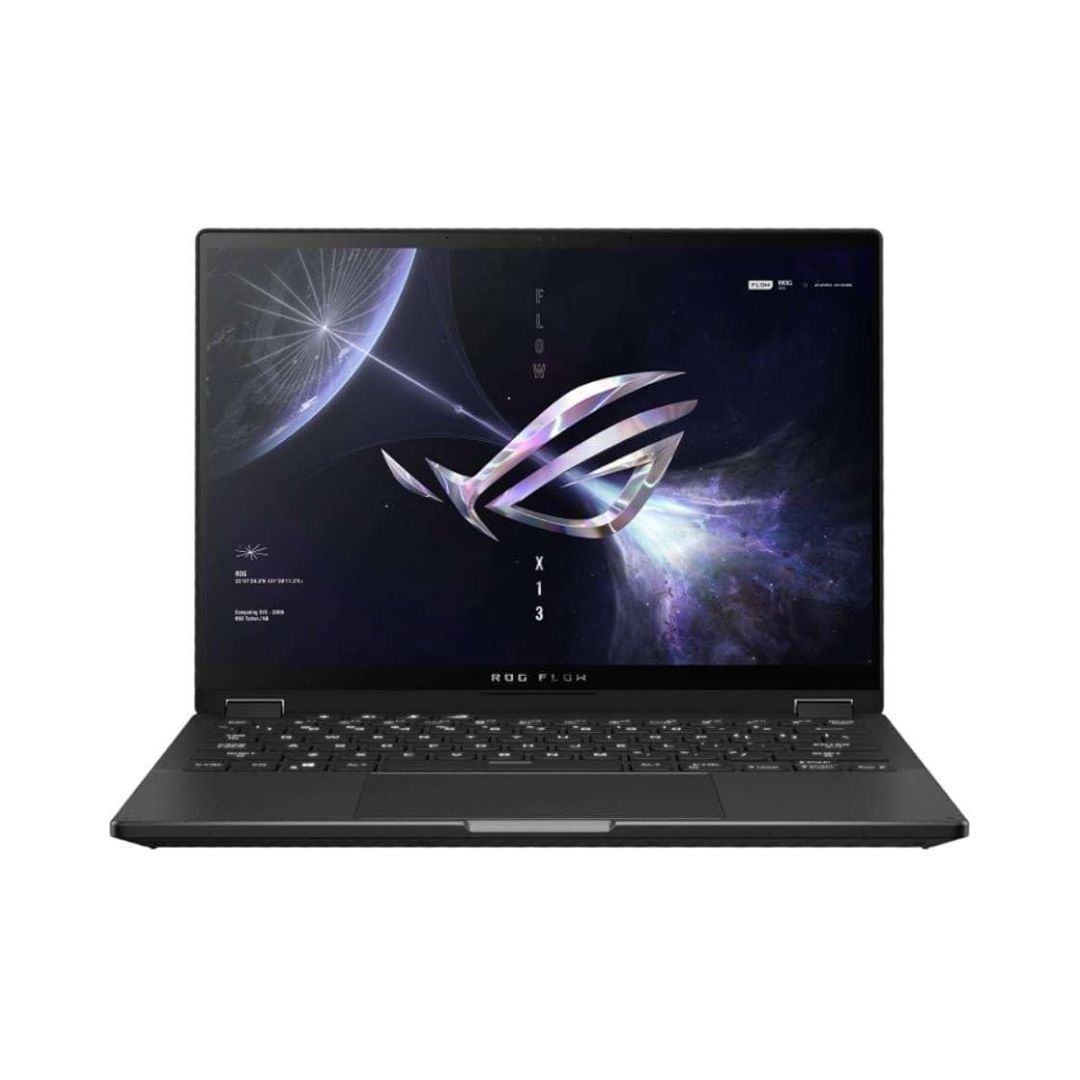
ASUS TUF versus ROG should be a comparison of exact gaming configurations, not a contest between logos. GPU model, supported power configuration, cooling, memory and display can matter more than the family tier. This guide links the verified ROG Flow X13 catalogue offer and explains what a Kenyan buyer should request for a TUF comparison before treating either as a gaming recommendation.
ASUS VivoBook vs ZenBook for Study and Office Work
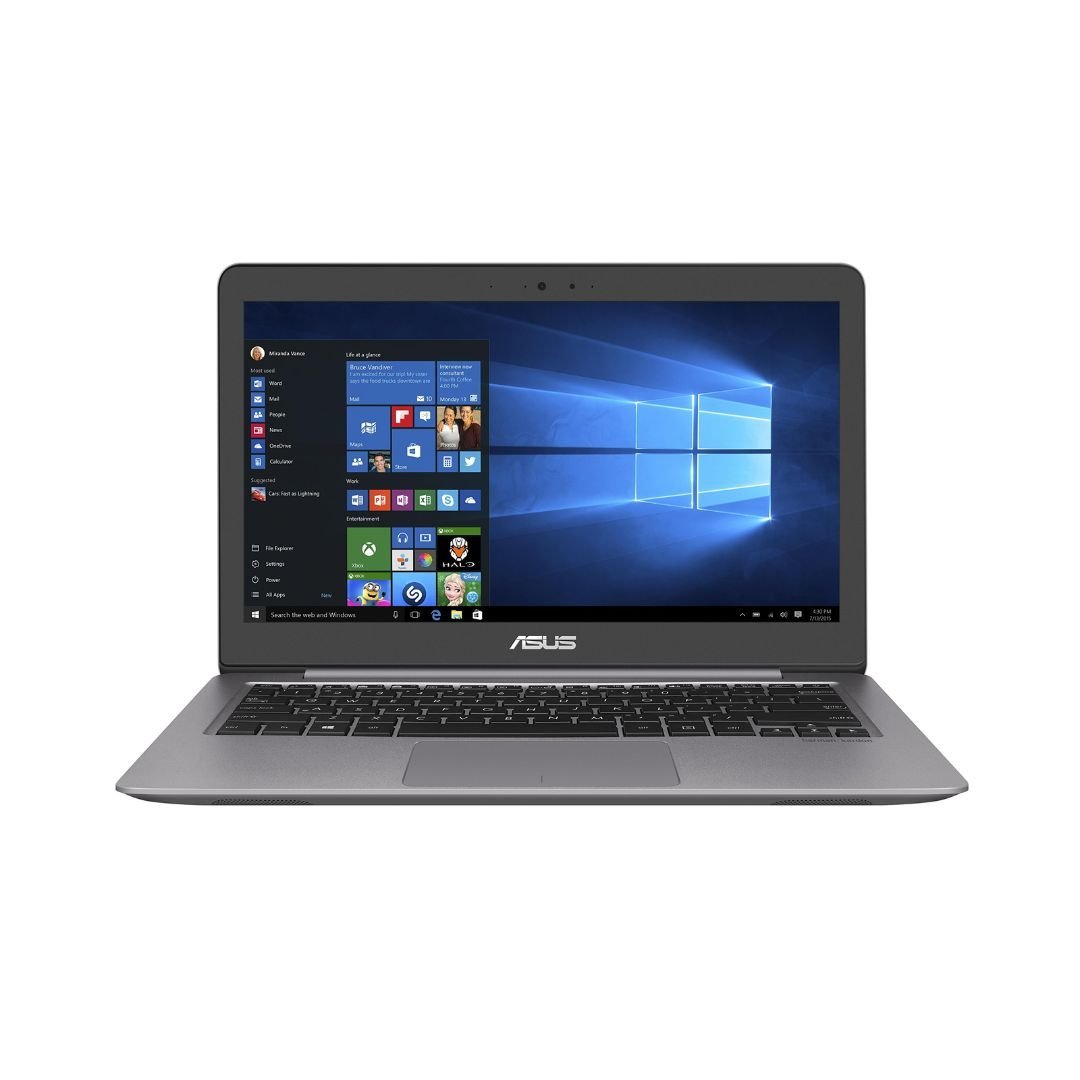
ASUS VivoBook versus ZenBook is a study and office comparison that should be made between exact configurations. The family names cover many generations and features, so neither guarantees the best screen, speed or upgrade options. This guide links a real ZenBook catalogue example and explains how to assess a VivoBook quote without claiming an unverified VivoBook model is currently available.
ASUS Laptop Prices in Kenya: VivoBook, ZenBook, TUF and ROG
ASUS laptop prices in Kenya should be compared using the full model code, processor, graphics, memory, storage, display and condition. VivoBook, ZenBook, TUF and ROG are broad families across many generations. The Infinite Tech catalogue check for this guide verified two ASUS laptop listings, so the price table covers those exact offers and does not invent prices or availability for the other families.
MacBook for Accounting, Engineering and Windows Software: What to Check First
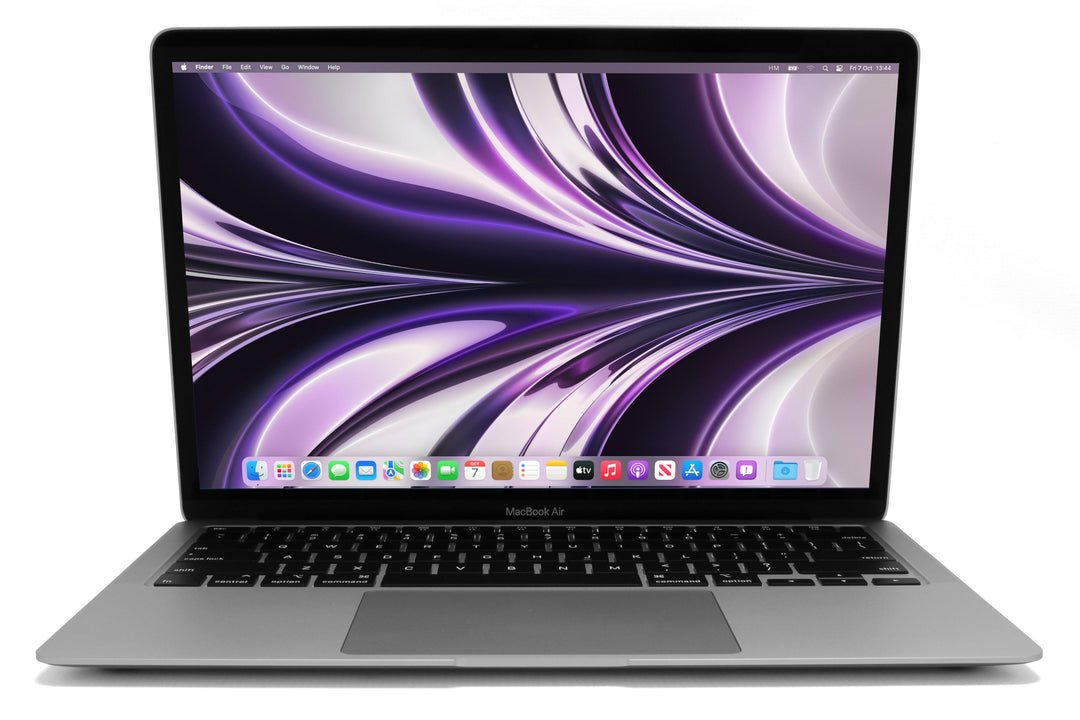
Before choosing a MacBook for accounting, engineering or a Windows-dependent course, confirm the exact applications and the supported way they will run. A native Mac app, a web service, virtualised Windows and remote access are different working arrangements. Buying from the job title alone can leave an otherwise capable laptop unable to support a required plugin, driver or examination tool.
Used MacBook Checklist: Battery Health, Activation Lock and Device Management
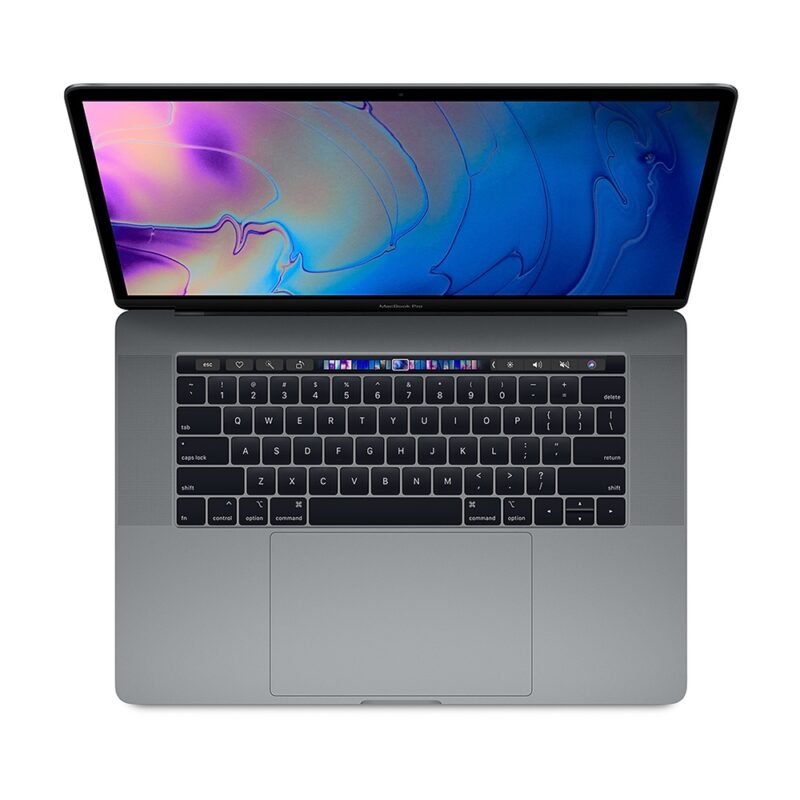
A used MacBook inspection should establish the exact model, present hardware condition and a legitimate transfer that allows normal personal setup. Battery cycle count, Activation Lock and organisation management answer different questions. For a Kenyan buyer, all three belong beside the screen, keyboard, storage and charger checks before payment.
13-Inch vs 15-Inch MacBook Air: Portability or More Screen Space?
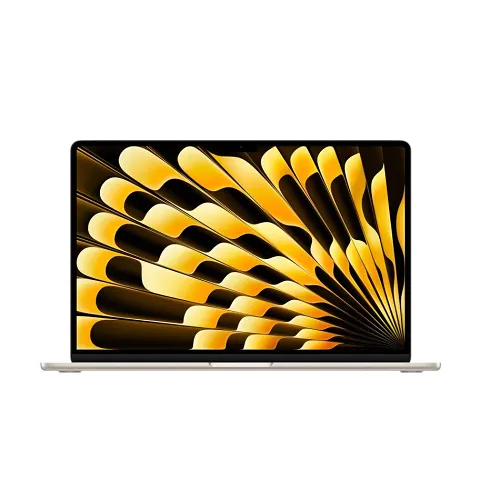
For a MacBook Air purchase, 13-inch versus 15-inch is primarily a screen-workspace and carrying decision. It should be separated from chip generation, memory and storage, because a mixed-generation shortlist can hide why the prices differ. Kenyan students and professionals should try the physical size with their real documents before choosing.
8GB vs 16GB vs 24GB MacBook Memory: What Does Your Work Require?
Choosing 8GB, 16GB or 24GB of MacBook memory is a workload decision that should be made before buying. Unified memory and SSD storage do different jobs, and not every MacBook model offers all three capacities. For buyers in Kenya, the useful question is how much working memory the actual applications need, not which number looks most impressive in an advertisement.
MacBook Air M1 vs M2 vs M3 vs M4: Comparing the Upgrade Options
Comparing MacBook Air M1, M2, M3 and M4 in Kenya should begin with memory, storage, screen size and the exact price of each offer. These four generations are not the complete current Apple lineup, and a newer chip alone does not decide the best-value purchase. This guide focuses on the named generations using manufacturer specifications and real catalogue links.