
Used MacBook Checklist: Battery Health, Activation Lock and Device Management

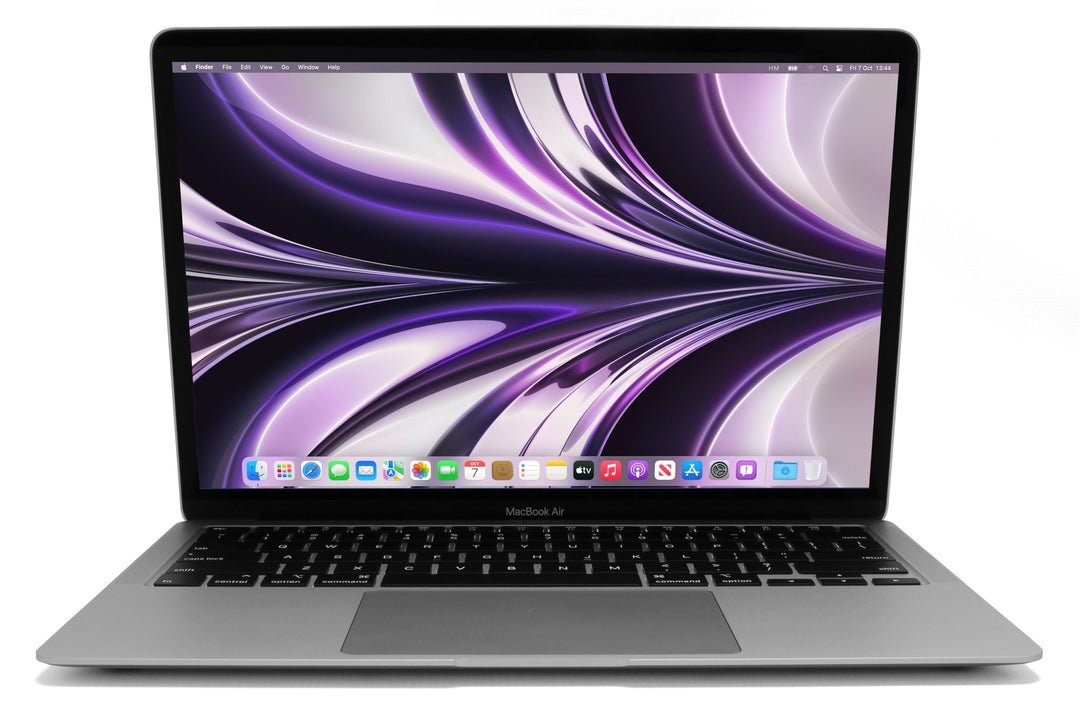
A used MacBook inspection should establish the exact model, present hardware condition and a legitimate transfer that allows normal personal setup. Battery cycle count, Activation Lock and organisation management answer different questions. For a Kenyan buyer, all three belong beside the screen, keyboard, storage and charger checks before payment.
Catalogue and references checked: 20 October 2026. Prices below are Infinite Tech catalogue asking prices for the stated configuration. Confirm the actual unit, availability, accessories and written warranty before payment.
Begin with the second-hand laptop inspection checklist for physical checks. The Intel vs Apple Silicon buying guide helps identify the platform and support questions relevant to the exact device.
The refurbished laptop guide explains condition and warranty checks. Review MacBook compatibility with Windows software before deciding that an inspected machine also fits your applications.
Used MacBook inspection: battery, ownership and setup
| Choice | What to compare | Buying implication |
|---|---|---|
| Battery | Health information, cycle count and real unplugged use | No single number proves the entire battery condition |
| Activation Lock | Legitimate owner completes the required release | Do not accept an unresolved account lock |
| Organisation management | Confirm lawful release where applicable and normal setup | A reset desktop alone is not a complete transfer check |
Identify the model and installed components first
Compare the actual Mac’s model information, chip or processor, memory and SSD with the quote. Use Apple’s model-identification guidance to avoid mixing visually similar generations. The invoice should identify the machine being bought, not just a broad Air or Pro family.
Ask about known repairs and replaced components, and inspect the relevant functions rather than assuming every replacement is either harmless or faulty. Test the keyboard, trackpad, webcam, microphone, speakers, Wi-Fi and ports required for your work. Check storage capacity and open and save a representative file. This establishes a clearer baseline than a cosmetic grade alone.
Read battery health and cycle information together
Apple provides a route for viewing battery cycle information, but cycle count alone is not a guarantee of healthy capacity or useful runtime. Review the reported condition and capacity information where available, then try the Mac away from mains power with an ordinary task.
Inspect charging with the suitable adapter and cable. Watch for unstable behaviour or unexpected shutdowns and ask how any limitation is reflected in the price. Do not expect a used laptop to reproduce a launch advertisement’s maximum runtime. If immediate battery work is required, include the realistic service cost in the ready-to-use budget and check the warranty terms for the actual offer.
Have the legitimate owner resolve Activation Lock
Activation Lock is designed to protect eligible Macs against unauthorised reuse. Ask the seller or legitimate owner to complete the required sign-out and transfer steps, then demonstrate that the Mac can be set up normally. An assurance that a lock can be bypassed later should not form the basis of an ordinary purchase.
Keep the ownership transfer separate from a cosmetic inspection. A clean case or working desktop session does not establish that a device is ready to transfer to your account. If the seller cannot complete the legitimate release, resolve that before payment. Do not share your personal account password merely to let someone else promise a future setup.
Check organisation management and software support separately
A former company or school device may have management arrangements that need lawful release by the organisation. Ask for that process to be completed where applicable and verify normal personal setup. Activation Lock and organisational enrolment are not the same check, so clearing one does not answer every transfer question.
Then check the supported macOS release and the current requirements of your applications. Test your normal workflow and include the suitable charger, software and backups in the budget. Obtain an invoice and written warranty, including the process for reporting a fault. Keep important files backed up from the first day; even a successfully inspected laptop should not be the only copy of irreplaceable work.
Real Infinite Tech catalogue examples
These links lead to individual listings, not a promise that every model in the wider family is available. Compare the complete configuration rather than the processor badge alone.
| Exact listing | Listed price | Next check |
|---|---|---|
| Apple MacBook Air 2015 Core i5 8GB RAM 256GB SSD | KSh 28,500 | Confirm unit condition, exact components and what is included |
| Apple MacBook Air M1 2020 16GB Unified Memory 256GB SSD | KSh 77,500 | Confirm unit condition, exact components and what is included |
| Apple MacBook Pro M1 13-inch 2020 16GB Unified Memory 256GB SSD | KSh 87,500 | Confirm unit condition, exact components and what is included |
A practical buying decision
Complete the purchase after model identity, hardware checks, battery assessment and legitimate personal setup all match the written offer. Resolve account and organisation restrictions through the rightful owner before payment.
Frequently asked questions
Does a low cycle count prove a good battery?
No. Check health information, charging and realistic unplugged behaviour too.
Is Activation Lock the same as company management?
No. They are separate ownership and setup checks.
Does factory reset alone prove an organisation has released the Mac?
Do not assume it. Confirm the lawful release where applicable and normal setup.
What should I keep after buying?
The invoice, exact configuration, written warranty and a verified backup of your own important files.
Related Infinite Tech buying pages
More MacBook buying guides
- MacBook Prices in Kenya: New vs Used Buying Guide
- Used Intel MacBook vs Apple Silicon: Which Purchase Makes Sense?
- MacBook for Accounting, Engineering and Windows Software: What to Check First
Manufacturer references and research method
This is a research-based buying guide, not a hands-on test or a benchmark report. Manufacturer references describe supported options; the linked catalogue identifies the configuration being offered. Model-specific details should be matched to the full product code or service tag.
Confirm your laptop with Infinite Tech
Contact Infinite Tech at Rehema House, Nairobi, on 0720450148. Ask for the full model code, a written specification and the applicable warranty. Read warranty information, delivery information and contact Infinite Tech before placing an order.
One thought on “Used MacBook Checklist: Battery Health, Activation Lock and Device Management”
Comments are closed.