
13-Inch vs 15-Inch MacBook Air: Portability or More Screen Space?

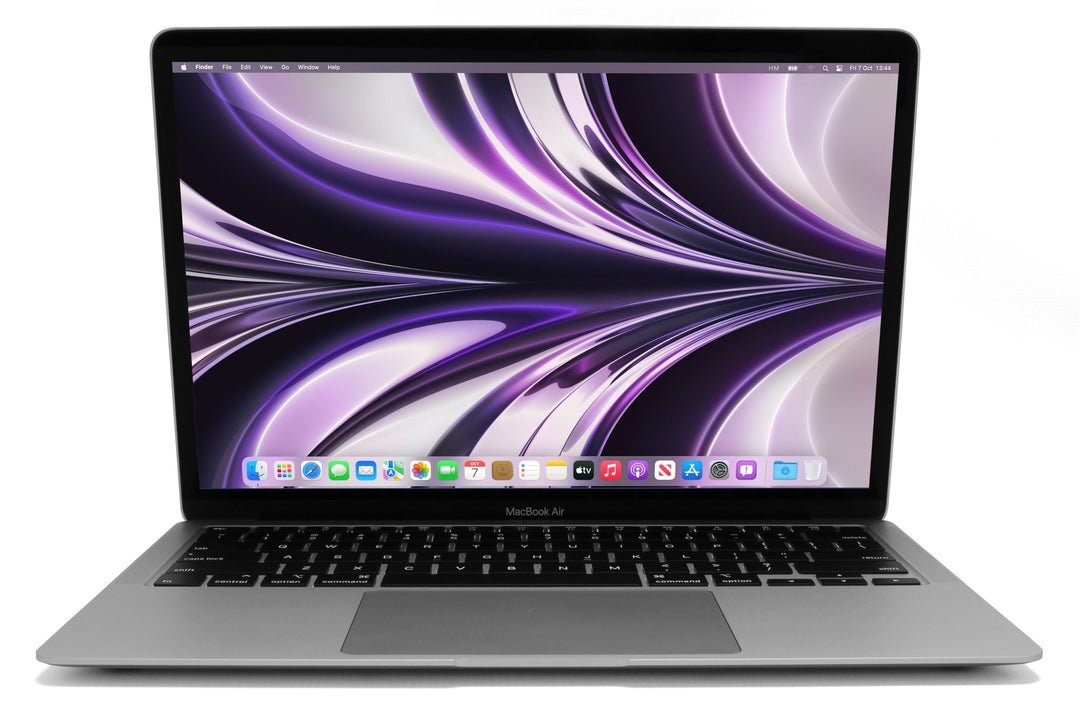
For a MacBook Air purchase, 13-inch versus 15-inch is primarily a screen-workspace and carrying decision. It should be separated from chip generation, memory and storage, because a mixed-generation shortlist can hide why the prices differ. Kenyan students and professionals should try the physical size with their real documents before choosing.
Catalogue and references checked: 20 October 2026. Prices below are Infinite Tech catalogue asking prices for the stated configuration. Confirm the actual unit, availability, accessories and written warranty before payment.
Use the university laptop guide to balance carrying comfort with course requirements. The Air vs Pro comparison is useful when the family choice is still open alongside screen size.
The business laptop guide explains wider office purchase checks. Compare 8GB, 16GB and 24GB memory before accepting a larger screen as a substitute for the configuration your work needs.
13-inch vs 15-inch MacBook Air: size and workflow
| Choice | What to compare | Buying implication |
|---|---|---|
| Smaller Air format | Carry package, desk space and normal text scaling | Try a real document rather than judging from a photograph |
| Larger Air format | More physical screen area for the chosen model | Check the full model and actual carrying comfort |
| Either size | Memory, SSD, display support and condition | Size alone does not determine speed or software suitability |
Try the work that makes you want a larger screen
Open a spreadsheet, two documents or your normal browser layout and use the scaling you find comfortable. A larger screen can make some tasks easier, but resolution, scaling and viewing distance affect how much usable workspace you gain. Try the candidate rather than deciding from diagonal size alone.
For lecture notes or simple documents, the smaller format may already be comfortable. For long spreadsheet sessions or reading alongside a video call, the larger one may be useful. If most work happens at a desk with an external monitor, that arrangement can reduce the importance of the laptop’s built-in size. Include the supported monitor connection in the comparison.
Compare the complete carry package
Think about daily transport, the bag you use and the places where the laptop will be opened. Check the device’s actual dimensions with its sleeve and suitable charger. A laptop that is convenient at a wide desk may be less comfortable in a cramped classroom or while travelling.
Do not translate a larger battery or a particular launch-day runtime into a guarantee for every used unit. Inspect battery health and test ordinary unplugged use. The practical mobile choice depends on the actual condition and workload as well as the model’s design. Confirm the correct charger and cable rather than assuming any accessory in a product photograph is included.
Keep generation and capacity equal where possible
A 13-inch M1 Air and a 15-inch M3 Air are not a size-only comparison. Their chips, display designs, memory options and connection capabilities can differ. Ask for quotes from comparable generations and equal memory and SSD capacities when the objective is to price the larger screen.
The linked examples are different real catalogue offers. For the M3 15-inch listing, request its full memory and SSD configuration before treating it as an equivalent quote. A higher price should not be attributed solely to size when other specifications or conditions have changed. Keep each complete model identification on the invoice.
Check external displays and the rest of the workflow
Read the exact model’s supported external-display arrangement and the required adapter or dock. Do not assume every Air size or chip supports the same number of monitors under the same conditions. If a multi-display desk is essential, verify that before buying based on built-in screen size.
Then check the course or work applications, installed memory and available storage. Inspect the keyboard, trackpad, display, ports and webcam on a used unit, and confirm legitimate normal setup. Add software, accessories and backups to the budget. The right size should make the real task easier without sacrificing a configuration or support requirement that matters more.
Real Infinite Tech catalogue examples
These links lead to individual listings, not a promise that every model in the wider family is available. Compare the complete configuration rather than the processor badge alone.
| Exact listing | Listed price | Next check |
|---|---|---|
| Apple MacBook Air M1 2020 16GB Unified Memory 256GB SSD | KSh 77,500 | Confirm unit condition, exact components and what is included |
| Apple MacBook Air M2 13.6-inch 2022 8GB 256GB | MLY33LL/A | KSh 194,000 | Confirm unit condition, exact components and what is included |
| Apple MacBook Air M2 Chip with 8-core CPU, 10-core GPU 8GB 256GB SSD, 15.3 Inch, English Keyboard, MQKU3 | KSh 208,000 | Confirm unit condition, exact components and what is included |
| Apple MacBook Air 15-inch (M3, 2024) | KSh 172,000 | Confirm unit condition, exact components and what is included |
A practical buying decision
Choose the smaller Air when its screen is comfortable and portability is valuable. Choose the larger format when the additional workspace improves daily work. Compare equal generations and capacities where possible, then inspect the actual unit and complete price.
Frequently asked questions
Is a 15-inch Air automatically faster than a 13-inch Air?
No. Compare the exact chip and configuration.
Can I use price alone to measure the cost of the larger screen?
Only when other specifications and condition are comparable. Mixed offers need a fuller comparison.
Does screen size determine external-monitor support?
No. Check the exact model and chip’s specification.
Should a commuter always choose the smaller model?
Not necessarily. Try the complete carry package and screen comfort for the actual daily work.
Related Infinite Tech buying pages
- Laptop Knowledge Centre
- Compare all laptops
- MacBook category
- Best Laptops for Accounting Students in Kenya 2026
More MacBook buying guides
- MacBook Prices in Kenya: New vs Used Buying Guide
- MacBook Air vs MacBook Pro for Students and Professionals
- 8GB vs 16GB vs 24GB MacBook Memory: What Does Your Work Require?
Manufacturer references and research method
This is a research-based buying guide, not a hands-on test or a benchmark report. Manufacturer references describe supported options; the linked catalogue identifies the configuration being offered. Model-specific details should be matched to the full product code or service tag.
- Apple: identify your MacBook Air
- Apple MacBook Air M1 specifications
- Apple MacBook Air M2 specifications
- Apple MacBook Air M3 specifications
- Apple MacBook Air 13-inch M4 specifications
- Apple 15-inch M4 Air specifications
Confirm your laptop with Infinite Tech
Contact Infinite Tech at Rehema House, Nairobi, on 0720450148. Ask for the full model code, a written specification and the applicable warranty. Read warranty information, delivery information and contact Infinite Tech before placing an order.
3 thoughts on “13-Inch vs 15-Inch MacBook Air: Portability or More Screen Space?”
Comments are closed.