
HAVIT Earbuds Microphone Quiet or Low Volume? Android and iPhone Fixes

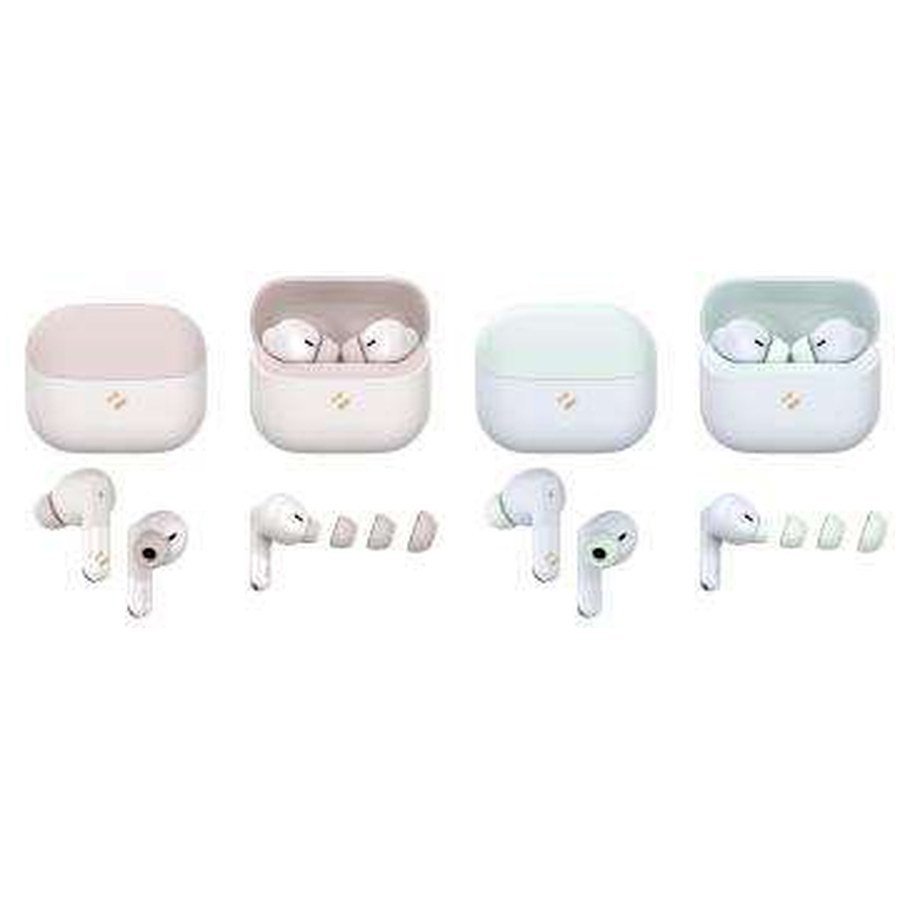
If your HAVIT earbuds connect normally but callers say your voice is faint, or music sounds unusually quiet, don’t immediately assume the earbud speakers are faulty. Playback loudness and call-microphone clarity are separate signal paths. A pair may play music correctly while the phone has selected its own microphone for calls, or it may reproduce calls quietly because of an audio-balance or volume setting. This guide covers safe, reversible checks for HAVIT true-wireless models including TW982, TW991, TW950, TW906 Pro and TW983, without inventing a model-specific reset sequence.
First identify whether the problem is listening or speaking
Play a known stereo recording at a moderate volume and check both ears. Then make a short test call with a willing recipient and ask whether your speech is clear. If music is normal but the microphone is quiet, focus on microphone path, phone permissions and microphone openings. If calls are audible to others but music is too quiet, investigate listening volume, phone audio settings and physical earbud fit. If just one side is silent, read our one-earbud troubleshooting guide first.
1. Check the phone’s separate media and call audio outputs
Android phones can control media volume separately from call volume, alarms and notifications. Raise the correct slider gradually to a safe comfortable level while the relevant audio is playing. In a call, confirm audio is routed to the HAVIT Bluetooth headset, not the handset speaker or another paired headphone. Some apps have their own audio-output selector that can override the system default. On a computer, confirm the meeting app selects the correct microphone and output device rather than a webcam mic or laptop speakers.
2. Inspect accessible microphone openings
Earbud microphone ports can collect dust, makeup or pocket lint. Switch the earbuds off or remove them from the case according to the manual, and visually inspect the openings. Use a soft, dry brush or cloth only where the manufacturer permits; do not push pins, needles, water or compressed air inside small holes. If the earbuds were exposed to rain or sweat, follow the maker’s drying instructions before charging. Do not assume a model is waterproof simply because another HAVIT model advertises IPX4.
3. ENC is not a guarantee of clear speech in every environment
HAVIT TW982 is described in the November 2026 supplier catalogue as a single-microphone ENC model, while TW991 and TW950 list four-microphone ENC, and TW983 lists six-microphone ENC. These are product claims, not a shared voice-quality test. ENC aims to reduce background sound sent to the caller, but wind across a microphone, a loose earbud or loud traffic can still make speech difficult. Before buying a replacement, test in a quiet room and compare with the phone’s own microphone.
4. Fit and ear-tip blockage affect perceived volume
With silicone-tip earbuds, an appropriate fit improves acoustic coupling and can prevent leakage of bass. An oversized or unsuitable tip can hurt, while a loose tip may make music sound weak. Check that the ear tip is attached correctly and that the speaker grille is not visibly obstructed. Avoid inserting sharp tools into the grille or using liquid cleaners. Some HAVIT models are half-in-ear rather than sealed in-ear designs; they naturally let in more outside sound, so the same volume setting may feel different.
5. Check accessibility audio balance and hearing-protection limits
Both Android and iOS provide accessibility controls that may alter mono audio or left/right balance. Confirm the sliders haven’t been accidentally moved. Some phones also apply volume restrictions for hearing safety, which should not be bypassed recklessly. If your earbuds seem quiet only in one app, test another trusted application and check its equalizer or volume controls. Increasing a poor recording’s level cannot fix actual background noise or clipped audio.
6. Use legitimate pairing and app settings
If the problem started after a phone switch or software update, review its stored Bluetooth pairing and reconnect using the exact model manual. Models such as TW906 Pro and TW983 have supplier-described HAVIT LIFE app support; don’t assume all models use that app or that an equalizer fixes a call-microphone issue. Some phones limit call audio to a lower-bandwidth Bluetooth profile than stereo music; no amount of headphone driver size changes that profile automatically.
7. When to request inspection
Test a second compatible phone, if possible, with the same pair of earbuds. If microphone pickup remains extremely weak or only one microphone works despite proper pairing and safe cleaning, a hardware fault may be involved. Document the exact model, phone, calling app, observed symptom and any physical damage. Do not dismantle sealed earbuds or pry open lithium batteries to reach a microphone.
Frequently asked questions
Does ANC make the other person hear me more clearly?
ANC primarily reduces some sound heard by the wearer. Microphone ENC and call processing affect the transmitted voice; they are not the same thing.
Why does my earbud sound normal in music but quiet in WhatsApp calls?
Separate app routing, Bluetooth call profile and call volume settings can differ from media playback.
Does a larger earbud driver guarantee higher volume?
No. Driver sensitivity, fit, power limits and source settings all matter.
Compare the TW982, TW991 and TW983, plus the ANC versus ENC guide and the HAVIT Kenya hub. Infinite Tech: Rehema House, Standard Street, First Floor Shop 2, Nairobi CBD; 0720 450 148.
Source for microphone features: HAVIT November 2026 supplier catalogue, earbuds pages. Troubleshooting is general, not an independent product fault diagnosis.
