
HAVIT Smartwatch Not Charging or Battery Draining Fast? Safe Fixes

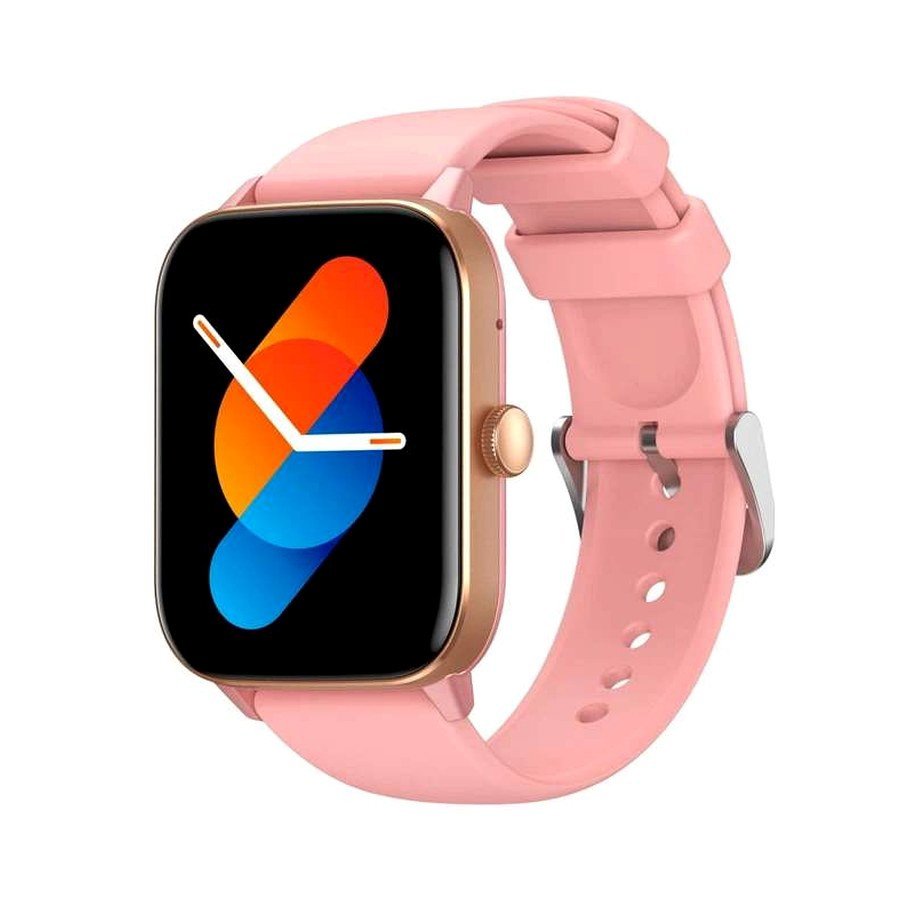
A HAVIT smartwatch that charges irregularly or loses battery unusually quickly does not necessarily need a replacement battery. Before diagnosing hardware, separate charging contact problems, incompatible USB power, high background activity and a failing battery. HAVIT’s November 2026 catalogue includes different capacities and companion applications: the M9052 lists 210mAh with HAVIT FIT III, M9037 lists 300mAh with Glory Fit, and M9072 lists 350mAh with HAVIT FIT IV. Those numbers are battery capacities, not promises that each watch lasts the same number of days.
Identify the watch model and charging accessory first
Read the model from the retail box, watch settings or the manufacturer’s label. Do not assume the charger for one HAVIT watch fits another: magnetic pin spacing, polarity, mechanical positioning and charging requirements can differ. The supplier catalogue describes magnetic charging for several models, but does not establish a universal HAVIT charging dock. Use the original manufacturer-recommended cable and a compatible USB power source. A cable that attaches magnetically is not necessarily electrically compatible.
1. Check the power source without risking the watch
Connect the watch charger to a functioning, appropriate USB power supply. Avoid a damaged wall adapter, wet plug, frayed charging wire or unknown high-voltage accessory. The charging cable and watch should rest on a dry stable surface. A compatible USB charger normally negotiates appropriate supply parameters, but the watch’s input specification still matters. If its charging pins or cable become unusually hot or produce a burning smell, disconnect immediately and request service.
2. Inspect magnetic charging contacts
Watch charging contacts can accumulate sweat, lotion, skin oils and lint. With the watch disconnected from electricity, inspect the charging surfaces and cable connector. If the manufacturer permits it, wipe with a dry, soft, lint-free cloth. Do not scrape contacts with metal objects, apply liquid into a port or dismantle a sealed watch. Let everything dry before reconnecting. If the magnetic connector sits at an angle or falls away easily, test the approved cable alignment rather than forcing it.
3. Check whether the charging indicator is genuine
A watch screen that briefly shows a lightning symbol may only indicate a cable was detected; it does not prove the battery charge percentage is rising. Leave it connected under the manual’s normal conditions and compare percentage readings after a reasonable interval. If the indicator repeatedly appears and disappears, investigate contact alignment, cable strain and the power source. If the watch has shut down after long storage, follow its official recharge and restart guidance. Never try to “jump-start” the lithium battery with exposed wires.
4. What drains a HAVIT watch battery?
Frequent screen wake-ups, bright display settings, an always-on display where supported, active Bluetooth calling, frequent app notifications and continuous sensor tracking can change consumption. GPS and route functions on models that support them may use additional energy. Check whether a recently changed watch face or companion-app setting increased wake frequency. Use the watch’s available official power settings; do not disable important personal safety functions just to obtain a larger advertised battery figure.
5. Understand the app and connection loop
A watch that repeatedly disconnects and reconnects to its companion phone may consume extra power. Confirm the right app for the specific watch: for example, M9052 uses HAVIT FIT III in its supplier row, while M9037 names Glory Fit. Make sure the app has the permissions needed for functions you actually use and that the phone’s Bluetooth remains stable. Avoid installing multiple unofficial “HAVIT” apps and repeatedly factory resetting the watch without a diagnosis.
6. Battery health versus unusual settings
Test the watch for a normal day under your usual settings, then note whether battery usage changes after reducing unnecessary wake-ups or notifications. A single rapid percentage change after a firmware update does not independently confirm a defective battery. Temperature, ageing and battery-management calibration also affect the display. If a fully charged watch shuts down quickly under ordinary use, contact the seller with evidence of the behavior and the exact model; do not rely on a made-up warranty term.
7. Stop immediately when safety signs appear
A swollen watch enclosure, lifted display, smoke, leaking battery, sharp chemical odour or abnormal heat requires stopping use. Do not wear, recharge or dismantle a damaged lithium-powered watch. Seek appropriate professional handling. Water-resistance labels such as IP67/IP68 do not mean it is safe to charge wet contacts or use a broken seal under water.
Frequently asked questions
Can a 350mAh HAVIT watch last longer than one with 500mAh?
It can under different power demands. Capacity alone does not predict real-world endurance across different displays and features.
Can I use any magnetic smartwatch charger?
No. Physical fit is not proof of safe voltage, polarity or pin compatibility.
Should I factory reset the watch to fix charging?
Not as the first step. Check the actual contacts, power source and cable, and use only the model’s official reset process if it becomes necessary.
Get model-specific help in Nairobi
View the HAVIT smartwatch guide, the app compatibility guide and the HAVIT Kenya hub. Infinite Tech is at Rehema House, Standard Street, 1st Floor Shop 2, Nairobi CBD; call 0720 450 148 with the model code, charger type and symptoms.
Source for example model capacities/apps: HAVIT November 2026 supplier catalogue, smartwatch pages. Troubleshooting steps are general device-safety guidance; no manufacturer-specific universal reset or battery-life guarantee is claimed.
