
Epson L3310 Features Explained: How Printing, Scanning and Copying Work

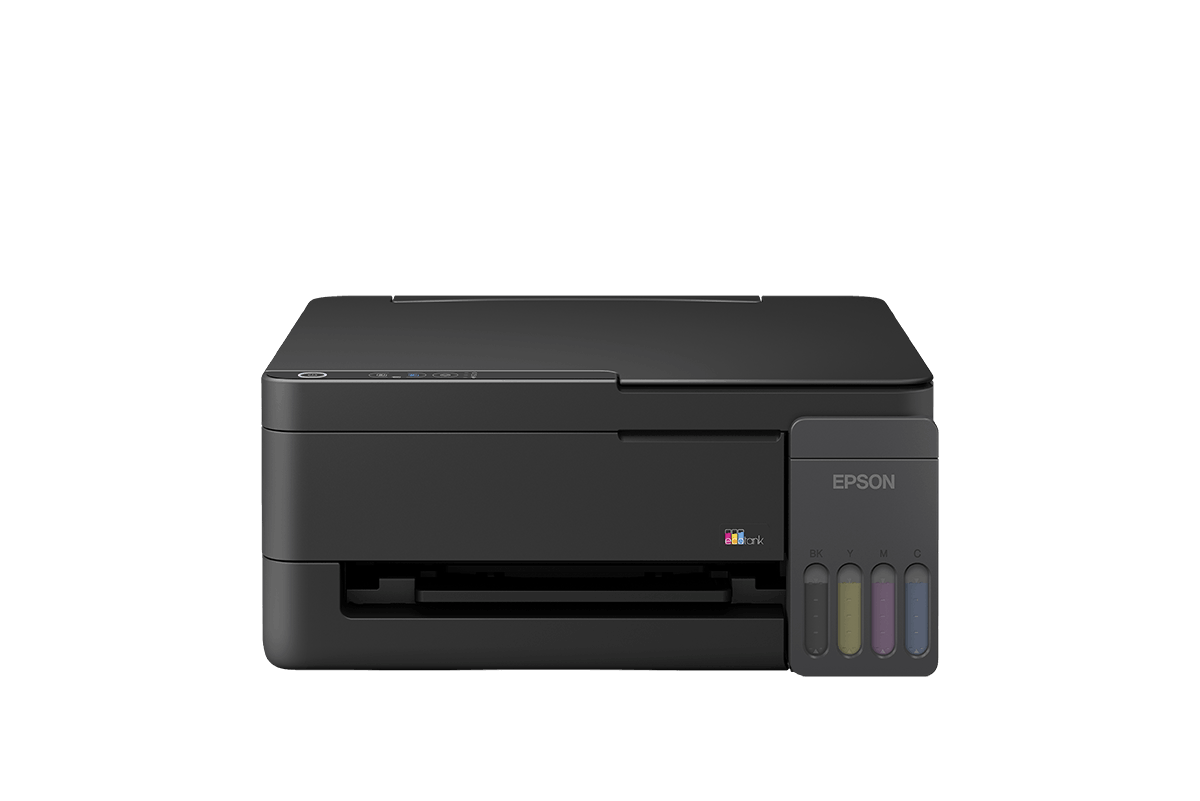
Updated 17 November 2026 · Infinite Tech printer buying guide.
What does the Epson L3310 actually do? It combines a colour inkjet printer, a flatbed scanner and a standalone copier in one compact machine. For Kenyan students, families and small workspaces, the value is not simply buying one device: it is moving between digital files and printed paper without separate scanners or photocopiers. This guide explains the three functions, the setup process and the important limitations before you order.
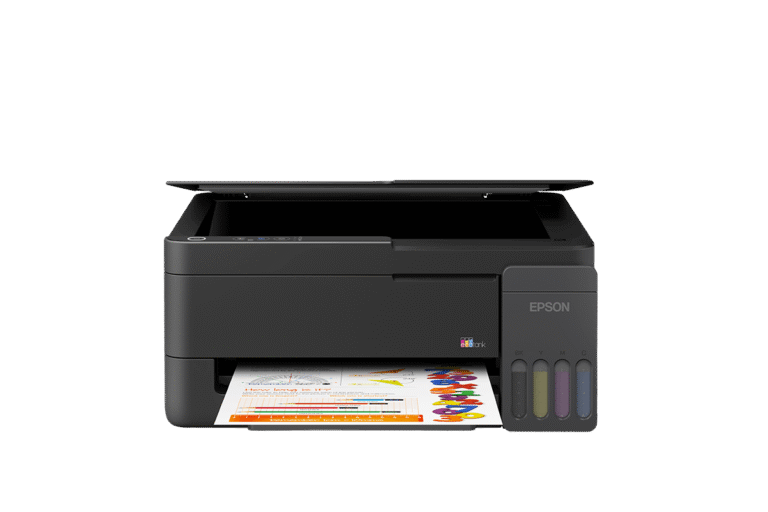
1. How does Epson EcoTank L3310 printing work?
Instead of replacing a small cartridge each time ink runs out, the L3310 uses refillable tanks for black, cyan, magenta and yellow ink. Its Micro Piezo print head deposits tiny droplets onto paper. You send a document from your wired computer, choose print preferences such as colour or monochrome, and collect the output. The maximum stated print resolution is 5,760 × 1,440 dpi, but document design, paper choice and software settings determine real-world quality.
Epson rates ISO document output at up to 11 pages per minute in black and 6 in colour. Do not confuse those figures with faster draft-mode marketing numbers. Printing a dense colour poster takes longer than a simple text sheet. A rear paper tray, a flat working surface and enough clearance around the machine help avoid jams.
2. How to scan documents with the L3310
Lift the flatbed cover, position a document face-down against the guide markings, close the lid and use compatible Epson scanning software on the connected computer. Save the result as a PDF for paperwork or an image for a photograph. This workflow is useful for a student’s assignment, an office signature page, or a business receipt. The L3310 does not offer a built-in automatic document feeder (ADF), so multi-page originals generally need to be placed one by one.
3. How its photocopy function helps
For a simple physical copy, place the original on the scanner glass, use the copy controls, and let the printer scan and reproduce the page. You do not need to rescan into a separate application for basic copying. The manufacturer’s stated maximum standalone copy count is 20 per operation; it is not an office production photocopier.
4. Connectivity: USB, not Wi-Fi
The Epson L3310 is designed for a wired connection to a PC or laptop via USB. It does not have integrated Wi-Fi, wireless direct or mobile/cloud printing. This distinction matters if users expect to send files straight from phones, tablets or different laptops. A computer’s operating system might offer print sharing, but the L3310 itself is not a network printer. For built-in Wi-Fi, compare the Epson EcoTank L3252 listing and verify its current configuration before buying.
5. Paper, two-sided printing and capacity
The machine supports A4 and several smaller media sizes including letter and envelopes, with borderless printing supported for suitable media and settings. Two-sided printing is manual: when prompted, you turn and reinsert sheets yourself. Epson lists a recommended monthly volume of 800 pages, which is a more useful suitability benchmark than a maximum duty-cycle figure. For heavy daily photocopying or a large, networked office, consider a higher-capacity model.
6. What is in the box and how to start?
Epson’s regional specification lists the printer, four individual ink bottles, power lead, setup guide, user manual and warranty documentation. Before starting, inspect the actual retail box, follow the supplied initialization sequence exactly, and use the official driver for your computer. Initial ink charging consumes part of the supplied ink, so the starting-bottle page yield is not the same as future replacement-bottle yield.
- Place the printer on a stable, level table close to a power point and the intended computer.
- Follow the official tank-filling and initialization instructions; do not skip ink charging.
- Install current Epson drivers from the official support page for your OS.
- Connect USB when the setup asks, load suitable paper and run a test page.
- Try one photocopy and one scan, then teach regular users how to handle paper and ink.
Who benefits most?
- Students and families: school assignments, homework, project pages and certificates.
- School administration: modest batches of notices and scanning of forms; see the L3310 school-use guide.
- Small offices: forms, invoices, presentations and signed-document scanning; see the office workflow guide.
- Small businesses: occasional quotations, menus, delivery notes and cost tracking; see the business print-cost guide.
FAQs
Can Epson L3310 print from a phone?
Not directly through built-in Wi-Fi or Epson mobile/cloud services. Use a computer connected by USB, or choose a wireless-capable model.
Can it automatically copy a 20-page stack?
No; it has a flatbed scanner rather than an automatic document feeder. Multiple separate pages require manual handling.
Does L3310 automatically print on both sides?
No. Duplexing is manual.
Where to buy: Epson EcoTank L3310 at Infinite Tech — KSh 21,995. Visit Rehema House, Standard Street (off Kimathi Street), 1st Floor, Shop 2, Nairobi CBD, or call 0720 450 148. Confirm on-hand stock and supplied accessories before travel or payment.
Technical reference: Epson Africa EcoTank L3310 (C11CL61403) specifications. Workload, yields and print speeds are manufacturer ratings, not guarantees for every job.
