
Buying a Phone for a Visitor to Kenya: SIM, eSIM and Roaming Checks

Quick answer: A visitor should verify that the phone is unlocked, identify the exact regional model and confirm local SIM/eSIM activation with the chosen operator. Keeping a home number while adding a Kenyan line depends on the phone’s supported SIM combinations and the operators’ services.
Choose the connection arrangement first
| Approach | Check before relying on it |
|---|---|
| Home SIM using roaming | Current home-operator roaming availability, allowances and charges |
| Kenyan physical SIM | Unlocked handset, physical SIM slot, network model and operator activation requirements |
| Kenyan eSIM | eSIM-capable regional handset plus support and activation from the selected operator |
| Home and Kenyan lines together | Supported physical/eSIM pairing and how the phone handles simultaneous active lines |
eSIM support and activation
Apple’s carrier directory lists Airtel and Safaricom for eSIM activation in Kenya and identifies Safaricom among prepaid options for international travellers. This does not establish compatibility for every Android import or every account. Airtel’s own guide recommends checking for an EID and obtaining activation help through its official shop process. Ask your operator for its current steps, documents and charges before travel; processes can change.
Use the official operator or manufacturer instructions to install a profile. Keep your activation information private and confirm the number and network before depending on it for calls or account verification. Confirm how to restore service if you replace or reset the phone.
Verify the actual phone
A family name such as iPhone, Pixel or Galaxy does not identify the SIM arrangement for every regional version. Inspect the model code, SIM tray and eSIM settings. Network-band support is also separate from activation of services such as 5G, VoLTE or Wi-Fi calling. Ask the operator about the exact model and test calls, SMS and data where practical.
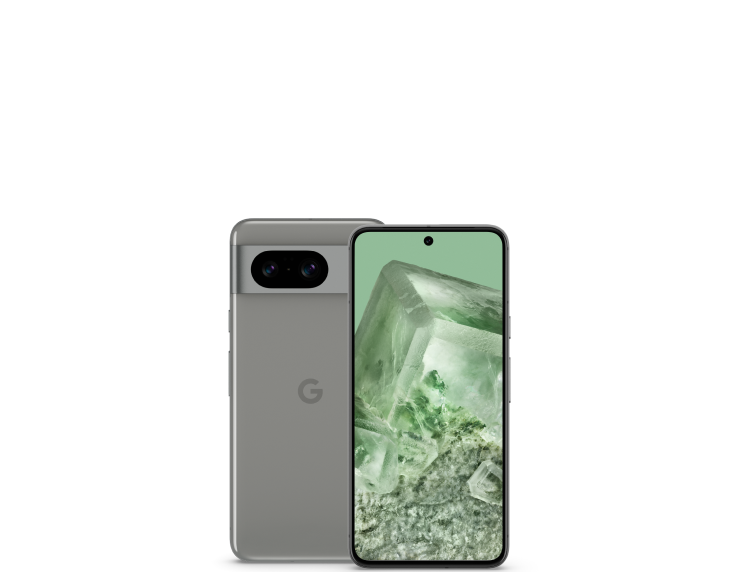
Compare Pixel 8 and Galaxy S25 as catalogue starting points, then perform model-specific compatibility checks. Read the iPhone dual-SIM/eSIM guide or Pixel Safaricom eSIM guide for the relevant family.
Before leaving the shop
- Confirm calls, messages and data on your chosen line.
- Check which line supplies mobile data and which handles calls.
- Review roaming settings with your operators to avoid unintended use.
- Keep a receipt identifying the phone, condition and warranty provider.
- Check the charger and cable you will use during your stay.
Frequently asked questions
Will every imported phone work identically in Kenya?
No. Regional hardware, software, locks and operator services can differ.
Does an EID prove that my operator will activate the phone?
It indicates eSIM hardware identity, but operator/account and model compatibility still need confirmation.
Can I keep my home number active?
That depends on your home service and the phone’s supported simultaneous SIM combinations.
Where can I check a phone in Nairobi?
Contact Infinite Tech on 0720450148 to confirm a model and inspection arrangements; operator activation should follow the operator’s official process.
Sources and buying information
Reviewed 5 November 2026. The comparison uses manufacturer specifications and dated Infinite Tech catalogue offers. Regional model, condition, accessories and warranty must match the actual supplied unit. Current product pages are the live commercial reference.
Continue through the Smartphone Knowledge Centre and Specification Verification Centre. Visit Infinite Tech at Rehema House, Standard Street, Nairobi CBD, first floor Shop 2. Call or WhatsApp 0720450148 to confirm a unit, delivery and written warranty.