

How to Activate Safaricom eSIM on Google Pixel in Kenya

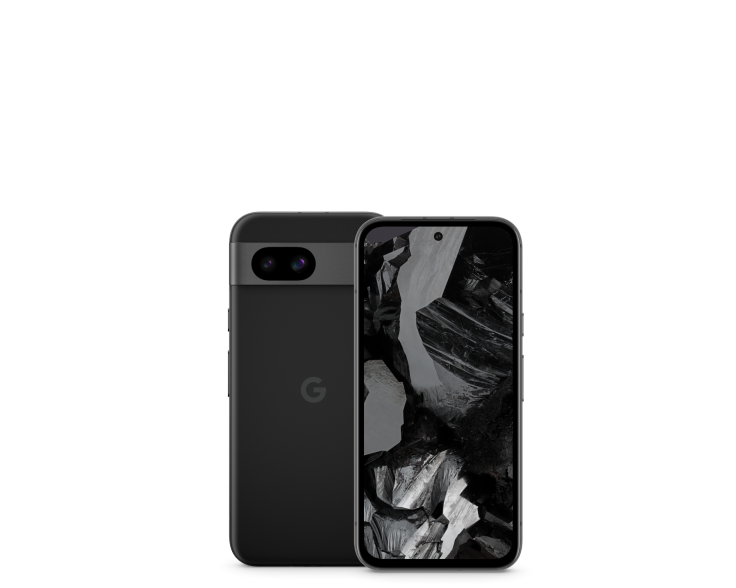
How to Activate Safaricom eSIM on Google Pixel in Kenya addresses a common concern for Kenyan buyers of Google Pixel smartphones. Model names alone cannot establish network eligibility, phone condition, real ownership cost or warranty status. This guide separates manufacturer-documented features from issues that require inspecting the actual phone.
What Kenyan Pixel buyers should know
First check whether your particular Pixel hardware supports eSIM and is network-unlocked, and whether Safaricom currently provides an eSIM profile for your account. A phone can support eSIM hardware but have carrier restrictions or require a software update.
Contact Safaricom through its official store or support channels for its current eligibility, verification and activation instructions. On the Pixel, eSIM management is typically in Settings under Network & internet / SIMs, but wording varies with Android version. Use only an activation QR code or method issued by your carrier.
Why this matters when comparing actual offers
Do not remove your functioning SIM or erase an existing eSIM until the new line is activated and voice calls, SMS, data and M-Pesa-related authentication are tested.
Practical checks before buying
- Identify the exact Pixel model and regional SKU; compare the manufacturer specifications rather than generic listings.
- Test the particular feature described in this guide on the actual phone, where safe and practical.
- Ask the retailer to document unit condition, previous repairs and written warranty.
- Confirm the latest official information with the mobile operator or Google if carrier, activation or support eligibility is involved.
- Keep a copy of the final invoice and avoid assumptions based solely on a promotional image.
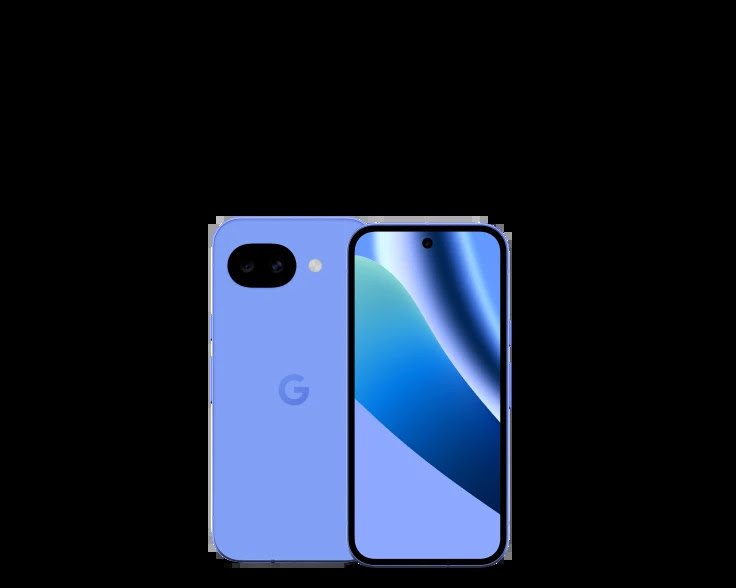
Questions to ask Infinite Tech before paying
Confirm the exact RAM/storage configuration, whether the unit is new, open-box, refurbished or used, real availability, written warranty and delivery or collection terms. For imported devices, request the specific regional model number and test the required network functions. The live WooCommerce product page remains the place to confirm the current shop price; a previously saved screenshot may be outdated.
Related Google Pixel buyer-safety guides
Frequently asked questions
Can I activate Safaricom eSIM from a random online QR code?
No. Use the official provisioning flow supplied by the carrier for your own line, never a third-party code advertised as universal.
Can I rely on a generic Pixel specification image?
No. Manufacturer photographs explain model appearance, but they do not document a particular retail unit’s condition, colour, battery or warranty.
Where can I compare current Google Pixel prices in Nairobi?
The Infinite Tech live Pixel price index and budget guide list published configurations. Contact the shop for physical availability.
Official references and shopping help
Check Google’s model-specific hardware specifications, Google’s software-update policy and Infinite Tech’s network compatibility guide. Visit Infinite Tech, Rehema House, Standard Street, first floor Shop 2, Nairobi CBD, or call 0720450148 to check the actual unit. Updated 31 October 2026.
