
Sony TVs for PS5 in Kenya: 4K120, VRR and HDMI Guide

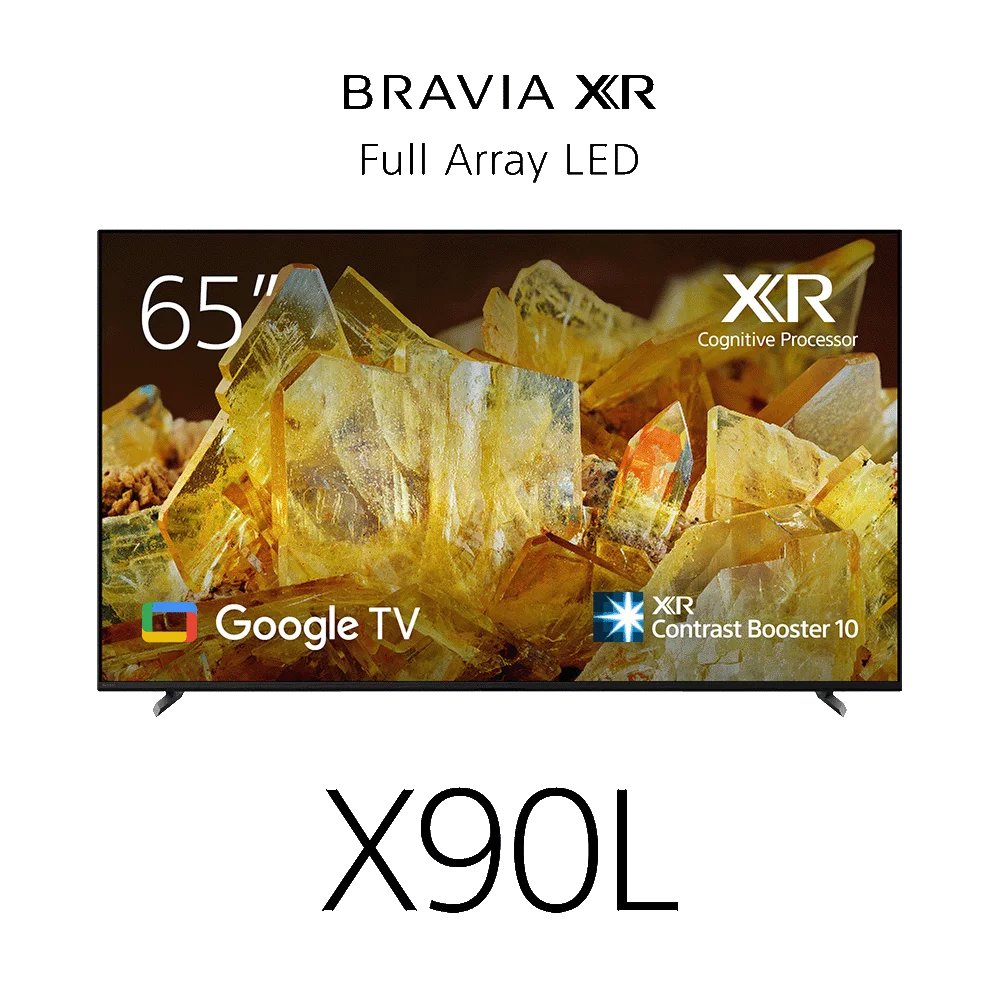
Choosing Sony TVs for PS5 in Kenya starts with the gaming output you need. A 4K60 television can suit many games, while supported 120 fps modes need a matching input path. VRR, ALLM, native refresh and HDR are separate features. This guide compares named Sony models and shows how to plan the console and soundbar connections.
Checked: 20 October 2026. Prices below are a dated Infinite Tech catalogue snapshot in Kenyan shillings. Open the linked product page for the latest price and stock indicator; confirm physical stock and order terms with the store.
Choose a gaming target before choosing the television
| Your target | What to check | Catalogue starting point |
|---|---|---|
| General PS5 play at up to 4K60 | Game/low-latency mode and correct 4K input | 55S30 or K-50S20M2 |
| Supported 4K120 modes and VRR | Exact input, VRR support and suitable cable | 55X85L or 65X90L |
| Large Mini LED gaming display | 4K120/VRR path plus size and installation | K-85XR50 |
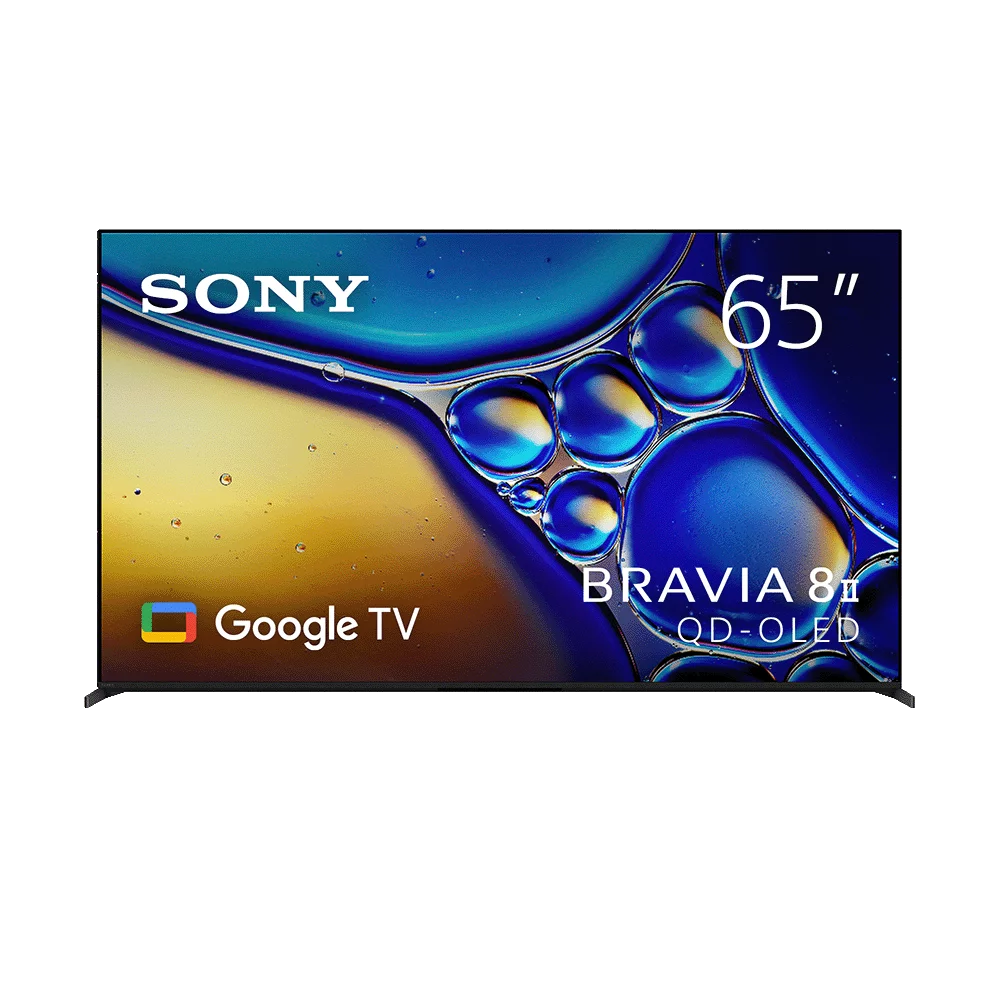
| QD-OLED gaming and films | 4K120/VRR path, room conditions and OLED care | K-65XR80M2 |
Understand 4K60, 4K120, VRR and ALLM
4K describes resolution. The 60 or 120 figure in a video mode describes the refresh frequency of that signal. The game must offer an appropriate mode, and the console, cable and television input must support the chosen output. A 120 Hz television does not turn every title into a 120 fps game.
VRR lets a compatible display adapt its refresh timing to supported console output. ALLM relates to automatically selecting a low-latency mode. Motionflow and other motion-processing labels are not substitutes for a manufacturer’s list of native panel refresh and accepted HDMI signals.
Compare the exact Sony models
| Model | Checked price | 4K120 and VRR position | Buying note |
|---|---|---|---|
| K-55S30 | KSh 94,500 | Not supported on the compared S30 model | Consider for 4K60 use |
| KD-55X85L | KSh 115,000 | Listed in Sony’s cited specifications | 100/120 Hz panel class; check HDMI 3/4 |
| XR-65X90L | KSh 231,500 | Listed in Sony’s cited specifications | Different size and series from 55X85L |
| K-85XR50 | KSh 445,500 | Listed in Sony’s cited specifications | Large Mini LED option |
| K-65XR80M2 | KSh 375,500 | Listed in Sony’s cited specifications | 65-inch QD-OLED option |
The 55X85L at KSh 115,000 is worth comparing if your goal is a supported 4K120 input without moving immediately to the most expensive series here. That is a catalogue-and-specification observation, not measured input lag or a claim that it is the best gaming television at every price.
Plan the HDMI sockets before adding a soundbar
Check which sockets accept the required gaming mode and which one is marked ARC/eARC. On the cited X85L, XR50 and XR80M2 specifications, advanced features are assigned to particular inputs. Treat the physical labels and model manual as the wiring reference.
A straightforward route is console to a suitable TV HDMI input, with the TV’s ARC/eARC connection to the soundbar. This avoids routing video through audio equipment that lacks the required pass-through. An ARC-only home cinema system should not be assumed to carry a PS5’s 4K120 video. Read the Sony TV and soundbar connection guide before choosing an HDMI switch or audio layout.
A practical PS5 setup checklist
- Check official software updates for the console and television, then review the TV input settings.
- Connect the console to a verified compatible HDMI input using a suitable cable; avoid unnecessary adapters while testing.
- On PS5, open Settings, Screen and Video, then Video Output to inspect the connected display information.
- Enable supported options such as 120 Hz Output, VRR and ALLM as appropriate to the display and game.
- Select the required HDMI signal format on the TV where necessary; wording differs by model and software version.
- Choose a game’s supported performance mode and check its own requirements.
- Reconnect the soundbar using the planned ARC/eARC route and check picture and audio again.
If an output option is missing, test the console directly on the TV with the correct input and cable. Remove switches or receivers temporarily to identify whether an intermediary limits the signal. A setting cannot add a capability absent from the TV or input.
Choose the screen and audio for the room too
Viewing distance, seating angle, reflections and installation still matter. Decide whether people will watch from side seats and whether the same screen will show films, sport or static information for long periods. A gaming feature checklist should sit alongside those room checks.
Audio has its own priorities: clear dialogue and effects, acceptable late-night volume, headset use and space for rear speakers. Use the Sony soundbar buying guide rather than assuming an Atmos label, wattage figure or matching brand guarantees the setup you need. Keep the complete installed budget visible when comparing a larger screen with a higher series.
Frequently asked questions
Can I use PS5 with a 60 Hz Sony TV?
Yes for supported output within that TV’s capabilities, including appropriate 4K60 use. It will not provide a 4K120 display mode.
Does every PS5 game run at 120 fps?
No. The title and selected game mode must support the higher frame-rate output.
Does Sony S30 support 4K120?
The S30 model compared here does not. Its ALLM and eARC features should not be confused with 4K120 or VRR.
Does KD-55X85L support 4K120 and VRR?
Sony’s cited specifications list those capabilities, with input-specific support. Check the exact regional unit and HDMI settings.
Is ALLM the same as low measured input lag?
ALLM can select a low-latency mode automatically. It is not a measurement of input lag for every mode.
Should PS5 connect to the TV or the soundbar?
Direct connection to a suitable TV input is a useful starting point. Use an audio device in the video path only if its pass-through supports the complete mode required.
Can an old HDMI cable or switch limit output?
Yes. The complete path must support the signal. Test the console directly with a suitable cable when troubleshooting.
Where are the relevant PS5 settings?
Open Settings, Screen and Video, then Video Output. Use the connected-device information and official PlayStation support instructions.
Does Dolby Vision on a TV prove a PS5 gaming advantage?
No. HDR formats, console support, game behaviour and TV modes need separate checks. Do not choose a PS5 television on a logo alone.
Where can I check current prices?
Use the linked listings and Sony TV price index, then confirm the exact unit and order terms with Infinite Tech.
Sources and related buying guides
Technical references checked on 20 October 2026. This is a research-based buying guide using manufacturer documentation and Infinite Tech catalogue data; it does not claim laboratory measurements or a hands-on review.
- PlayStation: PS5 video output and resolution settings
- Sony: KD-55X85L specifications
- Sony: XR-65X90L specifications
- Sony: K-85XR50 specifications
- Sony: K-65XR80M2 specifications
- Use the main Sony TV buying guide
- Understand the S20M2 and S30 boundaries
- Connect TV and audio with a planned signal path
Confirm your exact unit with Infinite Tech
Visit Infinite Tech at Rehema House, Standard Street, Nairobi, or call 0720450148. Confirm the full model code, condition, included accessories, written warranty and delivery or installation costs before payment. Read warranty information, delivery information and contact Infinite Tech.