
Sony TV Buying Guide Kenya: Choosing Your BRAVIA

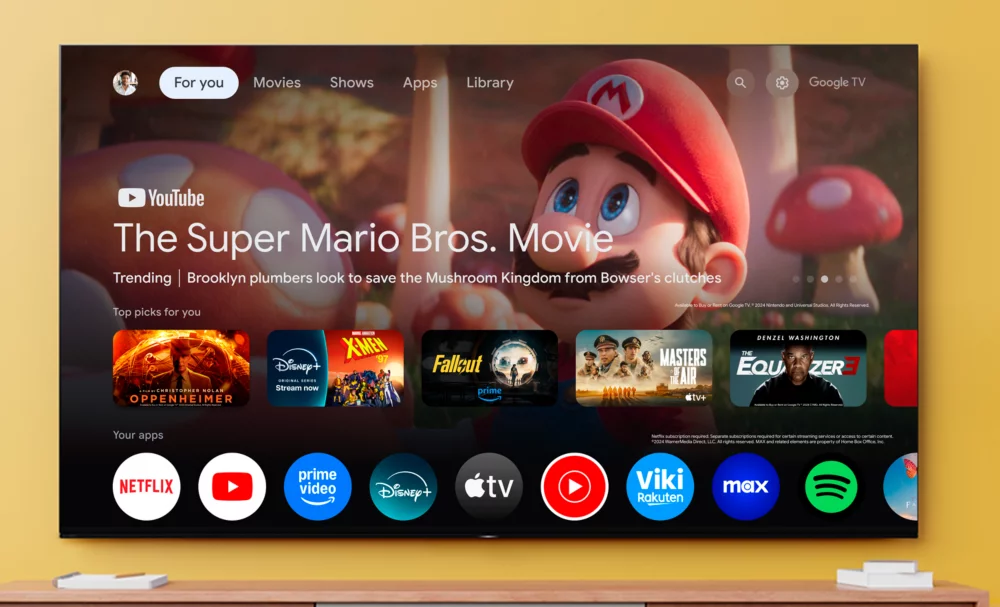
A Sony TV buying guide for Kenya should begin with your room and the programmes you watch, then narrow the choice to an exact BRAVIA model. Screen size, display technology and accepted HDMI signals often matter more than a series number on its own. This guide connects those decisions to Sony televisions listed by Infinite Tech.
Checked: 20 October 2026. Prices below are a dated Infinite Tech catalogue snapshot in Kenyan shillings. Open the linked product page for the latest price and stock indicator; confirm physical stock and order terms with the store.
Quick recommendation: choose the job first
| Your main use | Start your comparison here | What to verify |
|---|---|---|
| Everyday streaming and broadcast TV | BRAVIA 2 II S20M2 and BRAVIA 3 S30 | Size, HDR formats and exact regional model |
| Films with stronger LCD contrast | X85L, X90L or BRAVIA 5 XR50 | Local dimming, room reflections and seating |
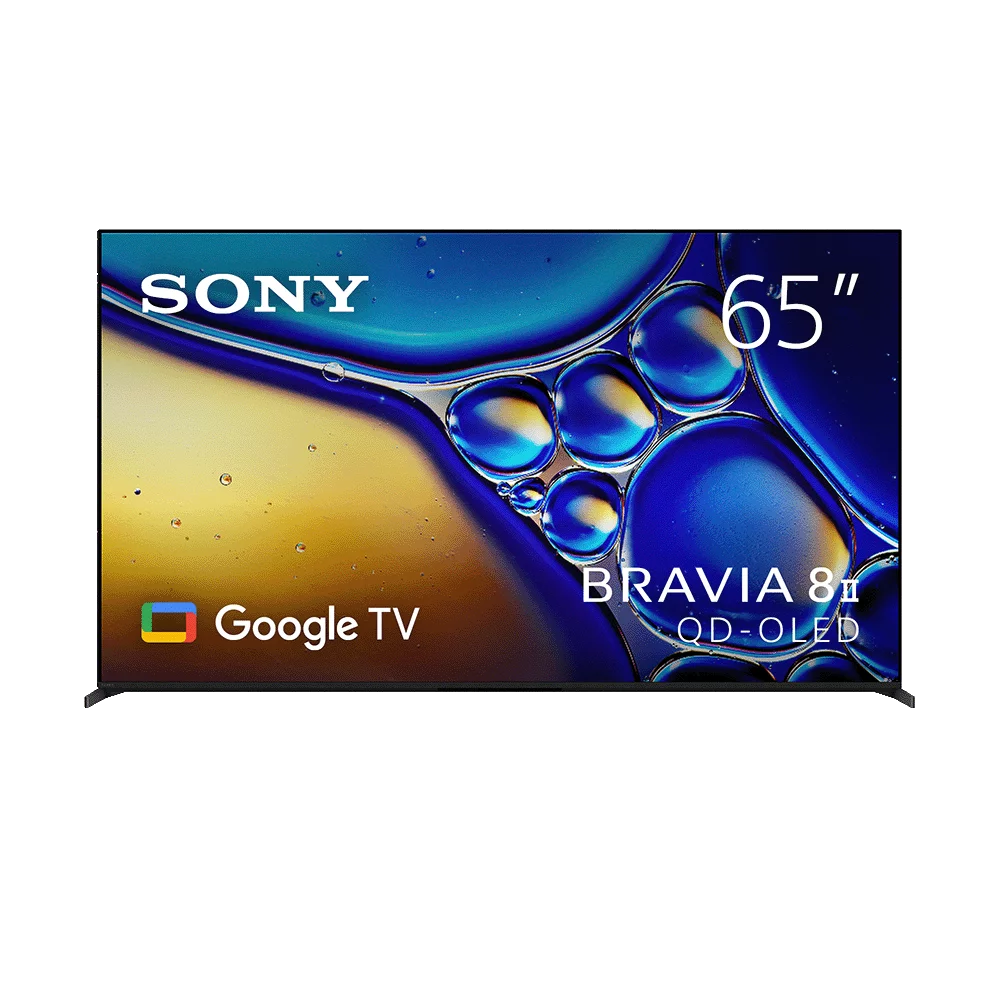
| Dark-room cinema and premium picture contrast | BRAVIA 8 II XR80M2 | QD-OLED panel, viewing habits and placement |
| PS5 games with a 120 fps mode | Verified 4K120 models, rather than every BRAVIA | Input-specific 4K120, VRR and ALLM support |
Understand the Sony families in this catalogue
The 50-inch K-50S20M2 BRAVIA 2 II is a starting point for buyers who want 4K Google TV at a controlled budget. The 55-inch K-55S30 BRAVIA 3 adds a different feature package, including Dolby Vision support in Sony’s published specifications. Both are 60 Hz class choices; a modern smart interface or an ALLM label does not make either a 4K120 television.
For LCD picture control and gaming, compare the 55-inch X85L and 65-inch X90L against the 85-inch BRAVIA 5 XR50. These are distinct series, not interchangeable names. BRAVIA 5 uses Mini LED backlighting, while the 65-inch BRAVIA 8 II XR80M2 uses QD-OLED. Read the BRAVIA 5 versus BRAVIA 8 II comparison before treating a larger LCD and a smaller OLED as direct substitutes.
Choose a screen size that fits the actual room
Measure the furniture width, wall space and seated viewing position before fixing the diagonal size. Mark the proposed screen outline on the wall and include space for stands, cable bends and a soundbar. Check the model’s dimensions with its stand; the screen diagonal alone does not describe the furniture it needs.
Compare from the seats people actually use. A set that looks suitable directly in front may behave differently from a side chair or beside a bright window. For a very large 85- or 98-inch installation, plan the delivery route, lift or staircase access, wall structure and mount rating before ordering. Ask for a complete installation quotation rather than assuming the television price covers mounting.
LED LCD, Mini LED and QD-OLED: what the decision means
LCD televisions illuminate their image with a backlight. Local dimming and Mini LED describe ways of controlling that illumination. QD-OLED uses self-emitting pixels. The practical comparison is how the complete television handles the films, sport, games and room lighting you use. A panel label by itself cannot establish measured brightness, reflection handling or input lag.
For evening films, put contrast and distracting reflections high on your checklist. For a mixed-use family room, assess the picture in daylight as well. If your viewing includes long periods of static graphics, discuss your usage and the OLED care guidance for the exact model. No model is automatically the best choice for every room.
Decide whether you need 4K120 gaming
Many PS5 games can be enjoyed on a 4K60 display. A supported 120 fps game mode requires a television that accepts the corresponding signal, the correct HDMI input and appropriate settings. Our Sony TV guide for PS5 separates 4K120, VRR and ALLM so you can budget for the feature you will use. Motionflow wording is not a native refresh-rate specification.
Count your sources too: a console, decoder, streaming player and soundbar may compete for available inputs. The ARC/eARC socket used for audio can share an input role with other features. Map the connections before buying a console and soundbar together.
Set a budget for the whole setup
At the checked prices, K-50S20M2 is KSh 72,500 and 55S30 is KSh 94,500. The 65S30 is KSh 135,500. These examples differ in screen size as well as features, so the price gap is not a clean measure of picture improvement. Use the Sony TV price index for the wider snapshot.
Allow for a suitable mount, delivery, installation and audio if required. The Sony soundbar buying guide explains why a compact stereo bar and a system with physical rear speakers solve different problems. Choose an audio layout that fits your room rather than buying solely on a wattage figure.
Check the model and order details before paying
- Match the complete model code and screen size on the quotation to the carton or rating label.
- Confirm the unit’s condition, included remote and stand, tuner needs and the apps relevant to your region.
- Ask which warranty applies, who handles a claim and what evidence to retain.
- Confirm the live selling price, physical availability, delivery cost and any separate installation charge.
- Check access, wall-mount compatibility and the return or inspection procedure for the actual order.
Frequently asked questions
Which Sony TV should I buy for everyday use?
Start by comparing the size and price of S20M2 and S30 models, then check the exact HDR, smart-platform and connection requirements for your household.
Is every Sony BRAVIA a 120Hz TV?
No. S20M2 and S30 models discussed here are 60 Hz class choices. Verify native refresh and accepted input signals for each exact model.
Is BRAVIA 3 S30 the same as BRAVIA 3 II?
No. Similar series names can refer to different generations. Check the full model code before transferring specifications between them.
Is Mini LED the same as OLED?
No. Mini LED is an LCD backlight approach; OLED uses self-emitting pixels. Compare the complete models in your intended room.
Should I buy a larger screen or a higher series?
Compare both options from your viewing distance. A larger screen increases image size, while another series may change picture processing, panel control or gaming support.
Can I use a Sony television with another brand’s soundbar?
Often yes through compatible HDMI ARC/eARC or optical connections. Match the ports and formats on both devices rather than relying on brand alone.
Does a Sony TV need an internet connection?
Streaming and online smart features need suitable internet access. External HDMI devices and supported broadcast reception use their own connection requirements.
Are delivery and mounting included in the listed price?
Confirm the quotation. Transport, wall brackets and installation can be separate from the television’s catalogue price.
Can I rely on a guide price when placing an order?
Use the linked live product page and confirm the final quotation. This guide records prices checked on 20 October 2026.
Where can I compare Sony TVs in Nairobi?
Browse the Sony TV collection and contact Infinite Tech at Rehema House on 0720450148 to confirm the exact models available.
Sources and related buying guides
Technical references checked on 20 October 2026. This is a research-based buying guide using manufacturer documentation and Infinite Tech catalogue data; it does not claim laboratory measurements or a hands-on review.
- Sony Kenya: BRAVIA 3 overview
- Sony Kenya: BRAVIA 5 overview
- Sony Kenya: BRAVIA 8 II overview
- Sony: K-55S30 specifications
Confirm your exact unit with Infinite Tech
Visit Infinite Tech at Rehema House, Standard Street, Nairobi, or call 0720450148. Confirm the full model code, condition, included accessories, written warranty and delivery or installation costs before payment. Read warranty information, delivery information and contact Infinite Tech.
2 thoughts on “Sony TV Buying Guide Kenya: Choosing Your BRAVIA”
Comments are closed.