
Connect a Sony TV to a Soundbar: ARC, eARC and Optical

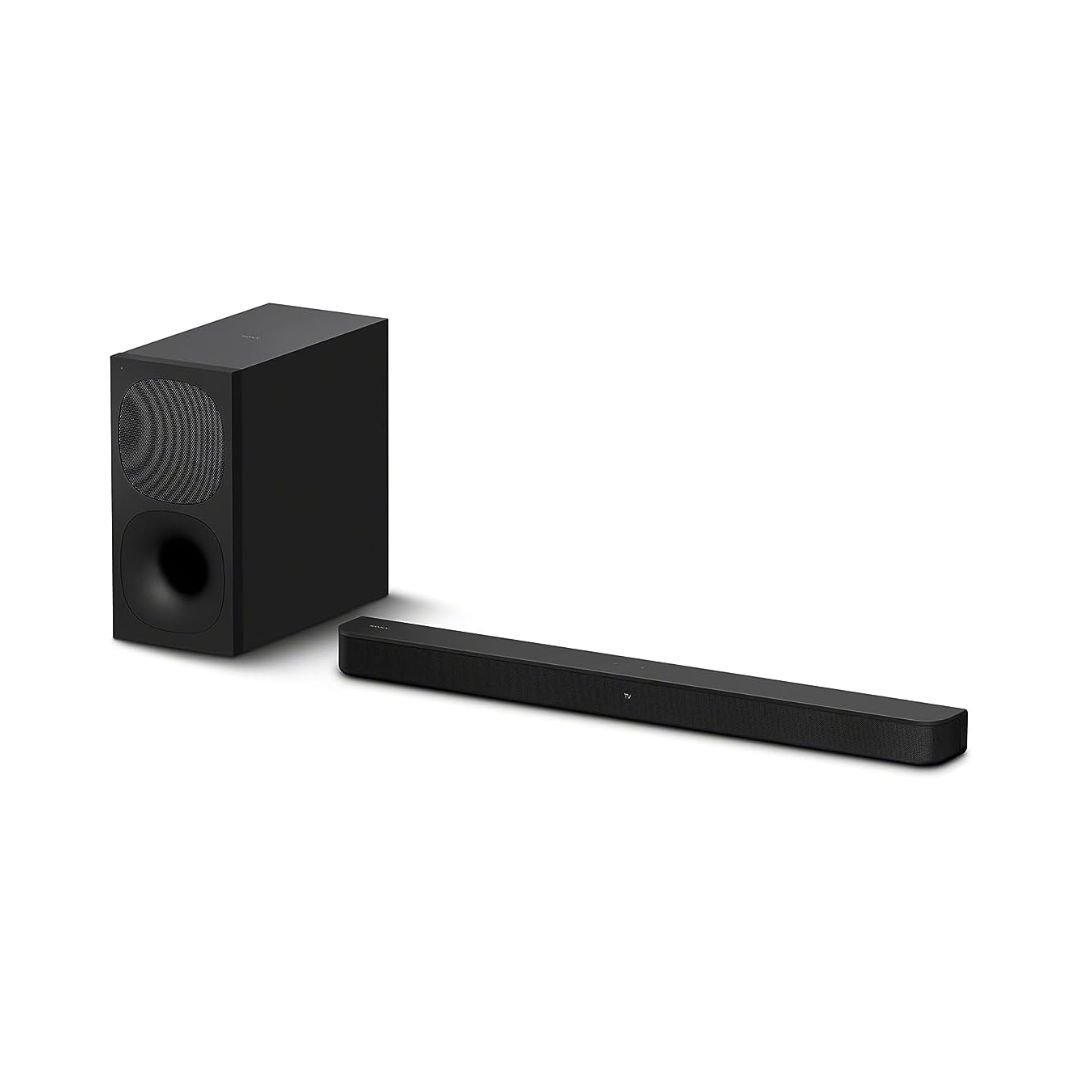
To connect a Sony TV to a soundbar, first match the audio return port on the television to the supported connection on the soundbar. HDMI ARC/eARC and optical are different routes with different format and control limits. The right choice depends on both exact models, the source and the soundtrack, rather than matching brand names alone.
Instructions checked: 20 October 2026. Menu wording and supported options vary by model and software. Keep the official manuals for your TV and audio system available while following this checklist.
Choose the connection using the actual port labels
| What the devices support | Connection to investigate | Main limit to check |
|---|---|---|
| TV ARC/eARC and soundbar ARC/eARC | TV HDMI IN marked ARC/eARC to soundbar HDMI OUT marked TV ARC/eARC | Both devices’ accepted audio formats |
| Optical output on TV and optical input on soundbar | TV optical out to soundbar optical in | Supported digital-audio format and volume-control behaviour |
| Only Bluetooth music support confirmed | Check both manuals before using it for television sound | Timing, supported formats and control can differ |
| Console plus TV plus soundbar | Console to suitable TV video input; TV return connection to audio | TV video capability and audio pass-through support |
Before changing the cables
- Write down the full TV and soundbar model codes.
- Find the labelled ARC/eARC or optical sockets on each unit.
- Check which source supplies the soundtrack: TV app, decoder, console or player.
- Keep required power connections and speaker wiring separate from the TV audio link.
- Turn equipment off before changing connections and follow the model’s handling instructions.
Connect using HDMI ARC or eARC
- Find the TV HDMI input specifically marked ARC or eARC. An ordinary HDMI input without audio-return support is not an equivalent substitute.
- Connect that TV socket to the soundbar’s HDMI OUT terminal marked TV, ARC or eARC as appropriate. The OUT label on the soundbar is expected in this arrangement.
- Use a cable suitable for the devices and their required connection. Follow the manuals’ cable guidance rather than assuming an adapter preserves every feature.
- Turn the devices on and select the TV/audio-return input on the soundbar.
- Select Audio System or the equivalent speaker-output option on the television.
- Enable the relevant HDMI control/BRAVIA Sync options where required for the model’s operation and volume control.
- Check the digital-audio output format and eARC setting where supported, then test a known source.
A TV’s eARC capability cannot add eARC or an unsupported decoder to the receiving system. If the soundbar is ARC-only, set expectations from that soundbar’s actual specification. A successful connection also needs a source format the complete path can carry and the system can decode.
Connect using optical where supported
- Connect the TV’s optical digital output to the soundbar’s optical input using a suitable optical cable and the instructions supplied with it.
- Select the optical input on the soundbar and an appropriate external-audio output on the TV.
- Choose an output format the audio system accepts. When diagnosing no sound, supported two-channel PCM can help test the basic link.
- After the link works, configure the supported surround format for the actual source and receiver, if required.
- Check the expected volume-control method; optical does not provide the same HDMI-CEC control link.
A basic sound test and a surround-format test are different checks. Hearing stereo PCM confirms an audio route; it does not prove that a discrete 5.1 soundtrack is reaching the receiver. Optical also should not be assumed to carry every high-bandwidth audio format supported by an eARC setup.
Keep PS5 video out of an unsuitable audio path
For supported 4K120 or VRR use, connect the PS5 to a verified compatible TV input. Send TV audio to the soundbar through the planned ARC/eARC or optical route. A system with an HDMI ARC output but no HDMI input is not a console video pass-through device. For example, Sony lists zero HDMI inputs and one ARC output for HT-S700RF.
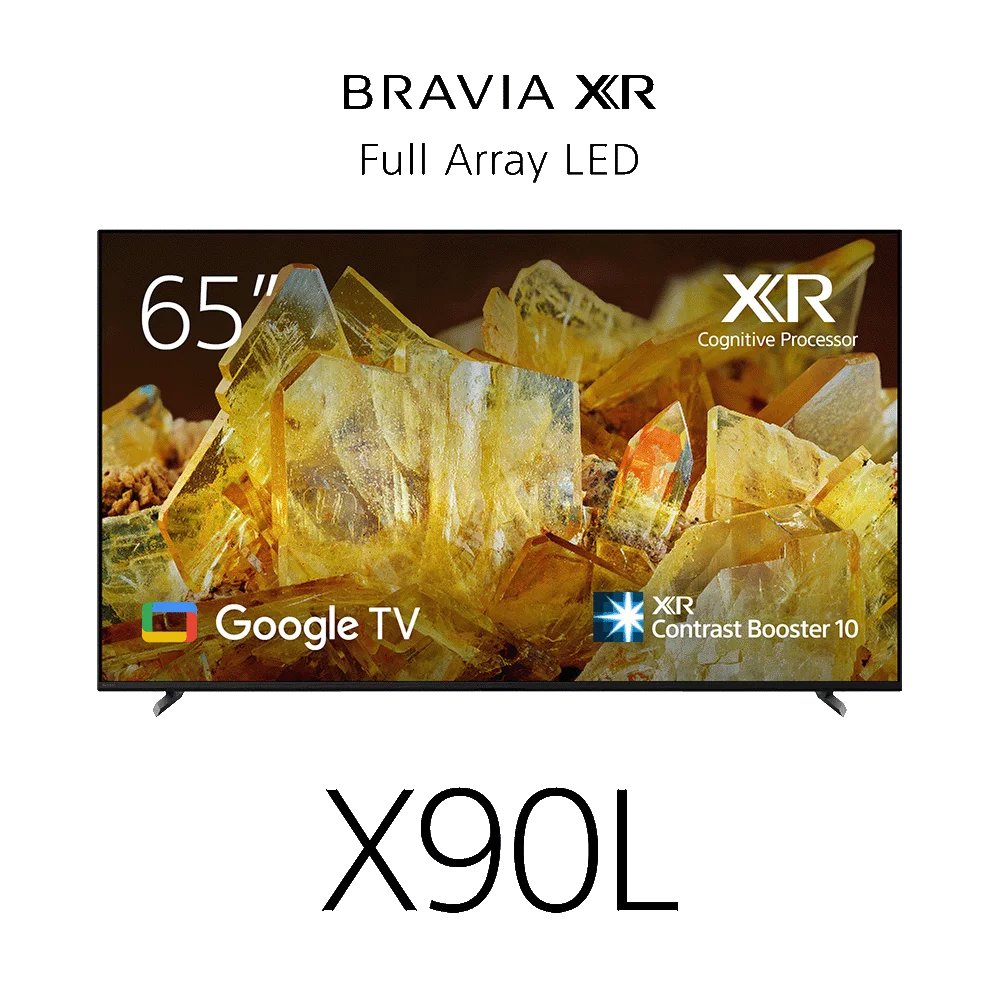
Check how the exact TV passes the console’s supported audio formats too. Use the Sony TV guide for PS5 for video inputs and console settings. Where an option is missing, test a simpler direct video connection before adding switches, splitters or other equipment.
Troubleshoot no sound one part at a time
- Confirm that the source itself is playing and neither device is muted.
- Verify the TV’s external-speaker selection and the soundbar’s selected input.
- Recheck the labelled sockets at both ends; do not confuse a normal TV HDMI input with its ARC/eARC socket.
- Test the supported output format, starting with a known simple signal where appropriate.
- Test a suitable alternative cable or a different known source to isolate the path.
- Review model-specific HDMI control, eARC and audio-output settings.
- Use the exact model’s official troubleshooting instructions before considering reset procedures.
If only one app, game or player is silent, compare its audio settings and soundtrack with a working source. If all sources are silent, concentrate on the shared connection and receiver settings. Avoid changing several unrelated options at once, because that makes the cause harder to identify.
Check rear speakers and lip sync separately
A working TV-to-soundbar link does not confirm the rear-speaker installation. On HT-S40R, check the powered wireless amplifier and the speaker leads connected to it. On HT-S20R, check the wired speaker arrangement using the official setup guide. A Bluetooth pairing logo is not proof of a correct rear-speaker connection.
For lip-sync issues, identify whether the delay affects one source or every source. Review the TV and soundbar’s supported sync settings and the official troubleshooting guidance for those models. Compare a wired route where appropriate rather than assuming Bluetooth will behave the same as HDMI for video sound.
Frequently asked questions
Why does the soundbar use HDMI OUT when receiving TV audio?
ARC/eARC returns TV audio over the designated HDMI connection. Follow the terminal labels and manuals for that arrangement.
Will any HDMI socket on the TV work for ARC?
No. Use the socket specifically marked for ARC/eARC and check model support.
Does an eARC TV upgrade an ARC-only soundbar?
No. The receiving system keeps its own connection and decoder limits.
Can optical provide every format available over eARC?
No. Check the format limits of the optical route and both exact devices.
Why can PCM help during a no-sound test?
Supported two-channel PCM is a useful basic signal for checking the link. It does not prove discrete surround playback.
Does Bluetooth music support prove full TV surround compatibility?
No. Check TV-audio support, timing and formats separately in both manuals.
Should PS5 video pass through every Sony home cinema system?
No. Check for a suitable HDMI input and the required video pass-through. Otherwise plan a compatible direct console-to-TV route.
Why is my soundbar working but the rear speakers are silent?
Check the rear installation and the actual source format. Some material contains little surround content, and wiring or amplifier checks are separate from the TV link.
Will a matching Sony logo guarantee every BRAVIA feature?
No. Standard connection compatibility and proprietary integration features need their own exact-model checks.
Where can I choose a different soundbar layout?
Use the Sony soundbar buying guide and the HT-S20R/HT-S40R wiring comparison.
Sources and related buying guides
Technical references checked on 20 October 2026. This is a research-based buying guide using manufacturer documentation and Infinite Tech catalogue data; it does not claim laboratory measurements or a hands-on review.
- Sony: connecting a soundbar to a TV
- Sony: choosing HDMI ARC/eARC or optical
- Sony: HT-S700RF inputs and ARC output
- Sony: HT-S40R operating instructions
- PlayStation: PS5 video-output settings
- Choose a Sony soundbar by layout
- Compare wired and wireless-amplifier rear setups
- Compare HT-S400, HT-S500RF and HT-S700RF
- Plan a Sony TV setup for PS5
Confirm your exact unit with Infinite Tech
Visit Infinite Tech at Rehema House, Standard Street, Nairobi, or call 0720450148. Confirm the full model code, condition, included accessories, written warranty and delivery or installation costs before payment. Read warranty information, delivery information and contact Infinite Tech.
4 thoughts on “Connect a Sony TV to a Soundbar: ARC, eARC and Optical”
Comments are closed.