

Latest News & Articles
BOYA Microphone Not Working iPhone? Lightning and USB-C Fixes

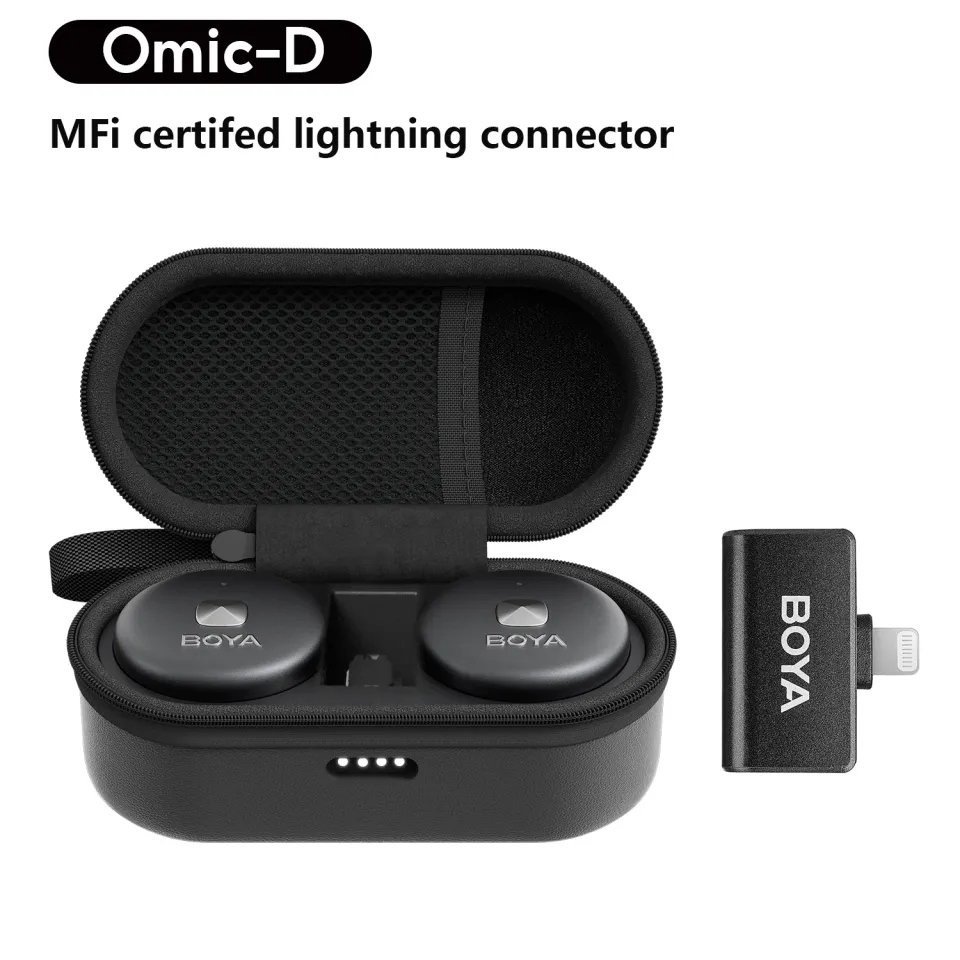
October 2026 guide. iPhone microphones most often fail at the connection, pairing, application or kit-selection stage. Do not assume that the same receiver works on older Lightning and newer USB-C iPhone models. Pricing below reflects live Infinite Tech Kenya retail listings as checked after the latest price update. Stock and regional package variants may change.
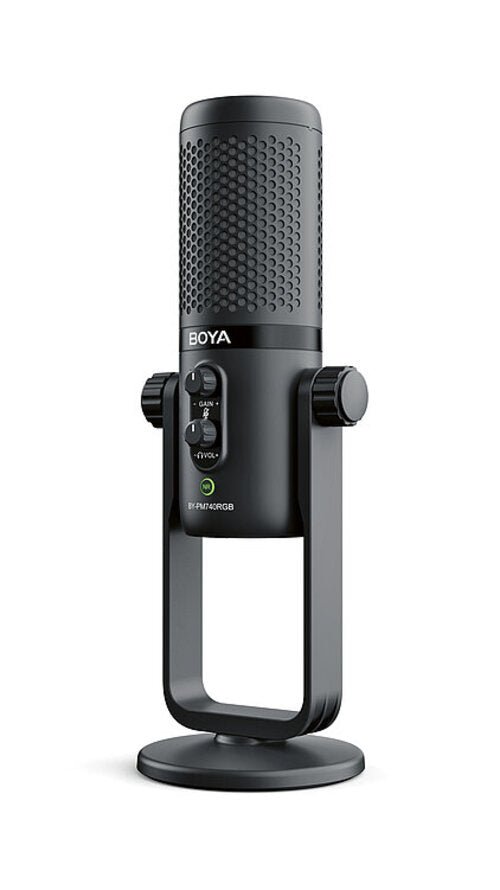
Compatible models to investigate
| Microphone | Store price | Primary use |
|---|---|---|
| BOYA Omic-D Lightning | KSh 11,950 | Lightning iPhone wireless |
| BOYA Omic-U USB-C | KSh 11,950 | USB-C phone wireless |
| BOYA BY-V20 Dual USB-C Wireless | KSh 7,750 | Dual clip-on transmitters for USB-C mobile recording |
| BOYA BY-V10 USB-C | KSh 6,250 | Solo mobile USB-C mic |
Step-by-step setup instructions
- Confirm the physical iPhone port. Lightning receiver microphones must be matched to compatible Lightning devices; USB-C versions are not interchangeable with a simple charge-only adapter.
- Charge the transmitter and make sure the receiver is recognised when inserted into the iPhone.
- Remove a thick protective case if it prevents full insertion of the receiver.
- Check the app’s microphone permissions and whether the app supports external digital microphones.
- Record a voice memo or camera video with the external transmitter close to your mouth; then replay the audio to confirm pickup.
- Check mute, battery condition and pairing indicators; restart the app and reconnect the receiver if needed.
- When using two transmitters, check that both appear connected, record each separately and listen for balanced levels.
What to expect from each microphone
BOYA Omic-D Lightning
Lightning iPhone wireless. The current retail listing on Infinite Tech Kenya is KSh 11,950. Use a short test recording to verify real sound quality instead of relying only on packaging claims. View model and price.
BOYA Omic-U USB-C
USB-C phone wireless. The current retail listing on Infinite Tech Kenya is KSh 11,950. Check exact device compatibility, receiver type and the supplied microphone count before purchase. View model and price.
BOYA BY-V20 Dual USB-C Wireless
Dual clip-on transmitters for USB-C mobile recording. The current retail listing on Infinite Tech Kenya is KSh 7,750. Use a short test recording to verify real sound quality instead of relying only on packaging claims. View model and price.
BOYA BY-V10 USB-C
Solo mobile USB-C mic. The current retail listing on Infinite Tech Kenya is KSh 6,250. Check exact device compatibility, receiver type and the supplied microphone count before purchase. View model and price.
How to avoid common recording mistakes
Check whether the intended sound destination is a phone, DSLR/mirrorless camera, computer or live speaker. Digital receivers need device and app support; wired audio through 3.5mm or XLR is a different signal path. If a microphone appears connected but records nothing, test another supported application and check permissions, mute, power and pairing.
For speech, the simplest quality improvement is usually to place the mic near the voice source, protect it from wind and listen back before continuing. Avoid clipping and keep an alternative recording plan for interviews or paid work. A wireless signal can drop out and a phone may fall back to internal audio without obvious warning.
Frequently asked questions
Is BOYA Omic-D for USB-C iPhone?
Read the specific equipment’s specification and compare its connector, internal recording capability and included accessories before deciding.
Why does the iPhone still record internal audio?
Not universally. Your intended recording setup, number of voices, room noise and software can make one configuration more suitable.
Will a Lightning converter work for any BOYA mic?
Check the model-specific receiver and transmitter documentation; features such as onboard recording and dual-channel support differ by model.
What should I check before a livestream?
Make a test recording with the actual phone, camera, microphone and app. If it fails, confirm physical connection, pairing and permissions.
Related reading and product categories
BOYA microphone price list · BOYA, JBL and RØDE prices · Best iPhone microphones · Android USB-C microphone guide · BOYA vs RØDE.
Buy microphones in Kenya or contact Infinite Tech Nairobi. Manufacturer references: BOYA; RØDE wireless specifications and comparison.
iPhone troubleshooting by port and app
Lightning iPhone checklist
Inspect whether the phone has a Lightning connector and the microphone is actually a Lightning receiver edition such as Omic-D or BY-V2. Ensure there is no dust, case lip or damage preventing complete seating. A charge-only cable adapter does not necessarily support external digital microphone signaling.
USB-C iPhone checklist
USB-C iPhones are better matched to microphone models with documented USB-C audio support. Check whether the receiver wakes up, whether the transmitter pairs and whether the recording app selects an external USB input. Do not mistake a compatible connector shape for guaranteed function with all apps.
App permissions and testing
Allow microphone access for the camera or voice recording app. Record a quiet speech clip with transmitter close to the speaker while the iPhone is a few feet away, then replay. Try the default camera app or a supported alternative if your livestream app fails to pick the receiver.
When to contact the retailer
If the unit works on another compatible device but not on your iPhone, suspect a port, software or adapter compatibility issue. If it fails on every documented supported setup, note the exact model, firmware, retailer proof of purchase and what each LED indicates before requesting service.
4 thoughts on “BOYA Microphone Not Working iPhone? Lightning and USB-C Fixes”
Comments are closed.