
Testing Adaptive Brightness on a Used Samsung Galaxy: A Nairobi Inspection Guide

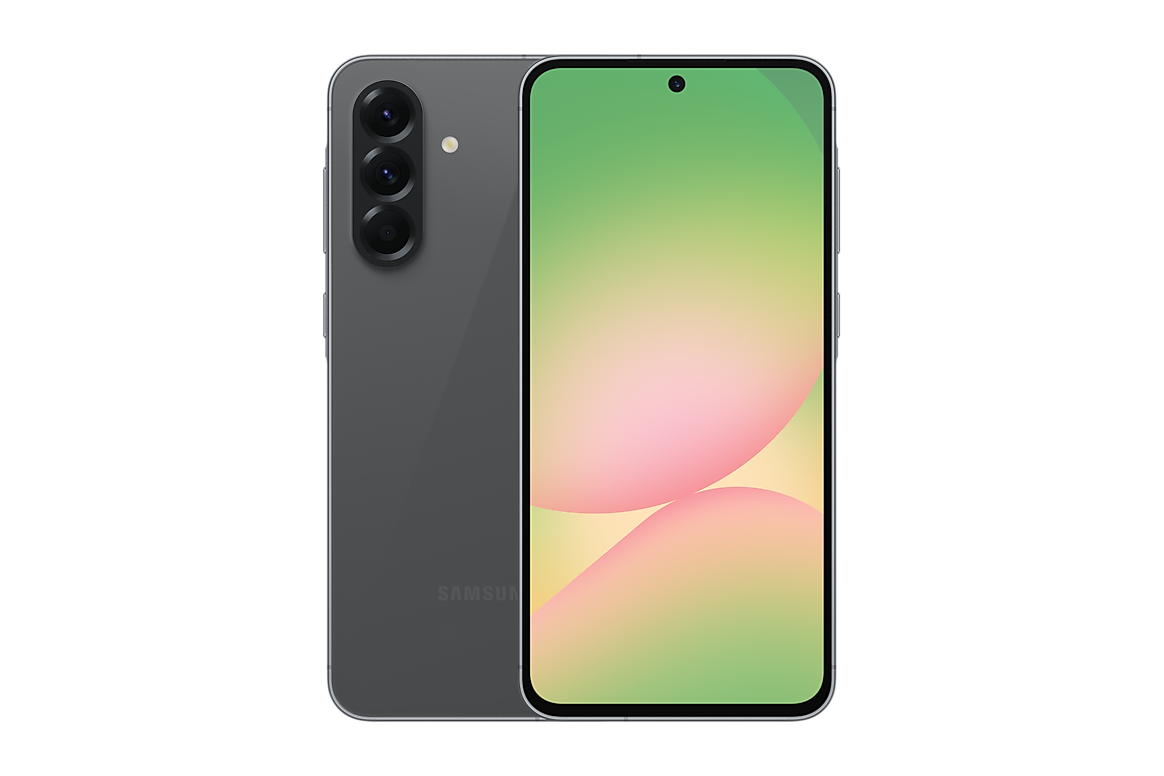
A pre-owned Samsung Galaxy with a damaged or obstructed light-sensing system may fail to adjust screen brightness as expected. But an apparently unresponsive display is not automatically defective: adaptive brightness, Eye comfort shield, Extra dim, colour filters and other features can change the behaviour. Before buying an Ex-UK Galaxy in Nairobi, ask to inspect the specific phone in both darker and brighter conditions.
What adaptive brightness is supposed to do
When enabled, Samsung’s adaptive-brightness feature can adjust display brightness based on ambient light and learned user preferences. Its reaction is not necessarily instant, and manual adjustments can affect the learned level. Do not confuse a normal delayed adjustment with complete failure. Settings names and sensor arrangements vary by Galaxy model and One UI version, especially on older imports.
How to conduct a safe store test
- Ask permission to use the phone and check the current One UI software version.
- Open Settings > Display and find the Adaptive brightness option where available; note whether it is enabled.
- Adjust the screen to a comfortable baseline and observe it under stable room lighting.
- Move carefully between a shaded area and brighter ambient light; allow time for the feature to respond.
- Check whether Extra dim, Eye comfort shield, accessibility filters or power-saving settings alter what you see.
- Repeat without blocking the top front part of the phone with your hand, screen protector edge or case.
- If the response remains clearly abnormal, request manufacturer diagnostics or professional inspection instead of guessing a repair.
Adaptive brightness and proximity are not the same test
The proximity sensor typically helps turn off the display during a phone call near your ear. Adaptive brightness responds to ambient light. Samsung notes that sensors may be positioned differently across Galaxy models and that screen protectors or accessories can interfere with some sensor functions. Do not claim one passing phone-call proximity test proves the ambient-light sensor is perfect. Run relevant diagnostics in Samsung Members where available, and interpret the results with model-specific guidance.
When display colour settings create confusion
Samsung warns that colour correction, Eye comfort shield, Adaptive colour tone and Extra dim can alter how a display looks. A greenish appearance at low brightness may be a setting or normal panel variation, but a persistent line or major discolouration still needs investigation. If you suspect screen damage, read our green-tint versus green-line inspection guide rather than treating every symptom as a light-sensor issue.
Why this check affects real ownership costs
A sensor fault or damaged replacement display can lead to uncomfortable outdoor visibility, unnecessary manual brightness changes or repair costs. Request any known repair history and compare the asking price against a qualified repair estimate if a problem is observed. On a used Samsung flagship, screen replacement can be expensive relative to a lower-cost model. Do not purchase on the assumption that updating One UI will certainly fix hardware.
Choose a verified Galaxy, not only a model name
Infinite Tech lists options such as Galaxy S23 Ultra 256GB Ex-UK and Galaxy A56 5G 8GB/256GB. Their original display specifications differ, and catalogue photos cannot prove the status of a particular used sensor. Check WooCommerce for current selling prices, inspect real stock and confirm warranty or return terms in writing.
Related buying and trade-in checks
For broader display assessment, see how screen condition affects used-phone value.
Frequently asked questions
Why does my Galaxy stay dim after moving into sunlight?
Adaptive brightness may be off, other display controls may affect the result, or the device may have a fault. Check settings and the actual ambient conditions before diagnosing.
Can screen protection affect sensors?
It can on some models if a protector or accessory obstructs the relevant sensor area. Follow the manufacturer guidance for the particular device.
Does a passing Samsung Members test guarantee a perfect display?
No. It is one diagnostic signal. Inspect the OLED panel, touch performance and other functions independently.
Ask about in-store inspection
Infinite Tech is at Rehema House, Standard Street off Kimathi Street, First Floor Shop 2, Nairobi CBD. Call 0720 450 148 to confirm exact inventory, inspection opportunities and current selling terms.
Samsung support references
Samsung Members diagnostics; Samsung Africa display-colour troubleshooting.