
Testing a Used iPhone Gyroscope and Compass in Nairobi Before You Pay

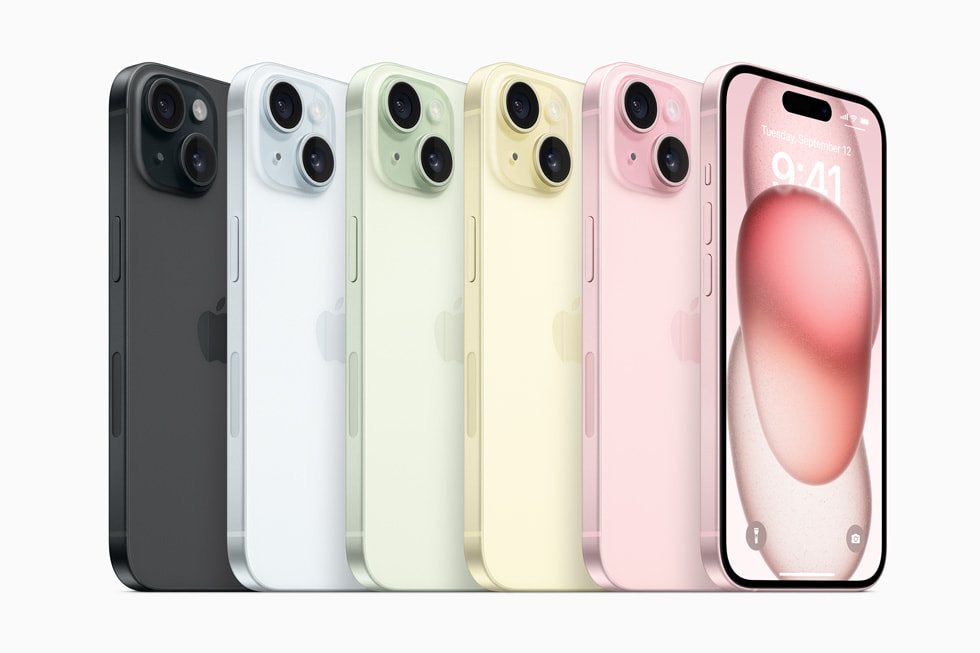
Before buying an Ex-UK iPhone, most shoppers test the camera and speaker. Fewer check the gyroscope, motion sensors and digital compass—features that can affect screen orientation, augmented-reality apps and navigation. A quick demonstration is helpful, but these sensors need careful interpretation: a misconfigured setting or strong magnetic interference can look like a hardware fault.
What the gyroscope and compass actually do
The gyroscope and accelerometer contribute to detecting movement and orientation. Apps such as games, camera tools and some augmented-reality experiences can use them. The magnetometer contributes to the Compass app’s direction reading. GPS and network-assisted positioning are different from compass orientation: a phone may know its map location while pointing in an incorrect direction because of interference. Do not claim that a single compass reading proves all motion sensors function normally.
First inspect automatic screen rotation
- With the seller’s consent, review Control Center and ensure Portrait Orientation Lock is not preventing rotation.
- Open a built-in or trusted app that supports landscape orientation; not every iPhone app does.
- Rotate the phone smoothly between portrait and landscape, allowing a moment for the interface to respond.
- Repeat the action without a magnetic stand or awkward grip that could interfere with operation.
- If rotation still does not respond in supported apps, ask for an explanation and a qualified check before buying.
Test the Compass app the right way
Apple says the Compass app shows the direction the iPhone points and may display coordinates and elevation where supported. Open it, hold the handset flat, then turn slowly while watching the bearing change. If necessary and agreed, check Settings > Privacy & Security > Location Services and the Compass permission. Be aware that a nearby magnet, metal counter, magnetic case or accessory may alter the reading. Move to a less interfered spot and repeat; do not treat a single unexpected bearing as proof that the phone is damaged.
How to distinguish a sensor problem from an app problem
Compare behaviour in more than one trusted app. A game that uses motion steering may have its own sensitivity or calibration setting. A map application may use GPS heading based on travel rather than compass north. Consider restarting the phone and checking the current iOS version if the seller agrees, but avoid installing unknown ‘sensor fixer’ apps or granting extensive device permissions simply to test the handset.
When an inspection result should stop the purchase
Multiple failing orientation tests, unexplained sensor-access errors, sudden reboots or serious screen damage are warning signs. Request a qualified diagnosis rather than accepting a promise that a reset will repair the issue. Also test Face ID, cameras, charging, Wi-Fi and cellular functions; the compass is only one part of a sensible used-phone assessment. If the screen was replaced or the frame is bent, ask whether repairs affected nearby components.
Practical Ex-UK choices at Infinite Tech
Compare the iPhone 15 128GB Ex-UK listing and the iPhone 14 256GB Ex-UK listing using their live WooCommerce prices. These listings describe original manufacturer capabilities, not a completed sensor test of a specific unit. You should verify model code, exact stock, condition, SIM support and written warranty terms at collection.
Related buying and trade-in checks
A motion-sensor check is only one part of an Ex-UK iPhone inspection and recording the physical condition of the handset.
Frequently asked questions
Does a wrong compass direction mean an iPhone is fake?
No. Magnetic interference, location permissions or environmental conditions can affect the compass. The result alone does not establish authenticity or a hardware defect.
Why is my screen not rotating?
Portrait Orientation Lock may be enabled, or the current app may not support rotation. Test another supported app and the relevant settings before diagnosing hardware.
Can I rely on the iPhone compass for precise surveying?
No. Apple warns that it is intended for basic navigation assistance and is not a precision measurement instrument.
Inspect an Ex-UK iPhone in Nairobi CBD
Infinite Tech is at Rehema House, Standard Street off Kimathi Street, First Floor Shop 2, Nairobi CBD. Call 0720 450 148 to enquire about inspectable stock and testing options.