
How to Judge an Ex-UK Phone’s Screen Condition Against Its Asking Price

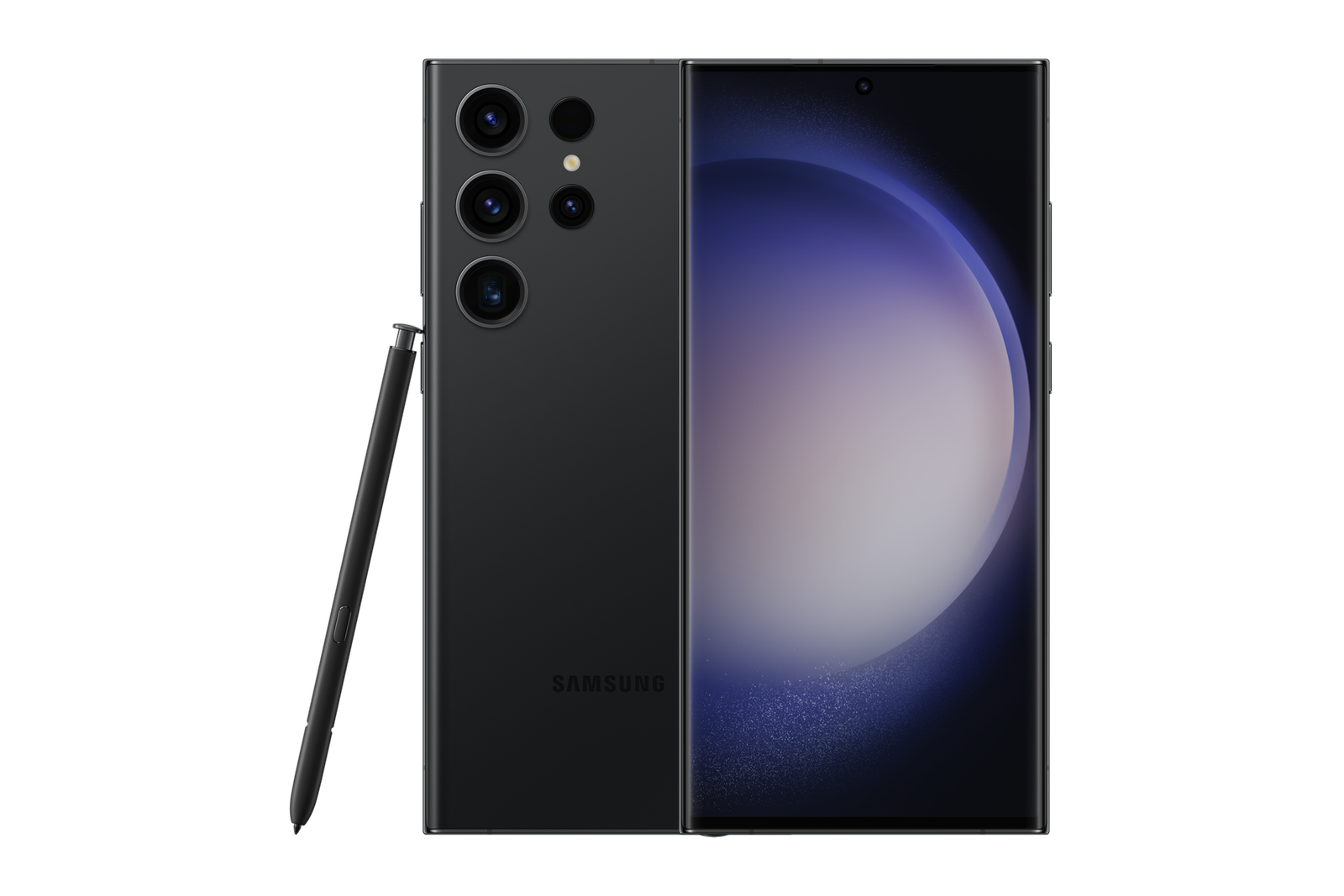
How to Judge an Ex-UK Phone’s Screen Condition Against Its Asking Price focuses on a practical buying task for Kenyan shoppers. Apply the checks to the actual handset rather than relying solely on a model advert or a seller’s cosmetic grade.
Why screens dominate many used-phone decisions
The display is both your primary input device and one of the most expensive components to repair on some flagship phones. A minor external scratch may be tolerable for one buyer, while a dim OLED, flicker or failed touch strip can seriously impair daily use. The correct question is not whether a phone looks ‘Grade A’, but which defects are present and what they mean for use and repair cost.
Do not treat manufacturer model photos as evidence that an individual Ex-UK handset has an unmarked screen. Request photographs of the actual device and inspect it under good lighting.
A repeatable five-minute visual test
Start with a clean, dry screen and remove glare where possible. Display a white background, then dark grey, black and a saturated colour. Look for unusual tint, dead pixels, bright patches, permanent interface ghosts or uneven brightness. Check the edges and curved corners where damage may be concealed by a case.
Inspect the protective glass and panel separately where possible. A scratch on a removable protector is different from a deep line in the phone’s own display. Avoid pressing hard on damaged OLED panels.
Touch, refresh-rate and sensor checks
Use the phone’s native keyboard, drawing/notes app or a suitable diagnostic to trace slow movements across the entire touch surface, including each edge and corner. Note any spots that repeatedly ignore input. Also test scrolling, auto brightness, proximity sensor behaviour during calls and biometric authentication where relevant.
A high-refresh-rate device may still have defects that only appear under certain brightness settings. Test the actual screen rather than assuming the 120Hz specification guarantees good operation.
Repair history and replacement authenticity
On iPhone models that support it, read Parts and Service History for display messages. For Samsung, use supported diagnostics when available and ask about documented screen replacement. A repaired panel may be functional but could affect brightness, sensors, sealing or future repair terms. Do not assume every replacement is poor; assess evidence objectively.
Request an itemised qualified repair quotation if a serious defect is found. Do not publish an invented ‘screen deduction’ table for every model; parts and labour costs vary.
How to compare the defect against the deal
Take the current WooCommerce price as the advertised reference and compare another suitable unit in better condition. A cheaper damaged flagship may become the more expensive choice when possible screen replacement is included. Ask for written warranty/return terms and whether a known defect is explicitly excluded.
Compare used iPhone options or Ex-UK Samsung options. A trustworthy price comparison is based on actual defect evidence and realistic ownership needs.
Quick inspection checklist
- Verify exact model, memory, SIM region and legal account-transfer status.
- Inspect physical condition, charging, screen response, network, microphone and relevant features.
- Confirm current selling price, accessories and written warranty/return conditions.
Frequently asked questions
Is OLED burn-in the same as a scratch?
No. Burn-in is a persistent display pattern; a scratch is surface damage. They call for different inspection and possible repair decisions.
Can a low asking price compensate for a dead touch area?
Only after you understand the real repair implications and can accept the functional limitation; do not assume a future fix is inexpensive.
Compare an actual unit in Nairobi
Infinite Tech operates at Rehema House, Standard Street off Kimathi Street, First Floor Shop 2, Nairobi CBD. For current stock and an individual inspection, call 0720 450 148. Any used-phone condition, warranty or trade-in terms must be confirmed for the actual device.