
Used Intel MacBook vs Apple Silicon: Which Purchase Makes Sense?

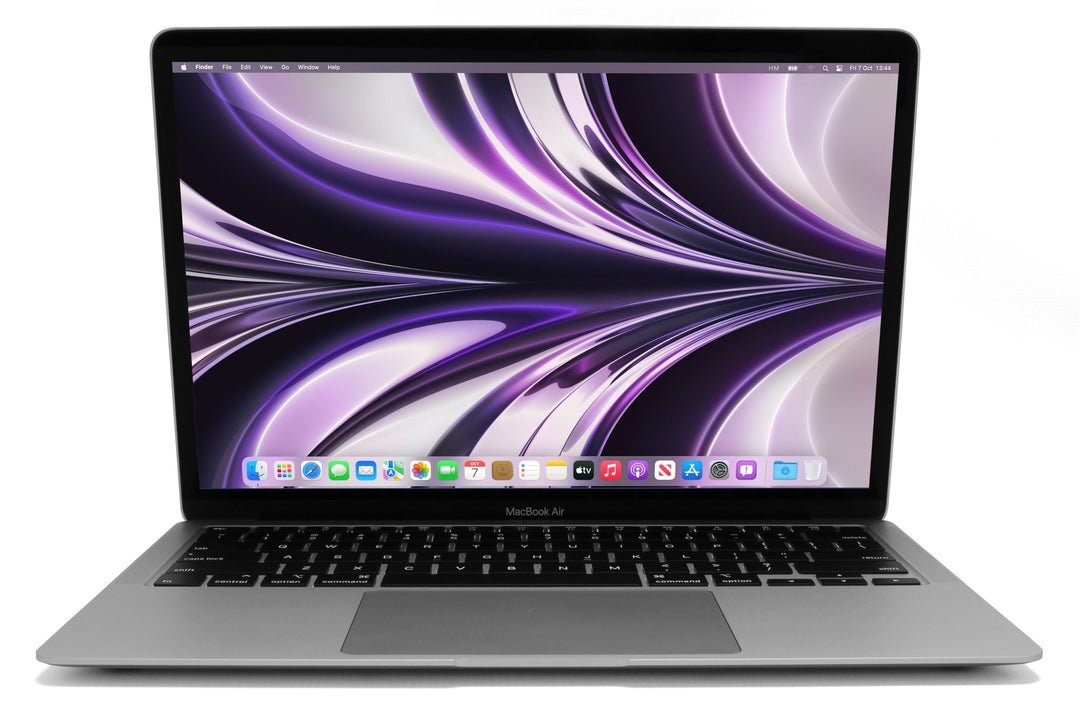
A used Intel MacBook can have an attractive price in Kenya, but it should be compared with Apple silicon on software support, the actual applications, battery condition and complete cost. Intel and Apple silicon are different processor platforms, not simply old and new versions of an otherwise identical laptop. The right purchase must support the work you need today.
Catalogue and references checked: 20 October 2026. Prices below are Infinite Tech catalogue asking prices for the stated configuration. Confirm the actual unit, availability, accessories and written warranty before payment.
The refurbished laptop guide explains why condition and support belong in the price comparison. Apply the used MacBook checklist for Activation Lock, device management and battery checks.
Use the general second-hand inspection checklist for the physical inspection. The MacBook Air M1-to-M4 comparison is a separate route for narrowing an Apple Silicon shortlist.
Used Intel MacBook vs Apple Silicon: purchase checks
| Choice | What to compare | Buying implication |
|---|---|---|
| Older Intel MacBook | Check exact model-year macOS and app support | A working desktop does not establish long-term suitability |
| Apple silicon MacBook | Check chip, unified memory and supported application route | Choose capacity and compatibility before payment |
| Windows requirement | Boot Camp, virtualisation and remote access are different | Verify a current supported solution for the exact workload |
Check support for the exact Mac, not an entire processor family
Use the model identifier to look up Apple’s compatible macOS releases. Different Intel models have different support positions, so neither ‘Intel is fine’ nor ‘all Intel is unusable’ is a useful buying rule. Then compare the applications required by the course or employer with the supported system.
An older Mac may still be useful for a limited, clearly understood purpose. That does not mean it is suitable for every current browser, examination tool, security requirement or professional application. Ask which operating system is installed and whether the intended upgrade is officially supported. Do not infer support from a screenshot or from the seller’s choice of desktop wallpaper.
Confirm native application and plugin compatibility
For Apple silicon, check whether the application has a supported native route or another publisher-approved arrangement. Plugins, specialist peripherals and drivers can require their own checks. For Intel, verify that the required version remains supported on the macOS release the machine can use.
The practical question is whether the whole workflow works, including document exchange, shared templates, printers and any company security tools. Try a representative task where possible. Avoid choosing a platform from an unsupported claim that every application will work identically. Keep the application names and versions on your checklist before comparing hardware prices.
Treat Windows as a separate platform decision
Apple’s Boot Camp guidance applies to supported Intel Macs and describes Windows installation arrangements for those models. It should not be presented as a Boot Camp route for Apple silicon. Virtualised Windows on an M-series Mac is a different setup with its own hardware, software and licensing conditions.
Check current Microsoft and application-publisher guidance for the exact Mac and Windows arrangement. In particular, do not buy an older Intel machine only because it can start an old Windows installation without reviewing that operating system’s current lifecycle and application support. Remote access to a properly supported Windows computer can be another workflow, but it has separate connectivity and cost requirements.
Compare the useful total after inspecting the unit
An older Intel Air and a 16GB M1 Air differ in more than processor architecture. Memory, SSD, screen, keyboard condition and battery health must stay visible. The linked listings are real examples, not a benchmark ranking of every Intel and Apple silicon model.
Inspect charging, ports, keyboard, trackpad and display, then review battery information and realistic unplugged operation. Complete legitimate ownership transfer and check any organisation management. Add a suitable charger, needed software and any immediate service work to the price. A cheaper Mac is not a saving if the required workflow still needs another computer.
Real Infinite Tech catalogue examples
These links lead to individual listings, not a promise that every model in the wider family is available. Compare the complete configuration rather than the processor badge alone.
| Exact listing | Listed price | Next check |
|---|---|---|
| Apple MacBook Air 2015 Core i5 8GB RAM 256GB SSD | KSh 28,500 | Confirm unit condition, exact components and what is included |
| Apple MacBook Pro 13-inch 2017 Core i5 8GB RAM 256GB SSD | KSh 41,500 | Confirm unit condition, exact components and what is included |
| Apple MacBook Air M1 2020 16GB Unified Memory 256GB SSD | KSh 77,500 | Confirm unit condition, exact components and what is included |
| Apple MacBook Pro M1 13-inch 2020 16GB Unified Memory 256GB SSD | KSh 87,500 | Confirm unit condition, exact components and what is included |
A practical buying decision
Choose an Intel Mac only when the exact model’s current software support and condition fit a clearly defined need. Compare Apple silicon when its supported applications, capacity and complete cost offer the better working arrangement. Resolve Windows requirements before buying either.
Frequently asked questions
Does Boot Camp work the same way on Apple silicon?
No. Apple’s Boot Camp route is for supported Intel Macs; evaluate other supported solutions separately.
Are all Intel Macs on the same macOS support schedule?
No. Look up the exact model and release compatibility.
Can an old Mac still be useful?
Yes, for a suitably supported and clearly defined task, after checking the actual applications and unit condition.
Does this guide claim a speed percentage for M1 versus Intel?
No. It is a compatibility and value guide, not a benchmark test.
Related Infinite Tech buying pages
- Laptop Knowledge Centre
- Compare all laptops
- MacBook listings
- Best Laptops for University Students in Kenya 2026: Course & Budget Guide
More MacBook buying guides
- MacBook Prices in Kenya: New vs Used Buying Guide
- MacBook Air M1 vs M2 vs M3 vs M4: Comparing the Upgrade Options
- Used MacBook Checklist: Battery Health, Activation Lock and Device Management
Manufacturer references and research method
This is a research-based buying guide, not a hands-on test or a benchmark report. Manufacturer references describe supported options; the linked catalogue identifies the configuration being offered. Model-specific details should be matched to the full product code or service tag.
- Apple: identify your MacBook Air
- Apple: update macOS on a compatible Mac
- Apple: Boot Camp Assistant
- Microsoft: Windows 11 options for named Apple silicon Macs
- Microsoft Windows Arm-based PCs FAQ
Confirm your laptop with Infinite Tech
Contact Infinite Tech at Rehema House, Nairobi, on 0720450148. Ask for the full model code, a written specification and the applicable warranty. Read warranty information, delivery information and contact Infinite Tech before placing an order.
One thought on “Used Intel MacBook vs Apple Silicon: Which Purchase Makes Sense?”
Comments are closed.