
TECNO Spark 50C gaming performance: what Helio G81 can handle

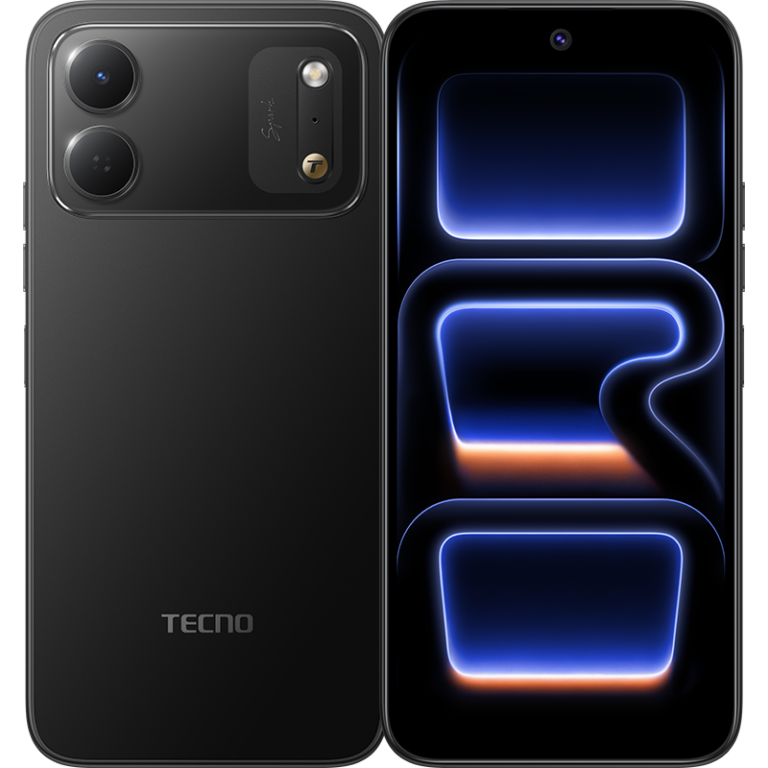
Assess the Spark 50C for casual games, demanding titles and sensible performance settings.
Start with the processor
The Spark 50C uses MediaTek Helio G81. It is better assessed as a budget everyday handset than a dedicated gaming phone. We have not benchmarked frame rates or measured thermal throttling on this device.
Different games, different demands
Puzzle and simple arcade games generally impose less load than multiplayer shooters or large open-world titles. For demanding games, check the current Play Store requirements and installability for the exact RAM and storage variant, then try low graphics settings. Network lag is distinct from low rendering performance.
Reduce interruptions
- Leave enough storage for game updates and temporary files.
- Close unnecessary background apps before playing.
- Reduce graphics quality if animation stutters.
- Take a break when the handset becomes unusually hot.
Buying advice
A 120Hz screen does not guarantee games will run at 120 frames per second. If gaming is your primary reason for buying, prioritize tested sustained performance, adequate physical RAM and controller or touch responsiveness over display marketing alone.
Read the memory buying guide before choosing a configuration.
Source: TECNO official specifications. See the TECNO Spark 50C at Infinite Tech for price and availability. Nairobi CBD: 0720450148.
Practical buyer’s tip
Before spending money specifically for gaming, check the game developer’s current device requirements. Leave room for additional downloads and updates, and test the actual game on the intended memory configuration when possible.
See the complete Spark 50C buying guide and article library for related advice.

One thought on “TECNO Spark 50C gaming performance: what Helio G81 can handle”
Comments are closed.