
TECNO Spark 50C charging guide: choosing a safe USB-C charger

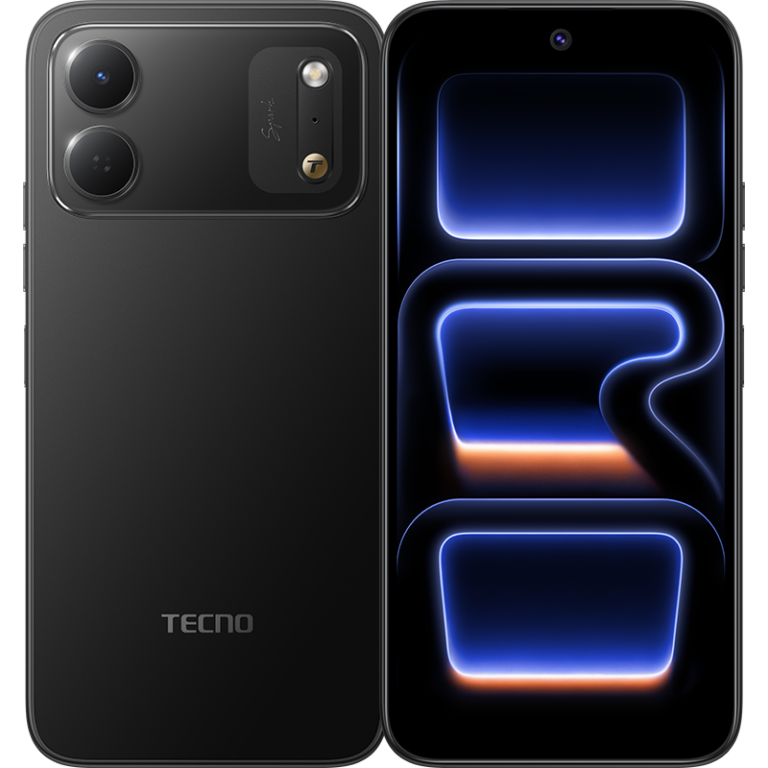
Choose a suitable charger and cable for the Spark 50C and troubleshoot slow charging.
What charger does it need?
The Spark 50C supports charging up to 15W through USB-C. A higher-rated adapter does not automatically make the handset charge faster: the phone, adapter and cable must negotiate compatible power. Confirm the supplied adapter and accessories when you collect your phone.
What to check on a charger
Look for a reputable manufacturer, clearly stated output ratings, an undamaged connector and a properly fitting Kenya-compatible plug. Avoid frayed cables and unmarked adapters. A charging cable is not necessarily rated for every adapter’s maximum power.
Troubleshooting slow charging
- Try a known-good cable and adapter in a working socket.
- Stop gaming or using the hotspot while charging; those activities consume power and produce heat.
- Check the charging port visually for debris. Do not insert metal objects or liquids.
- If charging is intermittent or the connector heats excessively, disconnect it and obtain a professional inspection.
Charging times vary with temperature, battery level and usage. No measured zero-to-full time is claimed here. See our battery endurance guide for daily power-saving tips.
Source: TECNO official specifications. See the TECNO Spark 50C at Infinite Tech for price and availability. Nairobi CBD: 0720450148.
Practical buyer’s tip
When comparing adapters, check their printed output profiles and whether the cable and handset support the same charging standard. A 15W ceiling is not a promise of continuous 15W input throughout the charging cycle.
See the complete Spark 50C buying guide and article library for related advice.

One thought on “TECNO Spark 50C charging guide: choosing a safe USB-C charger”
Comments are closed.