
Galaxy S25 Ultra S Pen for Notes and Screen Markup: Practical Tips

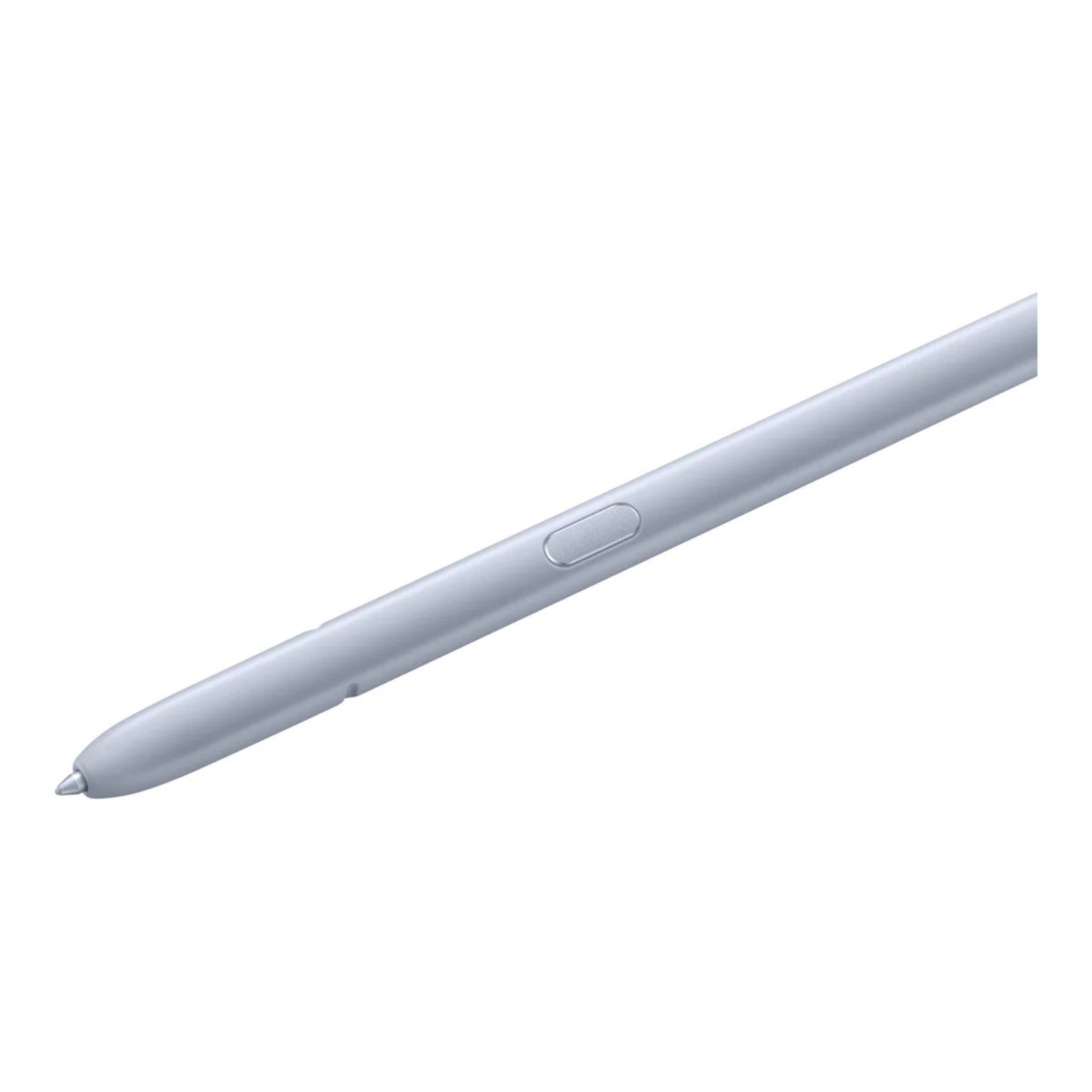
For the Galaxy S25 Ultra, the usefulness of a pen comes largely from precision on the screen. Samsung’s original S25 Ultra stylus is designed for writing without Bluetooth remote controls, so everyday workflows are a better starting point than camera gesture promises.
Set up a repeatable notes system
Create folders for work, personal reminders and study. Use concise titles with dates so handwritten pages are easier to find. For an urgent contact or order, review the transcription manually.
Annotate a screenshot
Circle a price, mark a button or highlight a paragraph. Share the final annotated image only after ensuring private details are not visible in the screenshot.
Sketch diagrams rather than typing
A quick room plan, wiring diagram or flowchart can explain a technical point faster than several messages. Check the pen’s response to slow lines and small labels.
Test your replacement before relying on it
Write with the actual replacement and confirm the tip is stable, the button works where claimed and the pen stores safely. For a shared listing gallery, verify the delivered colour.
Understand what is not included
Normal note-taking does not imply Bluetooth Air Actions. The S25 Ultra’s original pen is not a remote camera controller.
Frequently asked question
Can I use an S25 Ultra S Pen for handwritten notes without pairing?
The original pen does not require BLE pairing; confirm the offered replacement can register writing on the phone.
Replacement options in Nairobi
Compare the Galaxy S25 Ultra replacement-style S Pen listing at Infinite Tech, priced at KSh 4,995. Shared photos do not prove that the same pen fits all Ultra generations, and physical stock, colour, originality and features should be confirmed. Visit Rehema House, Standard Street, Nairobi CBD, 1st Floor Shop 2, or call 0720 450 148.
See Samsung’s official S25 Ultra S Pen guide for its original pen’s features and Bluetooth limitations. Those specifications should not be attributed to an unverified replacement.
