
Galaxy S25 Ultra S Pen Fit Test: Avoid a Pen That Cannot Click In

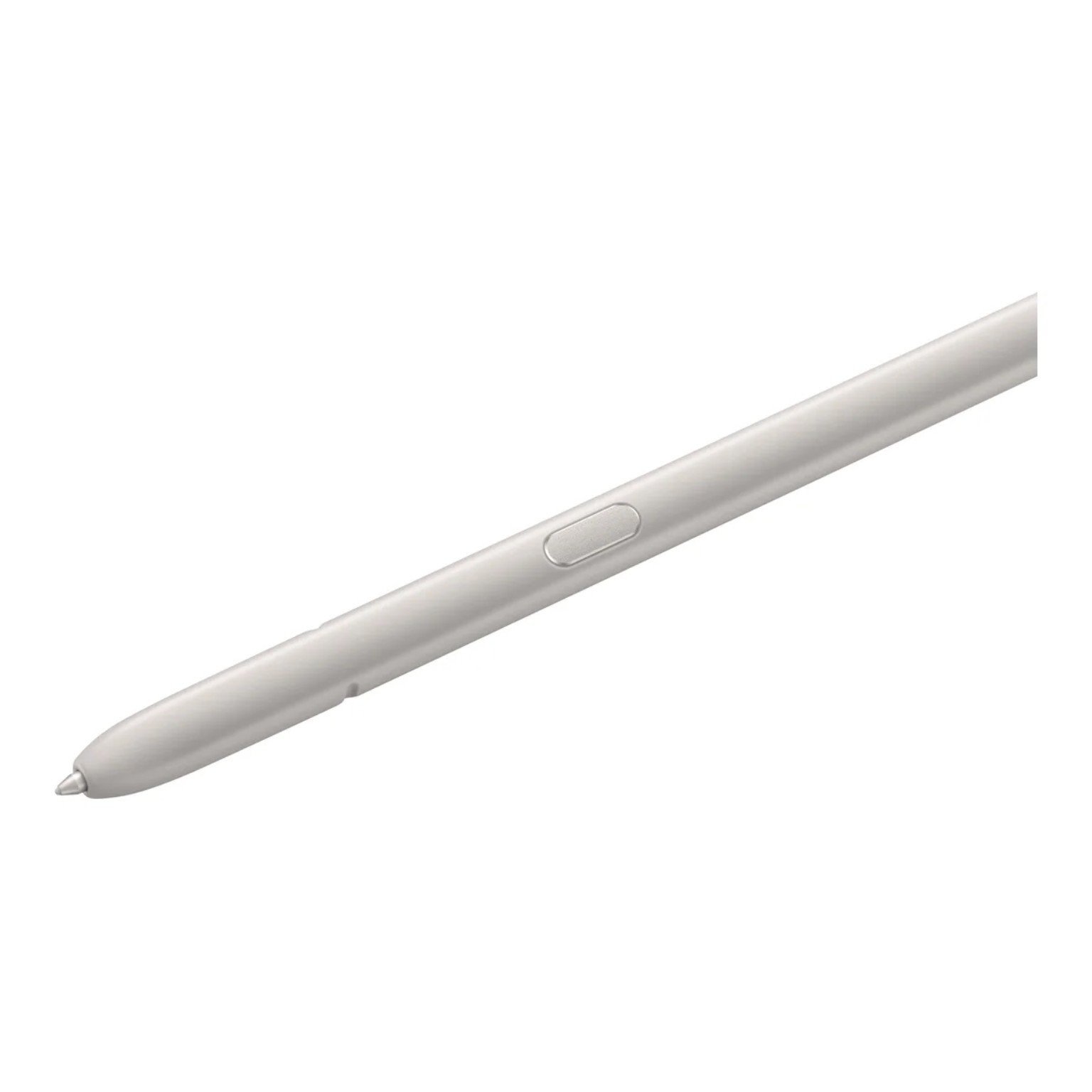
Replacement S Pens can look almost identical in photographs, but the end cap and body dimensions are critical on an Ultra phone with internal pen storage. The Galaxy S25 Ultra should be tested with the actual accessory, not just an image of similar pens.
Check the click-cap mechanism
Press and release the cap while the pen is outside the phone. Watch for irregular movement, a sticking button or visible damage. A failed cap can make pen removal difficult.
Check the length and barrel
Compare the proposed replacement to the model-specific reference accessory where available. Do not attempt to compensate for a mismatch by pushing harder or trimming the pen.
Perform a careful storage check
Insert only in the proper orientation and stop immediately if resistance is unusual. A pen that sticks in the compartment should be referred to a technician rather than extracted with improvised tools.
Check function after removal
After a safe fit test, write several short words and test the tip. Mechanical fit alone does not prove drawing quality, and writing alone does not prove storage fit.
Keep ordering records
Save the accessory packaging photo, precise S25 Ultra model name, colour and any recorded compatibility assurance from the seller.
Frequently asked question
Is a pen that draws on the S25 Ultra guaranteed to fit the slot?
No. Screen-input support and physical storage compatibility are different tests.
Replacement options in Nairobi
Compare the Galaxy S25 Ultra replacement-style S Pen listing at Infinite Tech, priced at KSh 4,995. Shared photos do not prove that the same pen fits all Ultra generations, and physical stock, colour, originality and features should be confirmed. Visit Rehema House, Standard Street, Nairobi CBD, 1st Floor Shop 2, or call 0720 450 148.
See Samsung’s official S25 Ultra S Pen guide for its original pen’s features and Bluetooth limitations. Those specifications should not be attributed to an unverified replacement.
