
Galaxy S26 Ultra S Pen for Handwriting, Sketching and Notes

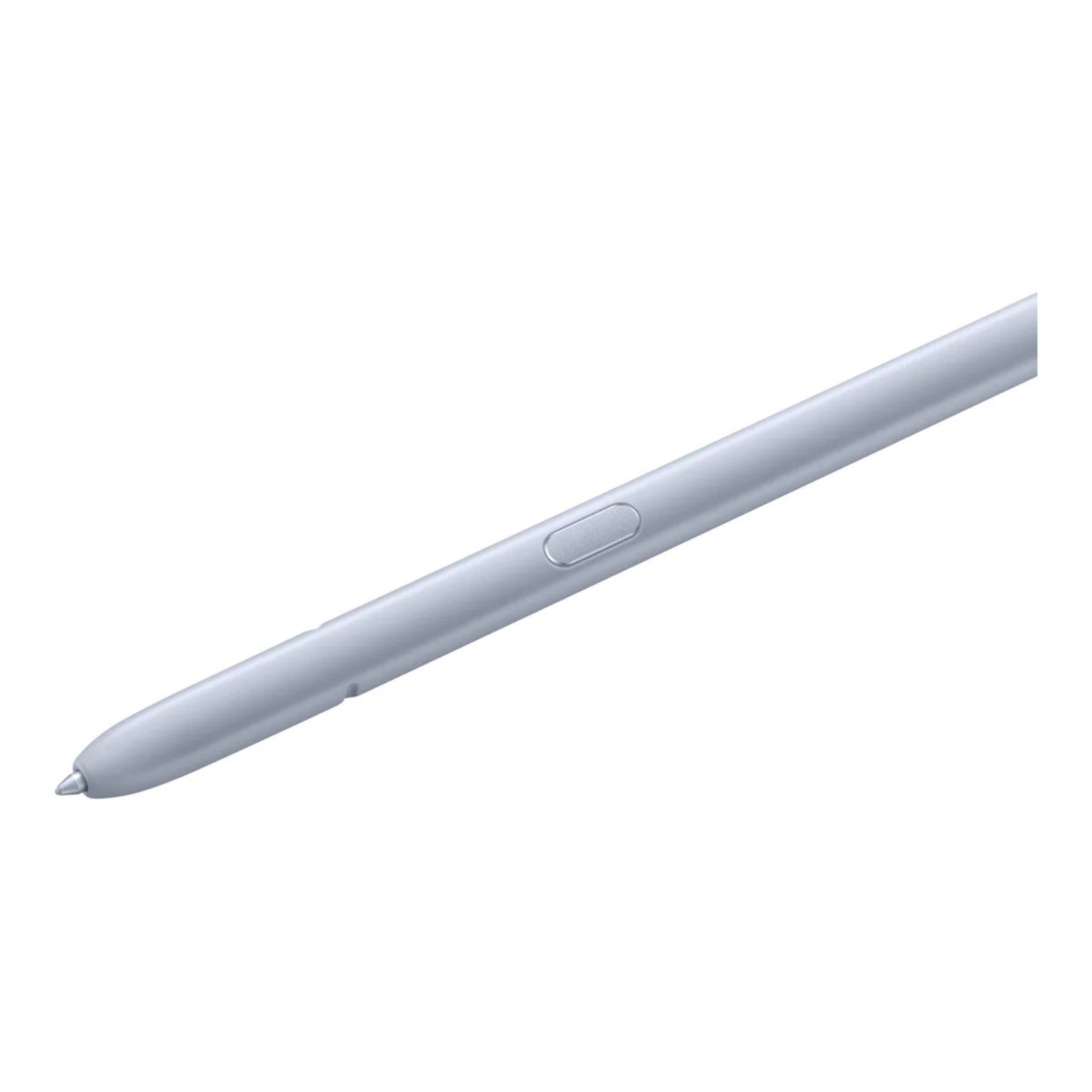
The most useful Galaxy S26 Ultra pen features do not depend on Bluetooth remote gestures. The phone’s original S Pen is designed for direct interaction with the screen, which can suit note-taking, quick sketches and markup tasks.
Use short notes consistently
Create folders for work, personal tasks and studies. Add clear dates and headings so brief handwritten notes remain useful weeks later.
Sketch a process or layout
Draw a wiring plan, a desk layout or a flow diagram when a visual explanation is clearer than paragraphs. Test the tip’s line continuity before relying on an unfamiliar replacement.
Markup documents carefully
In a compatible note or PDF app, highlight relevant clauses and mark questions in the margins. Reopen exported documents to ensure the pen strokes were saved.
Try screen selection and annotation
Supported applications may allow precise selection or screenshot markup. Check the workflow on your phone’s installed software rather than assuming every demonstration from another Galaxy version applies unchanged.
Prioritize a dependable accessory
For these tasks, choose consistent writing input, a comfortable tip and verified physical fit. Samsung’s original S26 Ultra pen does not provide Bluetooth Air Actions, and a replacement should not be marketed as a built-in remote shutter.
Frequently asked question
Is Bluetooth required for S26 Ultra handwriting?
No for Samsung’s original pen; confirm that the specific replacement correctly registers input on your handset.
Shop for your exact device
View the Galaxy S26 Ultra replacement-style S Pen at Infinite Tech — KSh 4,995. Check actual colour, manufacturer details, model-specific fit and stock before ordering.
Infinite Tech is at Rehema House, Standard Street, Nairobi CBD, 1st Floor Shop 2. Contact: 0720 450 148. These are replacement-style listings; shared product photos are not proof of official Samsung manufacture or interchangeable fit.
Compare with Samsung’s original Galaxy S26 Ultra S Pen instructions and Samsung’s Air Actions compatibility guide. Those documents describe Samsung’s original products, not unverified third-party replacements.
