
MacBook Air Trade-In Nairobi: Intel and Apple Silicon Inspection Guide

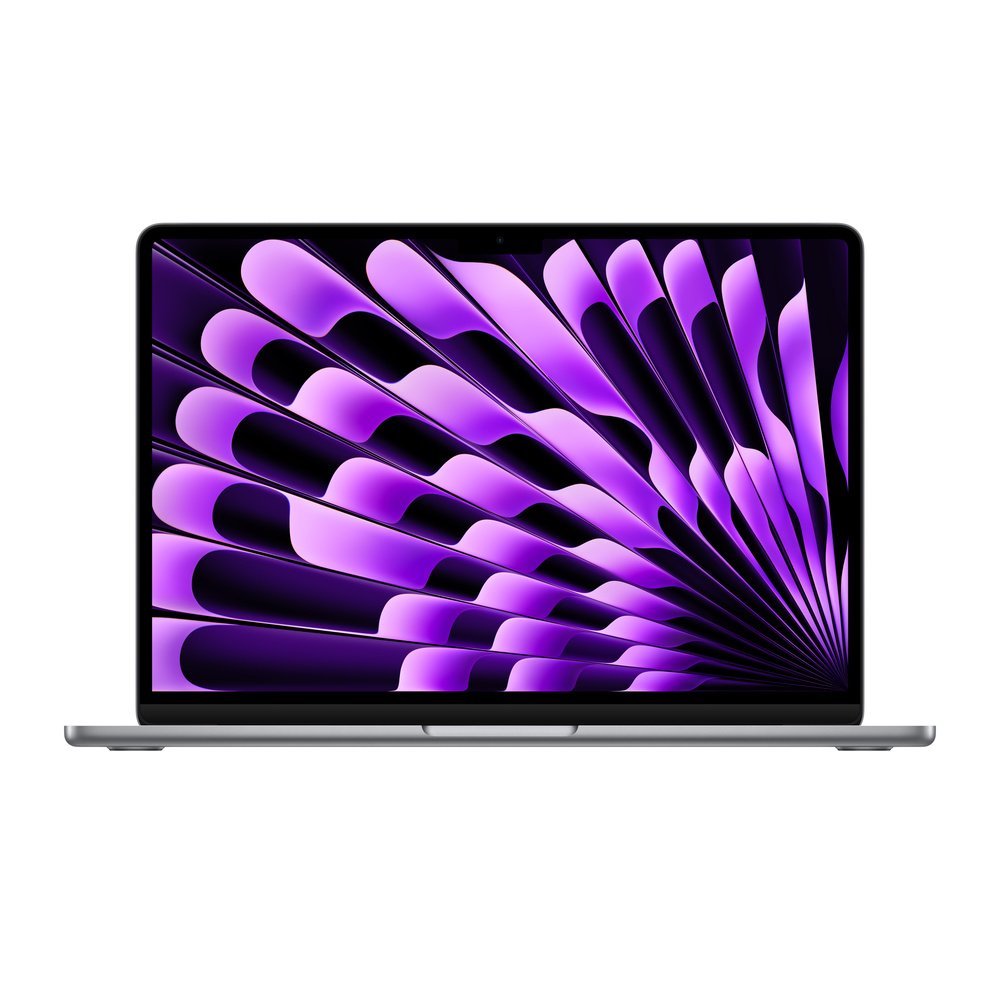
MacBook Air Trade-In Nairobi: Intel and Apple Silicon Inspection Guide
MacBook Air owners considering an upgrade should identify their model year and chip before asking for an exchange. Intel, M1, M2, M3 and later generations differ in capability and resale prospects, and a trade-in enquiry must identify the exact configuration.

Identify chip, memory and storage
Use About This Mac to confirm the chip or processor, memory, macOS version and storage. An 8GB/256GB machine and a higher-memory model require separate assessment. Also check display condition, keyboard, trackpad, ports and battery behaviour.
Verify security and ownership
Find My Mac, Activation Lock and organization-managed settings can prevent legitimate resale. Do not erase the Mac prematurely if important files have not been saved. Company-owned units need authorization before any purchase or exchange can proceed.
Choose a new computer for your workflow
A student may prioritize a light portable laptop, while a media professional may need more ports and capacity. Explore MacBooks and Windows alternatives on Infinite Tech, then ask whether the existing MacBook Air qualifies for an assessed exchange.
How to request an assessment in Nairobi
Tell Infinite Tech the exact device identity, condition and which product you hope to obtain. Preliminary conversations do not guarantee an offer: acceptance depends on lawful ownership, full inspection, resale viability and stock. If the unit is damaged, ask before bringing it. No fixed cash value or top-up is published in this guide.
Related guides
Trade-in questions
Do I need the original box or receipt?
These documents are helpful but optional. Identity and ownership verification are still required.
Can I get a binding quote over WhatsApp?
No. A final decision requires appropriate checks of the actual device. Contact the shop first to confirm that the category is accepted.