
IMEI, iCloud Activation Lock and Google FRP Before Phone Trade-In

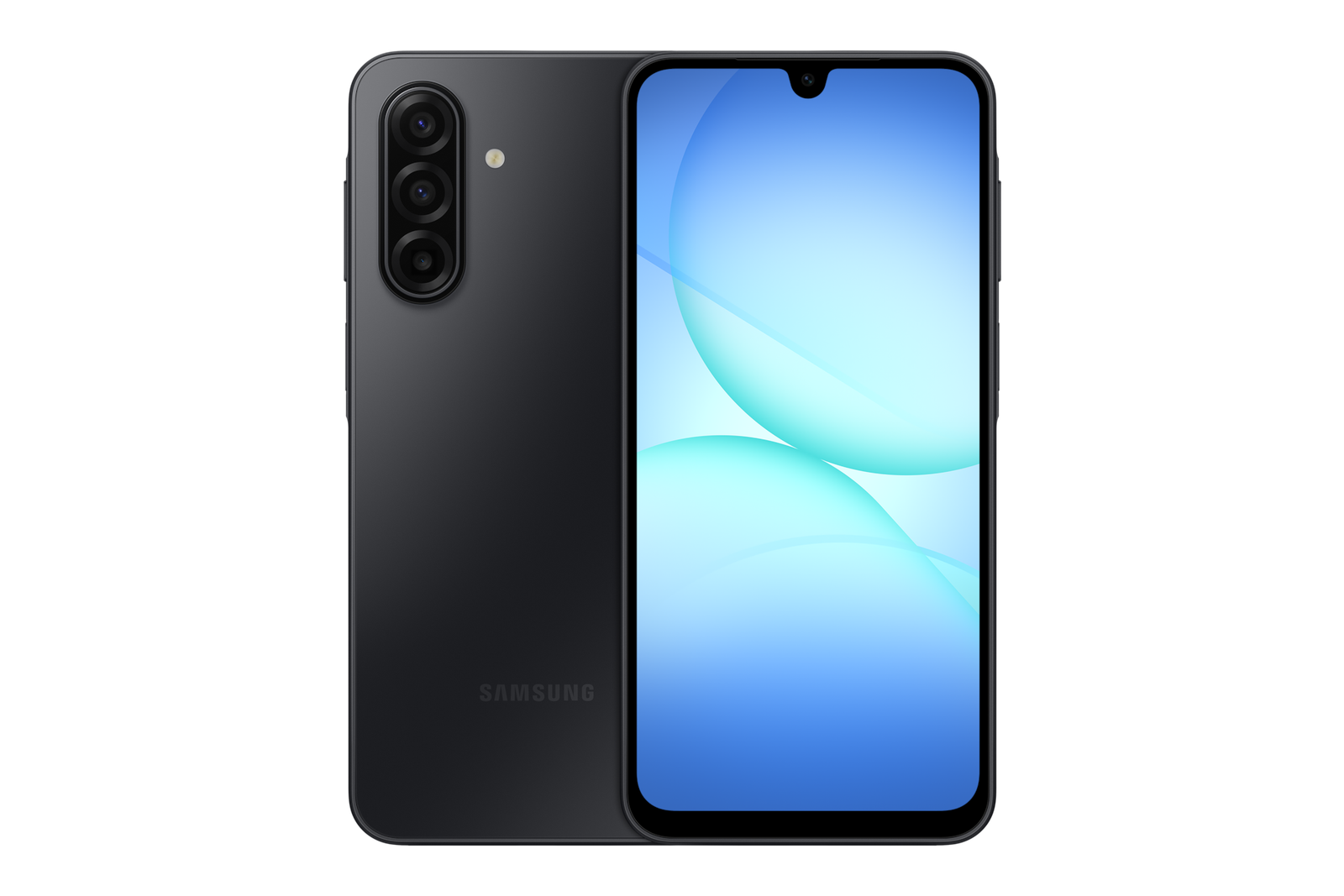
IMEI, iCloud Activation Lock and Google FRP Before Phone Trade-In
Device security checks protect both seller and buyer. IMEI verification helps confirm a handset’s identity, but it is not a substitute for proof of ownership or an assurance that the phone was never reported stolen.
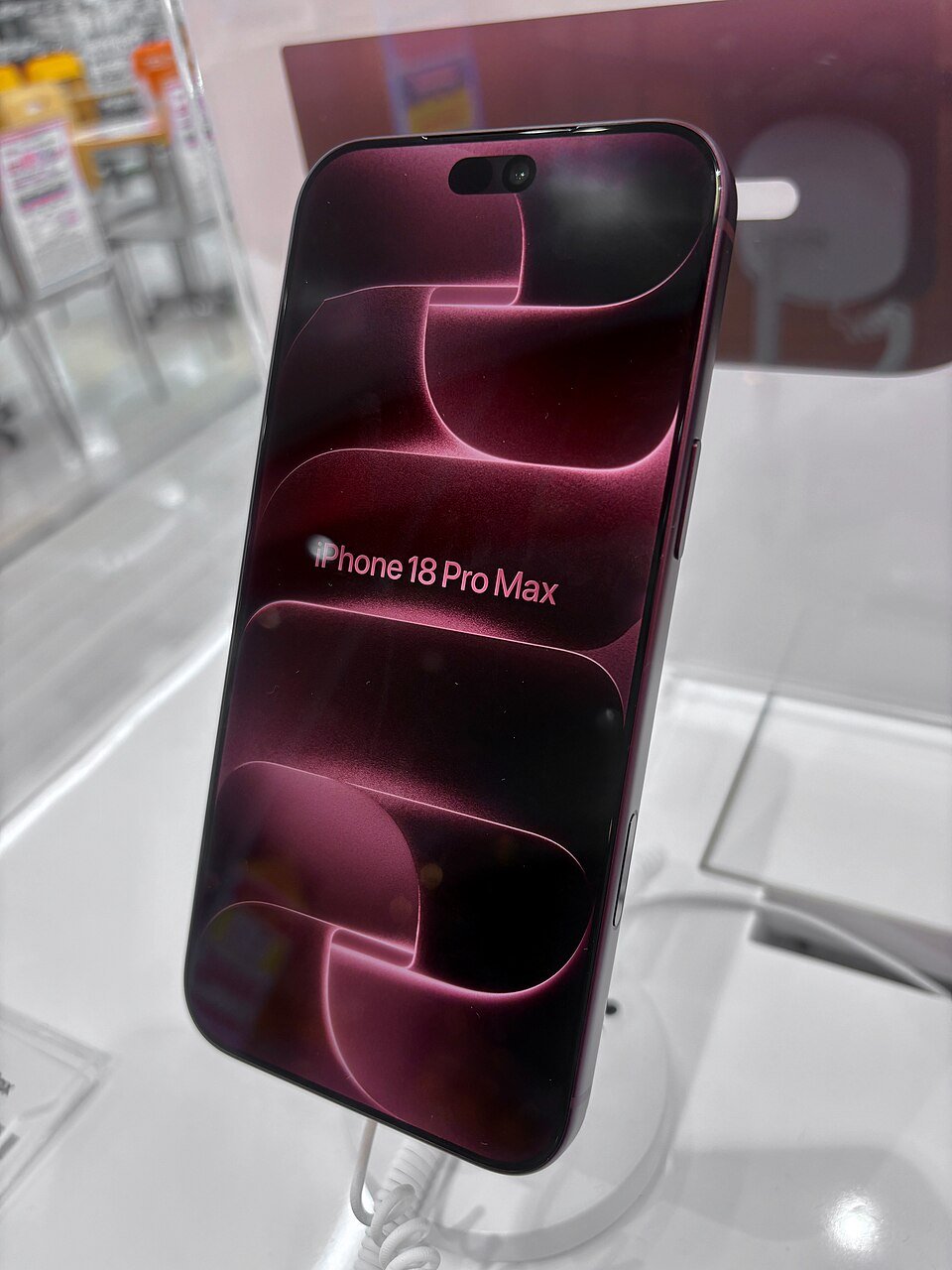
Find and check identification numbers
On many smartphones you can dial *#06# or open Settings → About to view the IMEI. Dual-SIM devices may have more than one IMEI. Compare records against the actual device, and never edit identifiers or use modified labels to obscure its identity.
Remove account locks legitimately
Apple Activation Lock and Google’s Factory Reset Protection are designed to deter theft. The lawful owner should follow the manufacturer’s procedures to sign out, remove paired devices and prepare a handset for sale. A retailer should refuse instructions to bypass security.
Plan data transfer and identity verification
Complete cloud and local backups first, transfer SIM/eSIM and two-factor authentication, and confirm access to financial apps. Original purchase receipts and boxes are optional; an ID and acceptable evidence of lawful ownership may still be required.
How to request an assessment in Nairobi
Tell Infinite Tech the exact device identity, condition and which product you hope to obtain. Preliminary conversations do not guarantee an offer: acceptance depends on lawful ownership, full inspection, resale viability and stock. If the unit is damaged, ask before bringing it. No fixed cash value or top-up is published in this guide.
Related guides
Trade-in questions
Do I need the original box or receipt?
These documents are helpful but optional. Identity and ownership verification are still required.
Can I get a binding quote over WhatsApp?
No. A final decision requires appropriate checks of the actual device. Contact the shop first to confirm that the category is accepted.