
JBL Boombox 4 Party Playback With Multiple Phones: Pairing Etiquette and Source Control

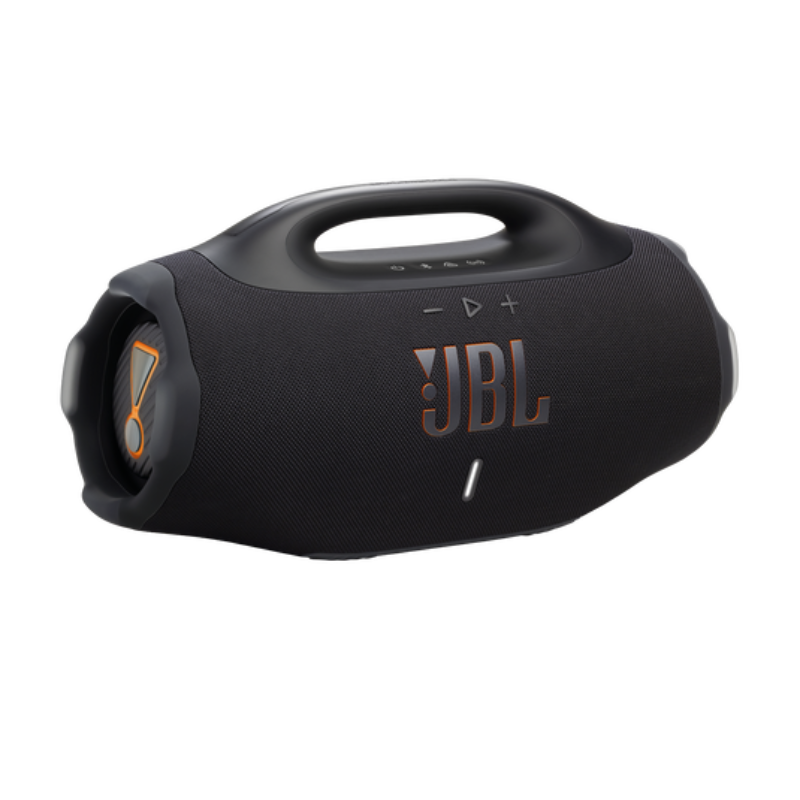
Manage a shared Bluetooth speaker at gatherings without accidental interruptions or unwanted pairing.
Check supported connections
Consult the exact model’s Bluetooth and multi-device instructions. Pair the designated source first and determine how another phone can take over playback. Do not assume all JBL generations support the same behavior.
Agree on a playlist
Choose a single source or a supported sharing method before the gathering. Disable unexpected notification sounds in the playback setup as appropriate. Avoid connecting unfamiliar devices or sharing private account credentials.
Recover a lost connection
If music stops, confirm which phone is connected, check distance and restart playback from the agreed source. Remove obsolete pairings using JBL’s instructions after the event.
Frequently asked question
Can any number of phones control the speaker simultaneously?
No. Connection limits and playback control depend on the exact model.
Compare JBL Boombox 4, JBL Boombox 3 Wi-Fi. Consult manufacturer guidance and contact Infinite Tech Nairobi for current stock and warranty.
