
Huawei FreeClip 2 Bluetooth Troubleshooting: One Earbud Silent or Pairing Failed

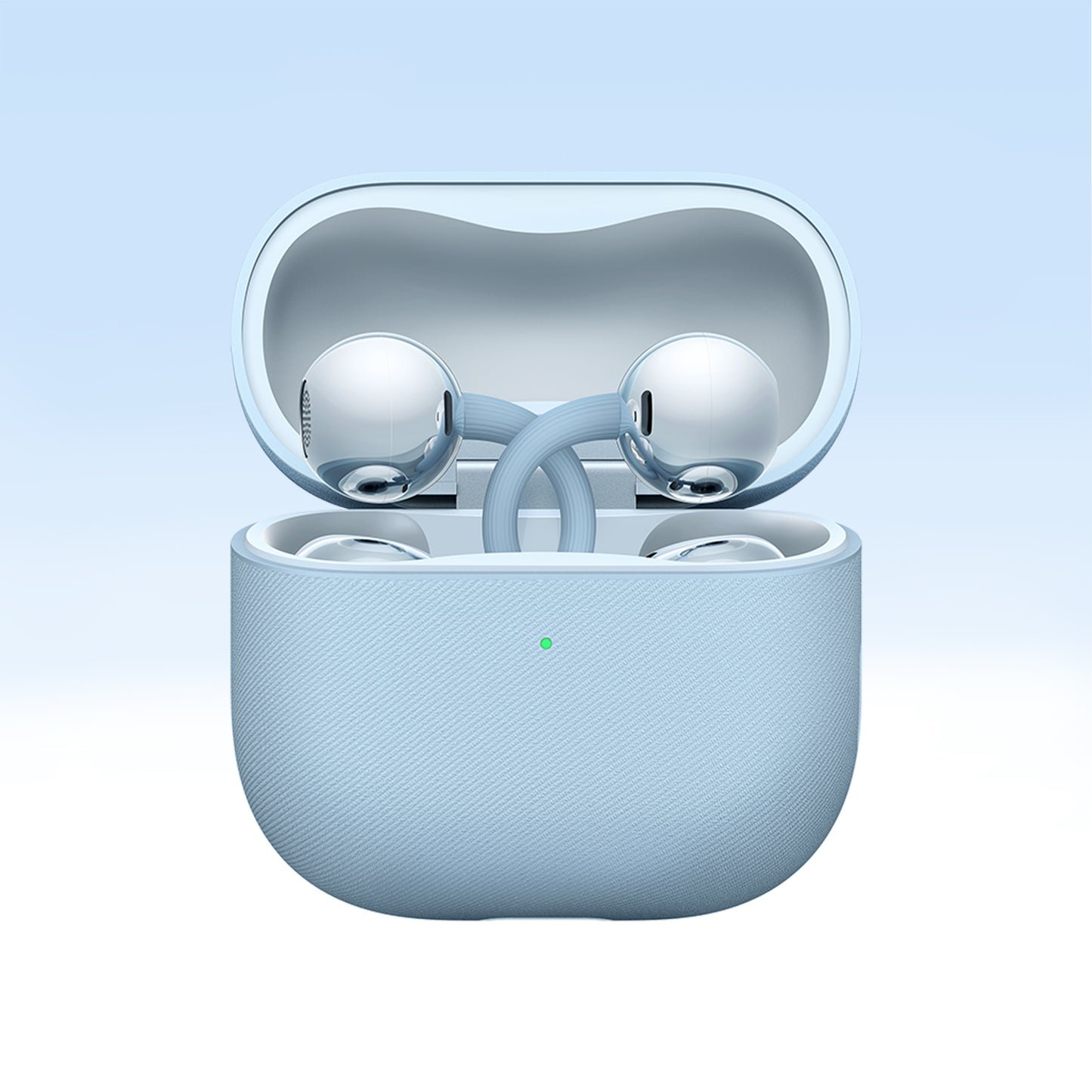
Diagnose connection failures and uneven sound without immediately resetting or replacing Huawei FreeClip 2.
Before you begin
Start by charging both earbuds and the case. Check that the intended device is connected and that left-right audio balance is centered. Try a known audio track and test another device.
Practical checks
If pairing fails, review nearby previously paired devices and disconnect conflicting connections. Follow Huawei’s official pairing procedure, then check whether an app or firmware update is available.
Make the right decision
Only use the documented reset procedure after simpler checks; this may remove saved pairings. If charging or audio still fails, record the symptoms and contact warranty support rather than opening the earbuds.
Frequently asked question
Does a silent earbud always mean the speaker is broken?
No. Charge, audio balance, pairing and obstruction are common possibilities.
Compare Huawei FreeClip 2 at Infinite Tech. Read the official manufacturer support information and contact our Nairobi shop for current availability and warranty.
