
Apple HomeView Privacy: Shared Family Display and Personal Information

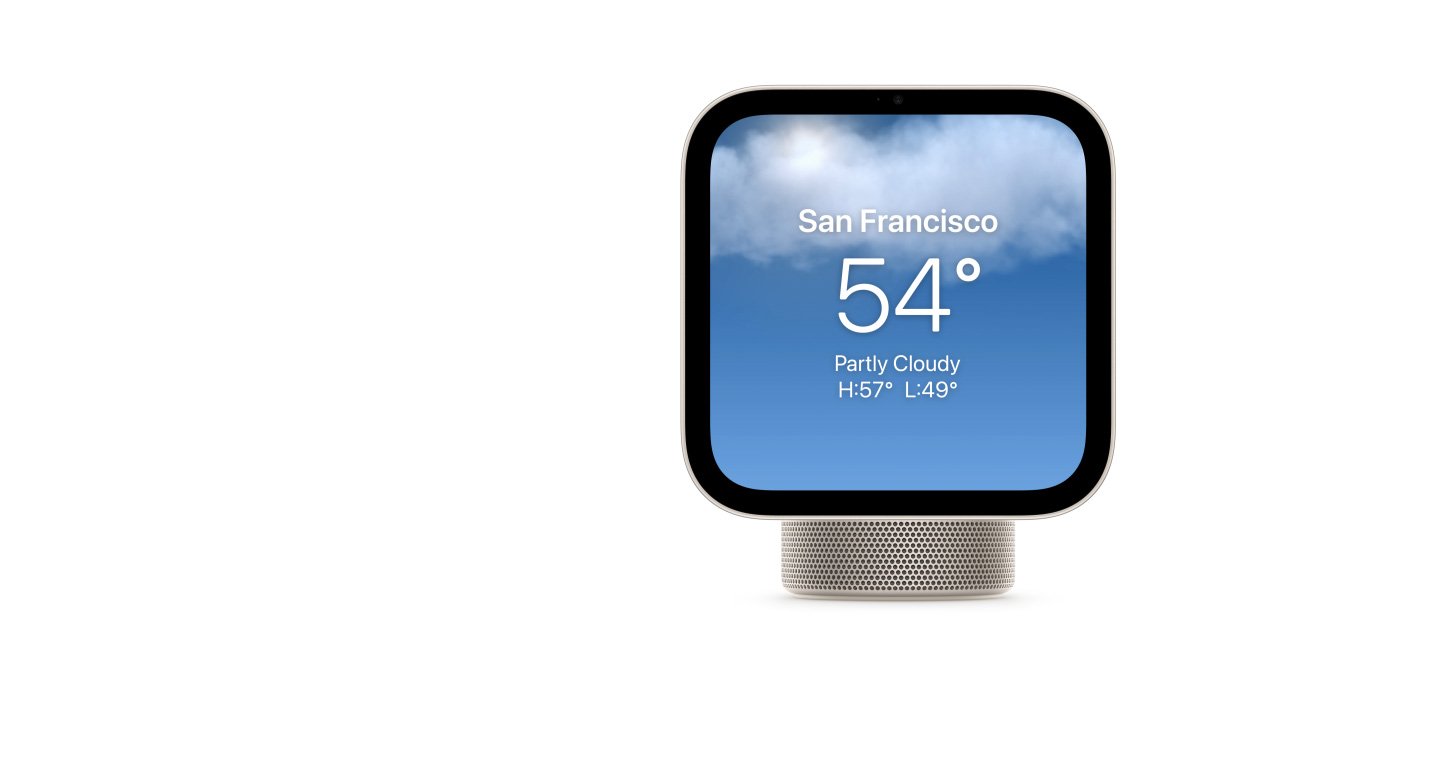
A shared smart display should not expose everyone’s appointments or messages to visitors. Apple describes face recognition for up to six users and conditional personal-content access when paired devices meet its requirements.
Set household roles first
Decide who owns the Apple Home, who is allowed to manage accessories and who should see personal content. Give each person their own account where supported; avoid sharing one Apple Account password with the whole family.
Check recognition and access
Apple says personal content is tied to recognition and conditions involving the user’s paired device. Test what is displayed when the owner walks away, when a guest approaches and when the paired phone is locked. Do not assume a privacy setting works until verified.
Place the camera thoughtfully
A communal kitchen or lounge may be suitable, while a guest bedroom or sensitive work area may not. Review camera and microphone settings and tell household members about the device.
Before resale or transfer
Remove the device from the home, follow Apple’s reset instructions and verify that it is no longer associated with the previous owner. Never include account credentials in a sale or handover.
Product information and sources
Check the Apple HomeView listing at Infinite Tech and compare the Apple HomePod mini. Manufacturer reference: Apple documentation. This is a buying guide based on published specifications, not a hands-on review. Product prices and stock may change.
For model confirmation or Nairobi collection, call Infinite Tech on 0720450148 or contact the shop.
