
Apple HomeView and Matter: Smart Home Accessory Compatibility Checklist

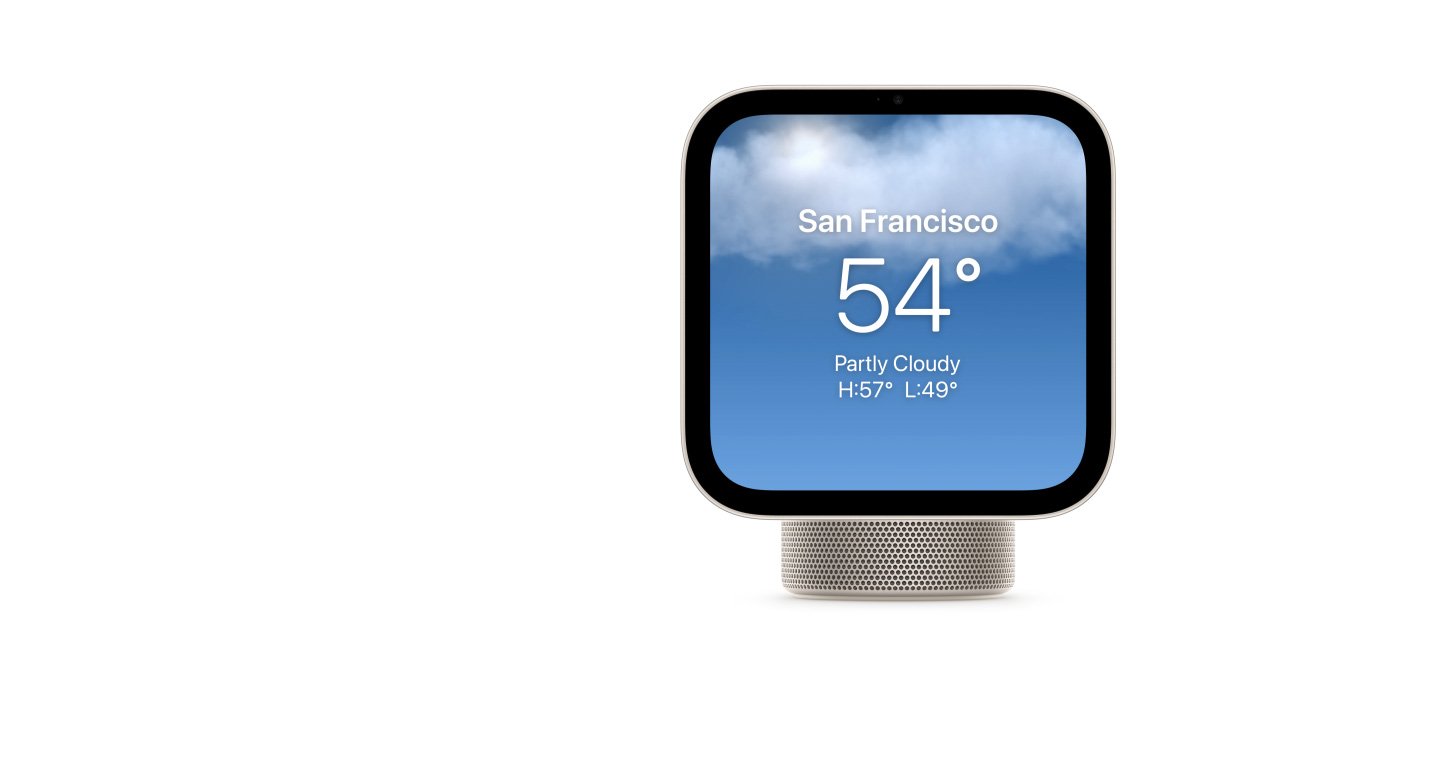
A smart display does not make every Wi-Fi light, lock or camera compatible with Apple Home. The device must support the relevant accessory platform, and some products need a separate bridge or specific network technology.
Check the actual model
Look up the accessory’s model number and manufacturer compatibility documentation. A brand may sell both Apple Home-compatible and incompatible variants. Matter is a common interoperability standard, while Thread is a networking technology; they are not interchangeable.
Plan the network
Ensure the required hub or border router is available for Thread-based devices. Keep the controller and accessories on a properly configured local network. Guest network isolation can stop discovery even where internet access is working.
Start with one accessory
Pair one compatible plug or light using its manufacturer’s setup instructions. Verify status updates, manual control and any remote access you expect before purchasing a large bundle. Never use a smart plug beyond its rated load.
Budget for accessories
Ask the retailer whether a compatible bridge or mount is required, and confirm regional features of HomeView. The display and additional smart-home products are separate purchases.
Product information and sources
Check the Apple HomeView listing at Infinite Tech and compare the Apple HomePod mini. Manufacturer reference: Apple documentation. This is a buying guide based on published specifications, not a hands-on review. Product prices and stock may change.
For model confirmation or Nairobi collection, call Infinite Tech on 0720450148 or contact the shop.
