
Hisense AC Remote Modes: Cool, Dry, Fan and Auto Explained

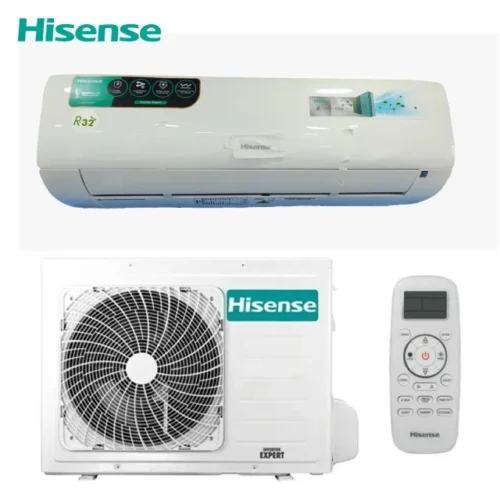
Air conditioner remote controls may show Cool, Dry, Fan and Auto modes, but their exact behaviour depends on the model and software. Confirm the functions in the matched indoor unit’s manual rather than assuming every symbol has the same meaning.
Choose the mode for the task
| Common mode | What to check |
|---|---|
| Cool | Temperature target, fan settings and operating range |
| Dry | How the model manages moisture and whether target settings are limited |
| Fan | Whether the indoor fan operates without active cooling |
| Auto | The manufacturer’s logic for selecting operation |
Control and comfort checks
Use the remote’s documented buttons and confirm the indoor unit receives commands. A very low target temperature does not necessarily cool a room faster. Keep air paths clear, and use qualified maintenance when performance remains poor. Verify whether heating is supported before selecting a heating symbol.
Compare models
The AS-09UW4SGDTU01 and AS-12CR4SVETG07 have different listed capacity and configuration. Confirm available operating modes, exact remote functions and installation requirements. See the filter maintenance guide.
Explore the Hisense Knowledge Centre and confirm the exact regional model, current price, physical stock and warranty with Infinite Tech before ordering. This independent retailer guide uses catalogue information and general technical guidance, not hands-on test results.
