
Hisense TV Subtitles and Accessibility: Captions, Text Size and Audio Options

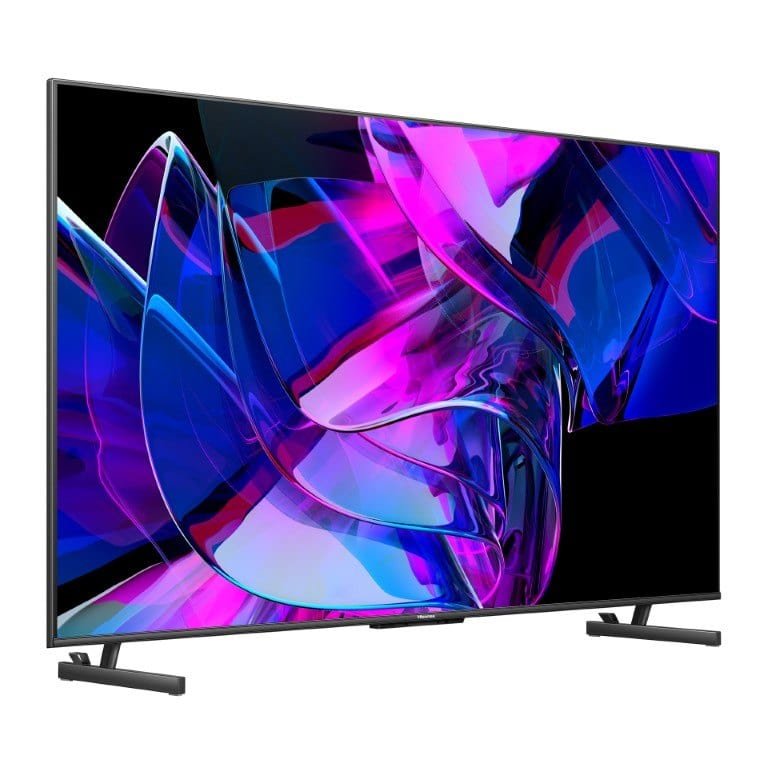
Captions and accessibility features can originate in the television, a decoder or a streaming application. A subtitle option in one app does not establish support across all content. Buyers who depend on captions should test the actual source and television combination.
Identify which device controls the text
For a decoder, check the broadcaster’s caption availability and decoder menu. For streaming, look for the language and subtitle options on the specific title. The television’s own caption controls may apply only to particular broadcasts or inputs.
Evaluate readability
Try your normal seating distance and check font size, contrast, background and positioning where adjustable. If captions are too small or obscure the image, determine whether the app or external device provides an alternative style. Verify supported audio-description tracks and spoken menu features separately if needed.
Buy with a real demonstration
Ask to test the exact 43A6QKEN or 65A6QKEN using a relevant source. The screen’s diagonal and smart-platform name are insufficient to guarantee a specific accessibility feature. See the wide-room viewing guide for seating considerations.
Explore the Hisense Knowledge Centre and confirm the exact regional model, current price, physical stock and warranty with Infinite Tech before ordering. This independent retailer guide uses catalogue information and general technical guidance, not hands-on test results.
