
Hisense TV Firmware Updates: Official Software and Safe Update Checklist

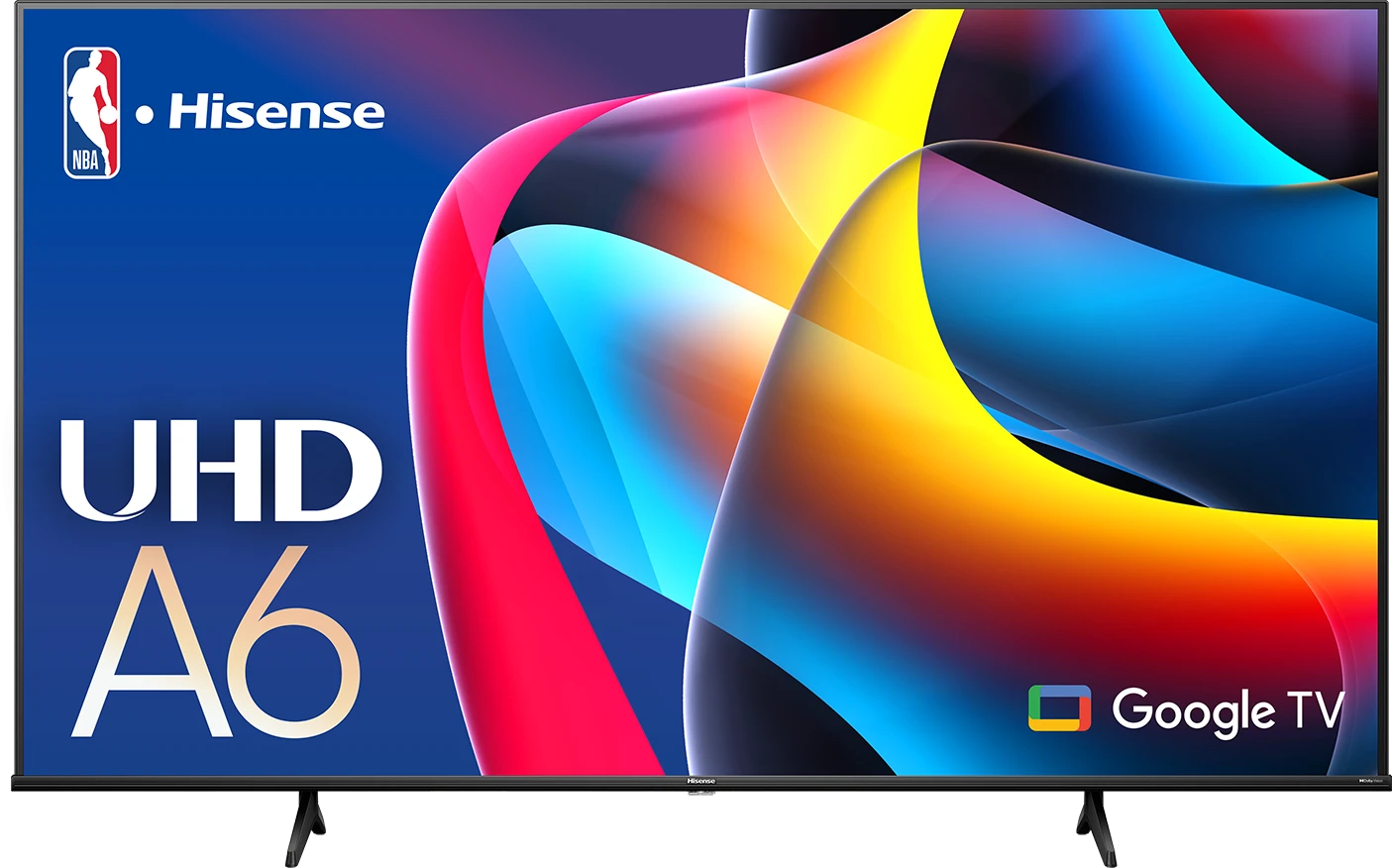
A firmware update can change smart applications, menus or device behaviour. Use only software supplied through an approved manufacturer channel for the exact regional TV model. A similarly named television sold in another country may use different hardware and firmware.
Identify the model and current version
Record the full model number, including regional suffix, and software version using the rating label and supported settings. Check the model’s official support documentation or contact the authorised service provider. Do not share serial numbers publicly or download files from unknown forums.
Prepare for the update
Review the official release instructions, ensure stable power and network connectivity where required, and allow the process to complete without interruption. Save important account information and record settings you may need to restore. Do not force a restart during an update unless the official instructions direct you to.
If an update fails
Record the error and contact qualified support; avoid service-menu changes or cross-model firmware. When comparing the 58A6N and 58A6HKEN, check ongoing software support and required apps. Read the replacement guide for broader upgrade decisions.
Explore the Hisense Knowledge Centre and confirm the exact regional model, current price, physical stock and warranty with Infinite Tech before ordering. This independent retailer guide uses catalogue information and general technical guidance, not hands-on test results.
