
Hisense TV HDMI Port Planning: Decoder, Soundbar, Console and Streaming Device

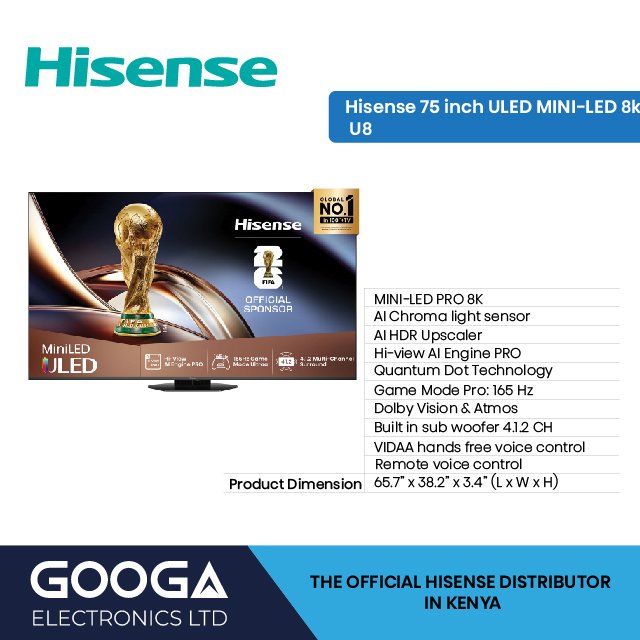
Count your devices before buying a television. A decoder, game console, streaming stick and soundbar may occupy four connections. Some TVs have only a subset of inputs supporting particular resolutions or return audio. Verify the actual port map for the supplied model.
Build a connection matrix
| Device | What to verify |
|---|---|
| Decoder | Supported resolution and available input |
| Console or PC | Required resolution, refresh rate and VRR if needed |
| Soundbar | ARC/eARC compatibility on the labelled port |
| Streamer | Spare input, supported format and power arrangement |
Avoid an unexpected bottleneck
Check whether an external HDMI switch or receiver supports every required signal feature before relying on it. The cable, source and display must all support the intended mode. Plan for future devices and leave room for cable bends near a wall mount.
Catalogue candidates
Compare the 75Q7QKEN and 65U7Q Pro with the exact input diagrams. Consult the optical versus HDMI ARC guide for audio-specific setup. Do not infer the port count or capabilities from the screen size alone.
Explore the Hisense Knowledge Centre and confirm the exact regional model, current price, physical stock and warranty with Infinite Tech before ordering. This independent retailer guide uses catalogue information and general technical guidance, not hands-on test results.
