
Hisense TV and Soundbar Lip-Sync Problems: Audio Delay Diagnosis

When dialogue does not match lip movement, determine whether sound leads or follows the picture. Delay can arise in the source device, video processing, audio format conversion or wireless transmission. Test before changing several settings at once.
Isolate the signal path
Play the same familiar clip through built-in TV speakers and the external soundbar. Compare a TV app with an HDMI-connected source. If only one source is affected, investigate its output format and settings. If the issue occurs only with Bluetooth, compare a supported wired connection.
Check supported sync controls
Review audio-delay or lip-sync controls on the TV and soundbar. Some controls add delay rather than remove it, so note the direction of the mismatch before adjusting. Use a documented compatible audio format and record original settings. Avoid treating a random online value as universal.
Buying and troubleshooting
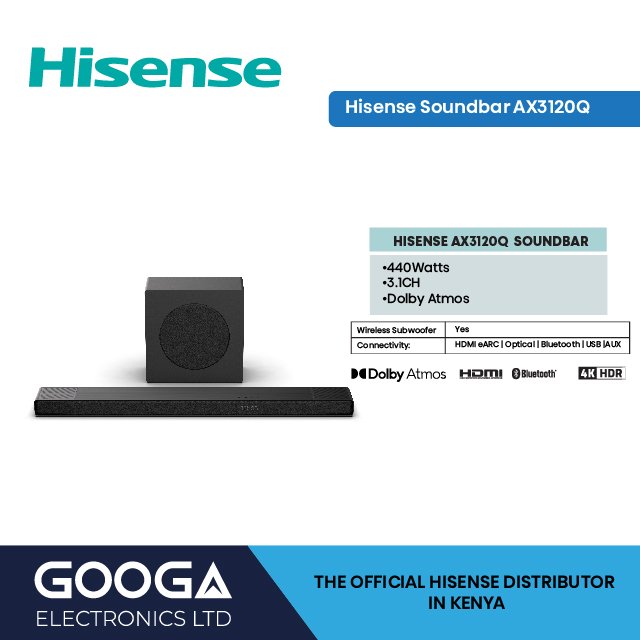
Compare the AX3120Q and AX3100Q for compatible inputs and documented adjustment features. Verify the full source-TV-soundbar chain. See the connection guide and dialogue clarity guide for related checks.
Explore the Hisense Knowledge Centre and confirm the exact regional model, current price, physical stock and warranty with Infinite Tech before ordering. This independent retailer guide uses catalogue information and general technical guidance, not hands-on test results.
