
Hisense Display Chiller Stock Loading in Kenya: Airflow and Temperature Recovery Guide

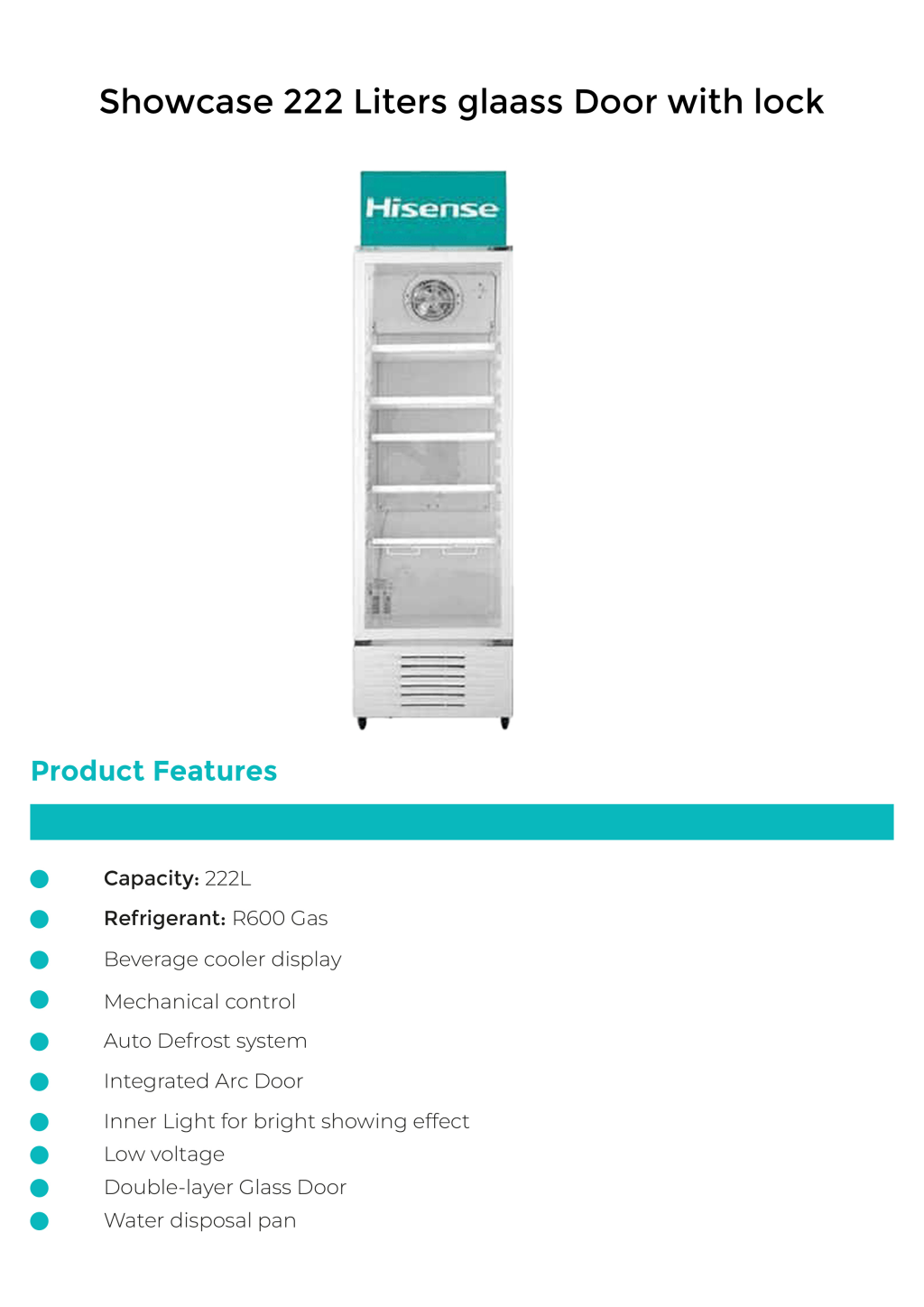
How a glass-door display chiller is loaded affects visibility, airflow and the cabinet’s ability to recover after restocking. A drinks cabinet in a Kenyan shop, café or minimart may be opened frequently and replenished throughout the day. Filling every shelf to the edge can make products harder to reach and may obstruct designed air paths. This guide explains practical stock-loading habits for Hisense display chillers; the maximum load, shelf arrangement and temperature limits must come from the exact model manual and the business’s food-safety plan.
1. Start with the loading diagram and shelf limits
Check the supplied manual for shelf positions, load limits and required space around internal air outlets and returns. Do not assume every shelf can carry the same weight or that all models have identical circulation paths. Keep products within the shelf footprint and avoid leaning heavy cartons against glass doors or internal panels.
2. Do not block supply and return airflow
Many display cabinets circulate cooled air through designed vents or channels. Products stacked directly against those openings can contribute to uneven temperatures. Leave the clearance shown in the manual and avoid packing stock so tightly that air cannot move around containers. If one shelf consistently feels warmer, record the observation and have the loading layout and cabinet operation checked rather than moving the thermostat repeatedly.
3. Load chilled stock rather than using the cabinet as a rapid cooler
A display chiller is generally intended to maintain products within its specified operating range, not to rapidly cool a large delivery of warm drinks. Adding many warm bottles at once can raise the cabinet temperature and increase recovery time. Follow the model’s operating instructions and the business’s product-handling plan. Where the supplier’s cold chain requires it, pre-chill stock in suitable equipment before transferring it to the display cabinet.
4. Organise restocking to reduce door-open time
Prepare cartons and arrange the shelf plan before opening the cabinet. Restock in manageable groups, close the door between tasks and avoid leaving it open while sorting inventory. A door that remains open allows warm humid air to enter and may increase condensation. Our display chiller condensation guide explains how room humidity and door habits can affect glass visibility.
5. Use first-in, first-out stock rotation
Place older stock where staff can select it first while keeping labels and expiry information visible. Do not hide older items behind new deliveries. A simple shelf map can reduce time spent searching with the door open. Keep a separate record of damaged packaging, expired products and items that were outside the business’s required temperature controls.
6. Monitor temperature with a consistent method
Use a suitable thermometer or monitoring method appropriate to the cabinet and the products being stored. Record readings at consistent times, including after large restocking events if required by the business’s procedure. Do not rely only on the display setpoint as proof that every shelf or product has reached the intended temperature. Follow the exact model’s sensor placement and temperature guidance, and use a separate calibrated instrument where the business requires one.
7. Plan for busy periods and power interruptions
Before a peak trading period, arrange stock so frequently selected products are easy to access and the door is not held open. During a power interruption, keep doors closed as far as practical and follow the product-specific food-safety plan. Record the time and temperature history if required. Do not sell products that may have been held outside safe conditions until the responsible person has assessed them.
Daily display-chiller loading checklist
- Confirm the model’s shelf load and airflow instructions.
- Keep vents and return-air paths unobstructed.
- Load stock in manageable batches and avoid warm bulk loading.
- Organise shelves so staff can restock and select quickly.
- Close doors promptly after each activity.
- Rotate stock using a first-in, first-out method.
- Record cabinet temperatures according to the business’s procedure.
- Log alarms, long recovery periods and recurring warm spots.
Frequently asked questions
Can I fill every shelf to the top?
Only within the model’s load and airflow instructions. Overfilling can obstruct circulation and make stock difficult to access.
Should I put warm drinks directly into the display chiller?
Follow the model manual and the business’s cold-chain procedure. Large warm loads can raise cabinet temperature and slow recovery.
Why is one shelf warmer than another?
Possible causes include blocked vents, loading patterns, door openings or a cabinet fault. Record the location and arrange inspection if it persists.
Does opening the door often affect temperature?
Yes. Frequent or prolonged openings allow warm air into the cabinet and can increase recovery time.
How should I rotate stock?
Use a first-in, first-out arrangement so older suitable stock is selected before newer deliveries. Keep labels and expiry information visible.
Can I use the display setpoint as the only temperature check?
Not necessarily. Follow the model’s monitoring instructions and the business’s required thermometer and record-keeping procedure.
What should I do after a power cut?
Keep doors closed where possible, record the interruption and follow the business’s food-safety plan before selling affected products.
When should I arrange service?
Seek inspection for persistent warm spots, repeated alarms, abnormal noise, poor temperature recovery or water reaching electrical components.
Compare a Hisense display chiller
Infinite Tech lists the Hisense FL81WC 758L side-by-side vertical glass-door showcase. Check the live product page for current price, stock, delivery and warranty. Use the exact model manual for shelf loading, operating temperature and airflow clearances. Related advice is available in our commercial temperature logging guide and Hisense Knowledge Centre.
Commercial-use note: This is general stock-handling guidance. Follow the manufacturer’s manual and the business’s applicable food-safety and cold-chain requirements.
