
Google Home Speaker with Gemini vs Nest Audio in Kenya: What Changes?

Google Home Speaker with Gemini vs Nest Audio in Kenya: What Changes?
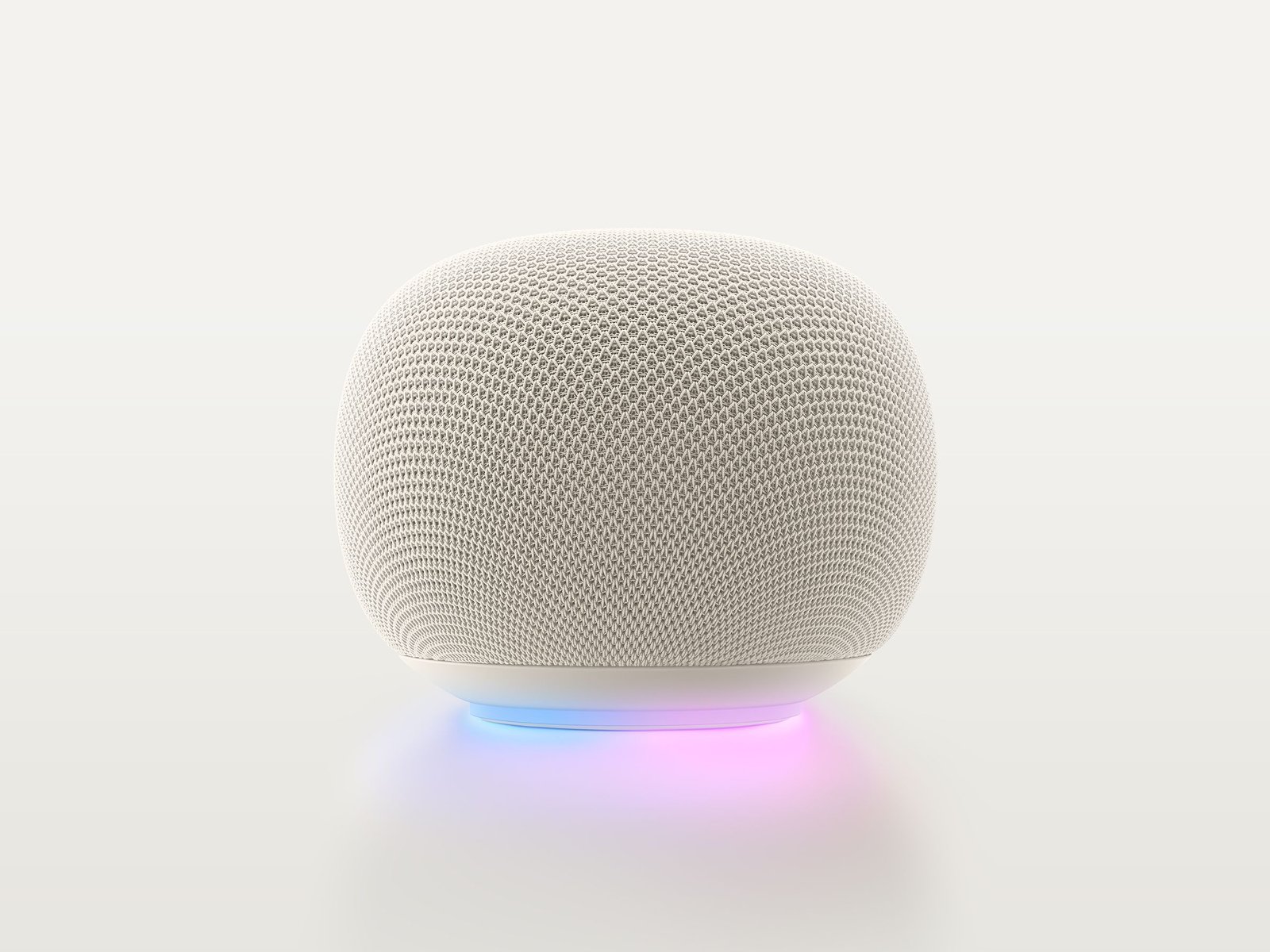
Google Home Speaker is not simply a renamed Nest Audio speaker. Google introduced a new speaker designed around Gemini for Home, with more natural conversational commands, a visible light ring and 360-degree sound. Nest Audio remains a familiar earlier generation speaker associated with Google Assistant and the Google Home ecosystem. For Kenya, the key question is not just which device exists, but which subscriptions, language features, smart-home integrations and regional services are actually available on your account.
Compare the full model names and live WooCommerce prices rather than relying on a reseller’s dated price list. All linked products are offered by Infinite Tech in Nairobi, subject to confirmed colour and stock.
Manufacturer specification comparison
| Attribute | First product | Second product |
|---|---|---|
| Generation | Google Home Speaker built for Gemini | Earlier Nest Audio speaker |
| Assistant positioning | Gemini for Home native experience | Original Google Assistant-era speaker |
| Audio profile | Balanced 360-degree sound described by Google | Nest Audio’s room-oriented sound system |
| Visual interaction | Expressive illuminated light ring | Different, minimal lighting design |
| Home theatre | Two Home Speakers pair with compatible Google TV Streamer | Do not assume identical new pairing capability |
| Language and service | Country/account-specific availability | Availability depends on platform and supported services |
What matters before you choose
What Gemini adds
Google explains that the speaker supports more flexible conversational requests, multi-step instructions, corrections mid-sentence and richer smart-home reasoning. Examples from official materials include changing several smart lights within one request and getting a home status summary. Which of these works with a particular device brand depends on your Google Home setup and eligible services.
Audio and home-theatre use
The new Google Home Speaker is positioned for 360-degree playback and supports pairing two compatible speakers with a Google TV Streamer for a home-theatre experience. Do not equate this with all Nest Audio pairings or promise that any ordinary Android TV box supports the same integration. Check your streaming hardware and software first.
Kenya service and privacy checks
Some Gemini for Home functionality may require a qualifying country, language, subscription or staged rollout. Google offers microphone and account controls, but every smart speaker deserves a careful home privacy setup. Verify account region, voice activity preferences and linked cameras, locks or other devices before relying on automation.
When to choose the new product
If you are starting a smart home from scratch and your account can use Gemini for Home, the new speaker is worth evaluating. Existing Nest Audio users should first check software support and their own needs rather than replacing hardware because of an advertising slogan. Compare the live Infinite Tech price and supplier finish before ordering.
Buying checklist for Kenya
- Check Gemini for Home support in your Google account and country.
- Verify smart-home devices and Google TV Streamer compatibility.
- Choose a speaker suited to the room rather than relying only on AI features.
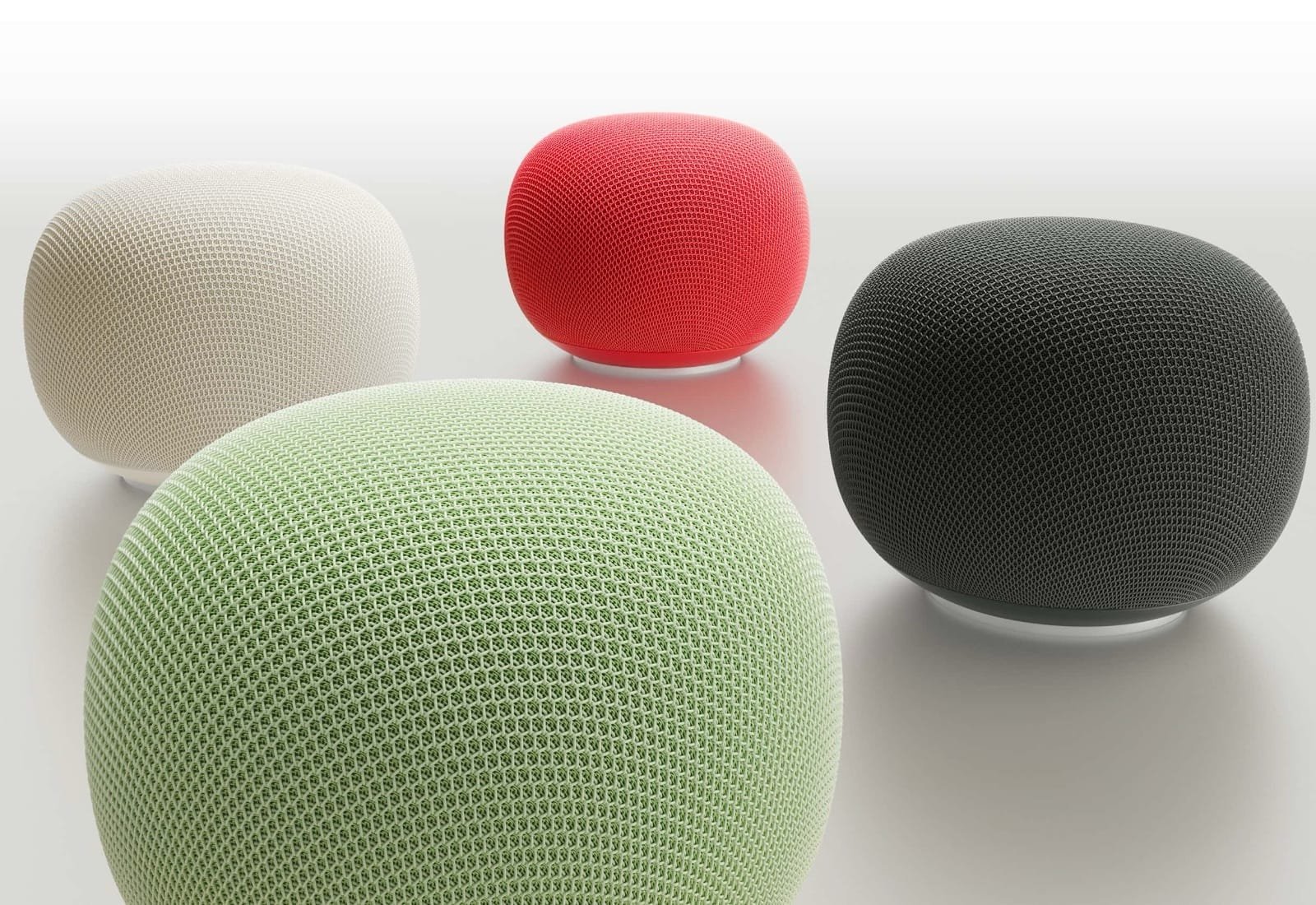
- Ask which colour is actually available and how the imported product warranty works.
Shop and compare
Visit Infinite Tech, Rehema House, Standard Street, Nairobi CBD, or call 0720450148 for variant, stock and delivery confirmation.
Frequently asked questions
Does the new Google Home Speaker work with all Google TVs?
No blanket guarantee is appropriate. Google specifies pairing two new Home Speakers with the Google TV Streamer for certain audio experiences.
Is Gemini for Home free in Kenya?
Subscription plans and country eligibility can change. Confirm the exact feature and service terms on Google’s official pages before purchasing.
Can I switch off the microphone?
Check the physical controls and Google Home account settings for the specific product. Review all privacy permissions when setting up a shared household device.