
Surface Pro 11 OLED vs LCD in Kenya: Brightness, Battery and Value

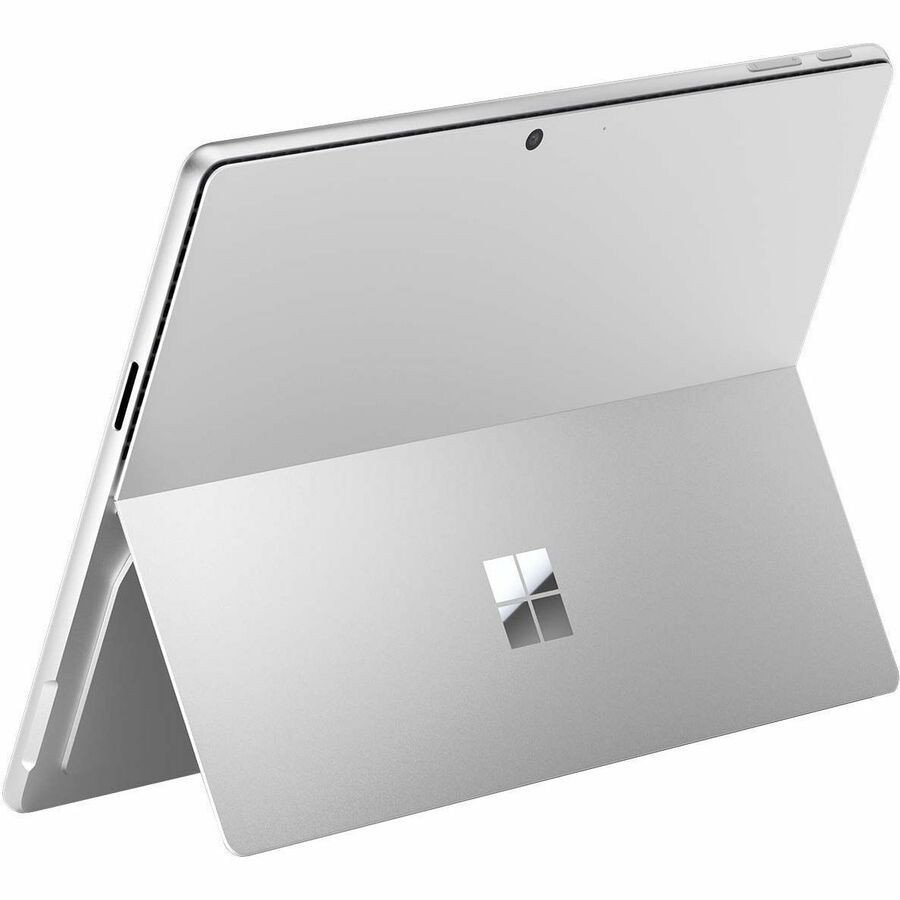
Updated November 2026. Surface Pro 11 can have either an OLED display or an LCD display depending on the SKU. The two versions share the broad 13-inch form factor but have different viewing characteristics. Buyers should ask which panel the exact unit uses before treating two supplier prices as directly comparable.
Quick recommendation
Check the operating system, intended programs, exact SKU, installed RAM, storage, accessories and warranty before selecting a model. The correct choice depends on your daily work rather than marketing labels.
What OLED changes
OLED can achieve very deep blacks and strong perceived contrast because pixels can emit their own light. This helps in dark-themed workflows and some video content. The Surface Pro 11 OLED specification includes HDR characteristics that differ from the LCD version. However, calibration, brightness settings and lighting determine whether the practical visual difference is important.
What LCD can still do well
The Surface Pro 11 LCD is not an inferior product for every use. Microsoft’s specification lists a 13-inch 2880 × 1920 PixelSense Flow panel and up to 120Hz refresh rate. For ordinary documents, spreadsheets and presentations, a well-calibrated LCD can remain a good option. Gloss, glare, ambient brightness and battery behaviour depend on real use.
Battery expectations without myths
It is misleading to promise that either panel always wins on battery life: screen brightness, content colour, application load and connectivity influence consumption. Dark content may favour OLED under certain conditions, while bright white documents change the equation. Base a purchase on manufacturer specifications and reliable comparable tests, not a generic all-day claim.
OLED and LCD are not CPU labels
Snapdragon X Plus and X Elite are processors, not names for display options. Confirm CPU, RAM, storage, display, warranty and accessories separately. A seller can have an OLED unit with one CPU and an LCD unit with another; never infer the panel from the advertised processor alone.
Available products and further reading
Use the live store links to compare current prices and confirm availability. Related articles provide further model-specific details.
Frequently asked questions
Are all listed models exactly the same configuration?
No. RAM, storage, operating system, screen, region and accessories can differ even within one name. Check the product title and request the exact manufacturer’s model number.
Do the prices include every accessory?
Never assume that a detachable keyboard, active pen, cable, sleeve or other accessory is included unless the product listing and supplier bundle say so.
Surface Pro 11 OLED vs LCD: practical buying checks
Compare the panels with the same document and brightness setting in similar lighting. A dark video scene highlights different strengths from a white spreadsheet. If you mostly read notes outdoors or under office lighting, check reflections and text comfort rather than judging a colourful demonstration video. Compare the full computer configuration as well, because a higher display price can include a different processor or storage amount.
- Open a spreadsheet, a PDF and a familiar video on each panel.
- Check reflections at a comfortable brightness.
- Compare equivalent memory, storage and warranty.
Will OLED always give longer battery life?
No. Content, brightness, software and hardware configuration all affect battery use; a panel label alone cannot predict a working day.
Related buying guides
Surface Pro 11 vs Surface Pro 12 · Surface Pro 11 X Elite vs X Plus · Surface Pro 11 vs Galaxy Tab S11
Manufacturer reference: Microsoft official documentation. Check the exact model and supported configuration.
Buying support in Nairobi
Infinite Tech, Rehema House, Standard Street, Nairobi CBD, 1st Floor Shop 2. Call 0720 450 148 to confirm current stock, warranty and compatibility. This guide compares documented features and usage scenarios, not claimed hands-on benchmark results.