
HAVIT X93 vs X90 HDMI Cables: 4K, Length and Compatibility Kenya

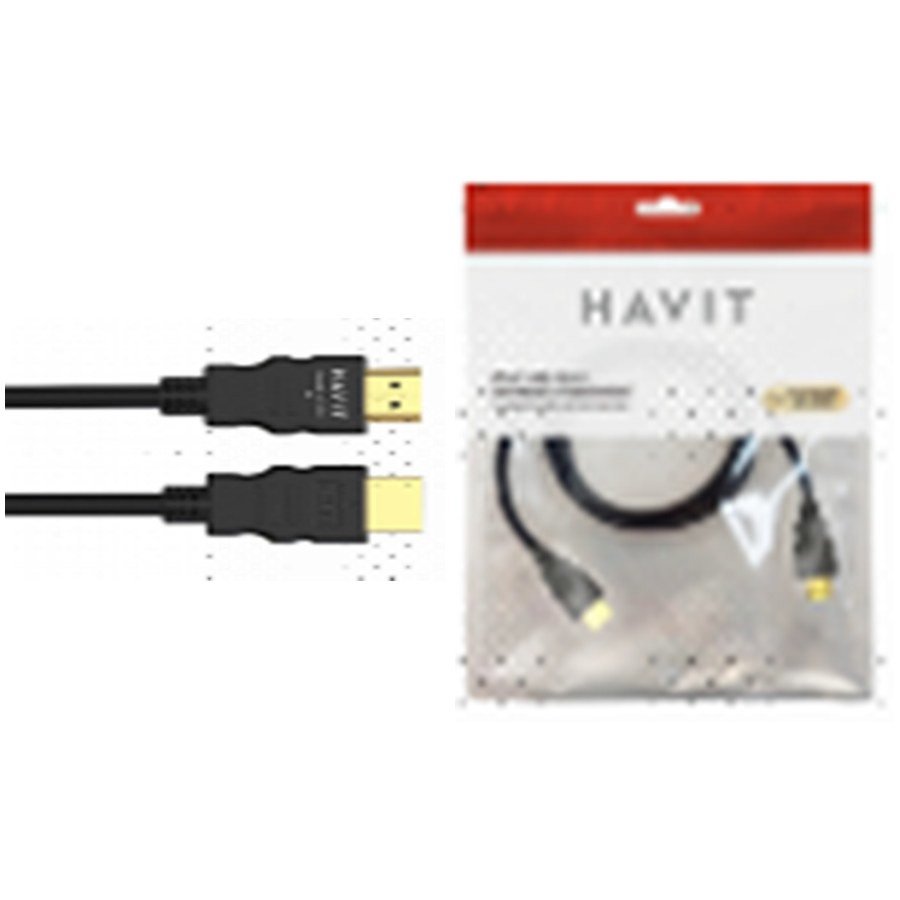
HAVIT X93 and X90 are two HDMI cables listed at nearly the same price in Kenya. Their supplier sheet advertises an 18Gbps transmission class, 4K 2160p compatibility and HDCP 2.2 references, with differences in cable length, outer diameter and the way HDMI version is described. Those labels are useful, but a cable cannot create a display mode that the laptop, television, console or projector does not support. For an office monitor or HAVIT projector, first confirm the output and input specifications, then choose the shortest practical well-made cable. This guide uses the November 2026 HAVIT catalogue and live WooCommerce retail prices.
HAVIT X93 vs X90 HDMI cable specifications
| Specification | HAVIT X93 | HAVIT X90 |
|---|---|---|
| Current Infinite Tech retail price | KSh 800 | KSh 820 |
| Supplier cable length | 1.8 metres | 2.0 metres |
| Declared transmission figure | 18Gbps | 18Gbps |
| 4K video claim | Up to 2160p claimed | Up to 2160p claimed |
| HDCP reference | HDCP 2.2 described | HDCP 2.2 described |
| Outer diameter | 6.0mm | 6.8mm |
| HDMI protocol label | Not stated explicitly in summary row | Version 2.0 described |
| Colour | Black | Black and grey |
These are supplier labels, not test reports from a certified HDMI laboratory. Prices may change; the linked WooCommerce product page is the current customer price.
Is 18Gbps enough for 4K?
The 18Gbps figure corresponds to a class of HDMI transmission capacity commonly associated with 4K at conventional frame rates under supported colour formats. It does not guarantee that every resolution, refresh rate, HDR mode or colour depth can fit that bandwidth. For example, a gaming computer outputting high refresh rates, HDR and high bit depth may demand a different link class than a typical 4K video player. Instead of asking only whether the cable is “4K,” check the exact timing and format supported by both devices and the cable’s independently verified performance. The catalogue does not provide the HDMI certification ID for either model.
HDMI version labels and HDCP claims
The X90 supplier row explicitly calls it “Version 2.0.” The X93 row gives 18Gbps but does not explicitly specify the HDMI version. Do not infer a certified HDMI version for X93 solely from the bandwidth label. The catalogue also mentions HDCP 2.2 on both cables. HDCP is a protected-content handshake between devices and interfaces; a passive cable alone is not a substitute for source and display support. Streaming a protected programme can fail even with a good cable if the device chain does not support the required content-protection conditions.
Which length is better for a TV cabinet or desk?
The X93 is listed at 1.8m, while the X90 is 2.0m. Twenty centimetres can help with routing behind a large monitor or around a cabinet, but extra length is not automatically better. Avoid creating a tight bend at the plug or pulling against HDMI ports. A cable under strain can intermittently disconnect or wear the connector. Conversely, a cable that is too short may encourage unsafe tension between a wall-mounted TV and media source. Measure the route before ordering.
What does outer diameter tell you?
The distributor states a 6.0mm outer diameter for X93 and 6.8mm for X90. A larger cable can feel stiffer, but the diameter alone does not establish the quality of conductor shielding, reliability or active high-frequency performance. The X93’s thinner construction may be easier to route through a tight desktop cable channel, while the X90’s extra length may be more useful in a cabinet. The supplier does not publish common bending-radius tests or shielding measurements for these two units.
Using them with a HAVIT projector
HAVIT PJ220 Pro, TV PJ300 Plus and PJ600Plus include HDMI input descriptions and each has a supplier-listed 1920 × 1080 native image resolution. The presence of a 4K input-support claim does not turn these into native 4K projectors. If a projector reports No Signal, select the right HDMI input, try a supported display mode and test a different known-good cable before assuming that changing to an “8K” cable would solve the issue. Our HAVIT HDMI troubleshooting guide covers this diagnostic sequence in detail.
What about a 1440p 180Hz gaming monitor?
The HAVIT GSC107-US monitor guide explains that its supplier sheet lists 2560 × 1440 and up to 180Hz. The cable’s 18Gbps claim alone does not establish which exact resolution and refresh mode the HDMI inputs can support, nor whether DisplayPort would be preferable. Check the monitor manual, GPU output and accepted timing before buying a cable for maximum refresh rate.
Frequently asked questions
Does X90 deliver better pictures than X93?
No controlled performance comparison is available. Both have the same advertised 18Gbps and 4K class, so choose based on verified device compatibility and convenient length.
Will a cable fix 4K streaming on a 1080p projector?
A compatible cable may carry the input signal, but the projector still displays at its native resolution.
Does 2.0m guarantee no connection problems?
No. Incorrect device modes, damaged ports, cable faults and HDCP mismatches can still cause black screens or dropouts.
Shop HAVIT HDMI cables in Nairobi
See HAVIT X93 1.8m and HAVIT X90 2.0m in Infinite Tech’s shop. The HAVIT Kenya hub links to more accessories. Infinite Tech is at Rehema House, Standard Street, First Floor Shop 2, Nairobi CBD; call 0720 450 148 for the actual cable packaging, condition and compatibility.
Source: HAVIT November 2026 supplier catalogue, page 9, and current WooCommerce records 97181 and 97182. No certified HDMI bandwidth testing performed.
