
HAVIT Bluetooth Speaker Not Pairing? Troubleshooting Guide Kenya

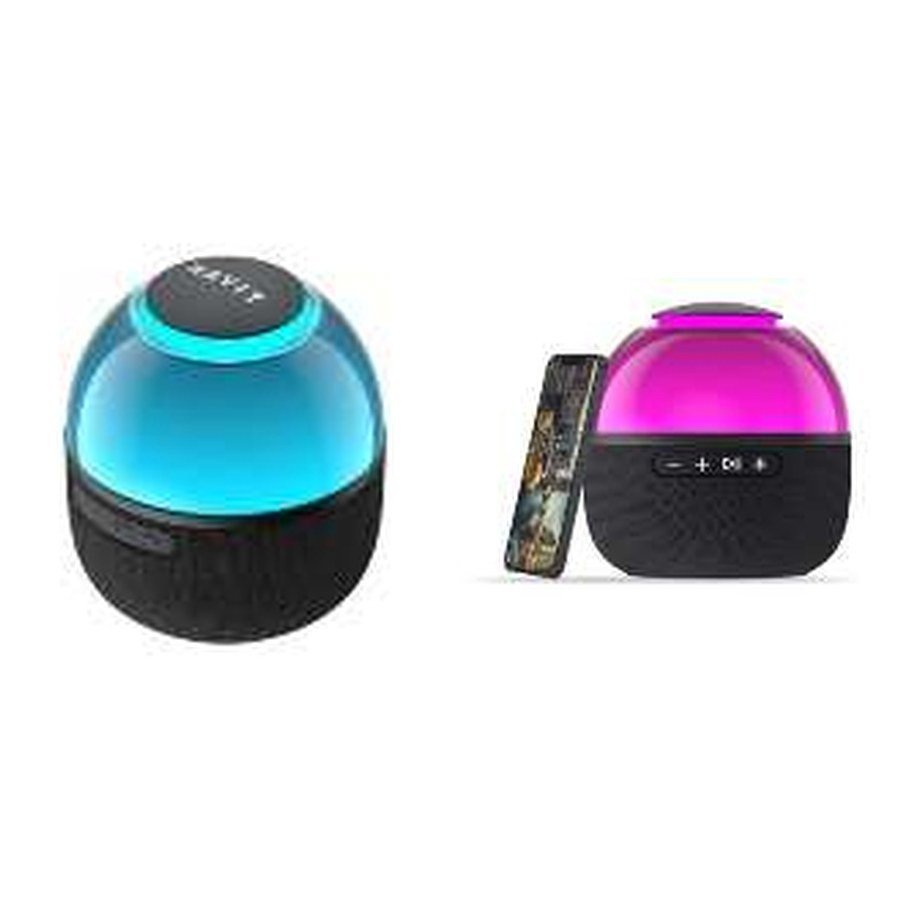
A HAVIT Bluetooth speaker is powered on but your Android phone, iPhone or laptop cannot connect. The cause is often a simple state mismatch: the speaker is not discoverable, it is still connected to an older device, or the phone is trying to pair with a similarly named but different model. This guide gives a diagnostic order that preserves existing settings where possible and avoids inventing model-specific button sequences. The HAVIT November 2026 catalogue lists different controls and audio-source options across speakers such as SK900BT, SK868BT and SK920BT, so always identify your exact model first.
1. Make sure the speaker is actually in Bluetooth mode
Some HAVIT speakers support more than one input. For example, SK900BT lists Bluetooth and microSD playback, while the larger SK920BT includes Bluetooth, USB, AUX and TWS modes. If a speaker is currently playing from USB or AUX, it may not advertise itself for a new Bluetooth pairing. Use the specific model’s source/mode button or documented menu to select Bluetooth. Confirm pairing mode using the manual’s indicator, voice prompt or flashing light description; do not assume every HAVIT speaker uses the same colour LED or button-hold timing.
2. Check which phone or computer is already connected
Bluetooth speakers may reconnect automatically to the last paired phone after switching on. If a family member’s phone is still connected, your own phone may see the speaker but fail to take over. On the other trusted device, disconnect the speaker or turn off its Bluetooth temporarily. Then retry pairing from the phone you intend to use. Do not remove unrelated Bluetooth devices from an account or paired-device list; target only the exact model you own.
3. Use the phone’s Bluetooth settings correctly
- Keep the speaker powered on and close to the phone during initial pairing.
- Open the phone’s Bluetooth settings and look for the exact HAVIT model or the device name stated in its manual.
- If it is already saved but will not connect, disconnect and reconnect once.
- When appropriate, forget only that saved speaker entry and pair again using the model’s documented pairing instructions.
- If the speaker is not shown, allow a new scan after confirming it is in discoverable mode and not busy on another source.
Some phones ask for media-audio permission or access to contacts and calls. Only grant permissions needed for the features you want. A music speaker generally does not need broad access to sensitive information.
4. Does it connect but produce no sound?
That is different from a pairing failure. Start playback on the phone and confirm the phone’s media output is directed to the HAVIT speaker, not to another headset or the handset’s internal speaker. Check the volume on both devices. Also verify the speaker is in Bluetooth input mode, because switching to AUX or a microSD source may stop playing phone audio while the Bluetooth device name remains listed. For laptops, select the correct Bluetooth audio output device in the operating system; conferencing applications can have their own speaker selection separate from the system default.
5. Interference and distance
A speaker’s unobstructed range claim is not a reliable distance through walls, metal cabinets and crowded radio environments. Try pairing a metre or two away, rather than from across the room. Temporarily move away from nearby dense Wi-Fi equipment and other actively pairing Bluetooth devices. If one room consistently produces dropouts, test in another location before assuming the battery or radio is defective. Low speaker battery can also interrupt operation, so charge it with the suitable input recommended for its exact model.
6. TWS pairing is not ordinary phone pairing
True Wireless Stereo (TWS) on some HAVIT speaker listings refers to a mode for linking suitable speakers together, not to the Bluetooth connection between one speaker and your phone. SK900BT explicitly lists TWS, as does the larger SK920BT. That does not prove SK900BT and SK920BT can pair with one another. Confirm compatible model combinations and the correct speaker-to-speaker linking sequence from the manufacturer. If TWS is active unintentionally, follow the exact model instructions to exit the mode before pairing normally with the phone.
7. If the speaker still cannot be discovered
Test a second compatible phone if possible. If neither device can discover the speaker after normal restart and correct Bluetooth-mode selection, consult the model-specific manual for reset instructions. Do not blindly follow internet advice to hold the power key for a specific number of seconds: a different HAVIT model might use that action for factory settings, TWS or another purpose. If the speaker’s Bluetooth mode never activates, its buttons do not respond, or it emits abnormal heat or a burning smell, stop and request help from the seller.
Frequently asked questions
Why does my HAVIT speaker appear on Bluetooth but say connection failed?
It may still be linked to an older device, be in a different input mode or have a stale saved pairing. Test those in that order.
Can I pair two different HAVIT speakers in TWS?
Only if their exact model documentation confirms they are mutually compatible. The TWS label alone does not establish cross-model linking.
Does pairing require internet access?
Ordinary local Bluetooth audio pairing does not inherently require an internet connection. An optional companion app might need internet for initial installation or updates.
Identify your speaker model
Check HAVIT SK900BT, HAVIT SK868BT or HAVIT SK920BT for exact model details. The HAVIT Bluetooth speakers guide and HAVIT Kenya hub list additional models. Infinite Tech is at Rehema House, Standard Street, First Floor Shop 2, Nairobi CBD. Call 0720 450 148 with your model number and the exact phone connection error.
Basis: General Bluetooth audio troubleshooting guidance, alongside input and TWS features documented in the HAVIT November 2026 supplier catalogue, pages 4–5. No universal model-reset method was claimed.
