
Samsung Ex-UK OLED Green Tint vs Green Line: How to Inspect a Used Galaxy Screen

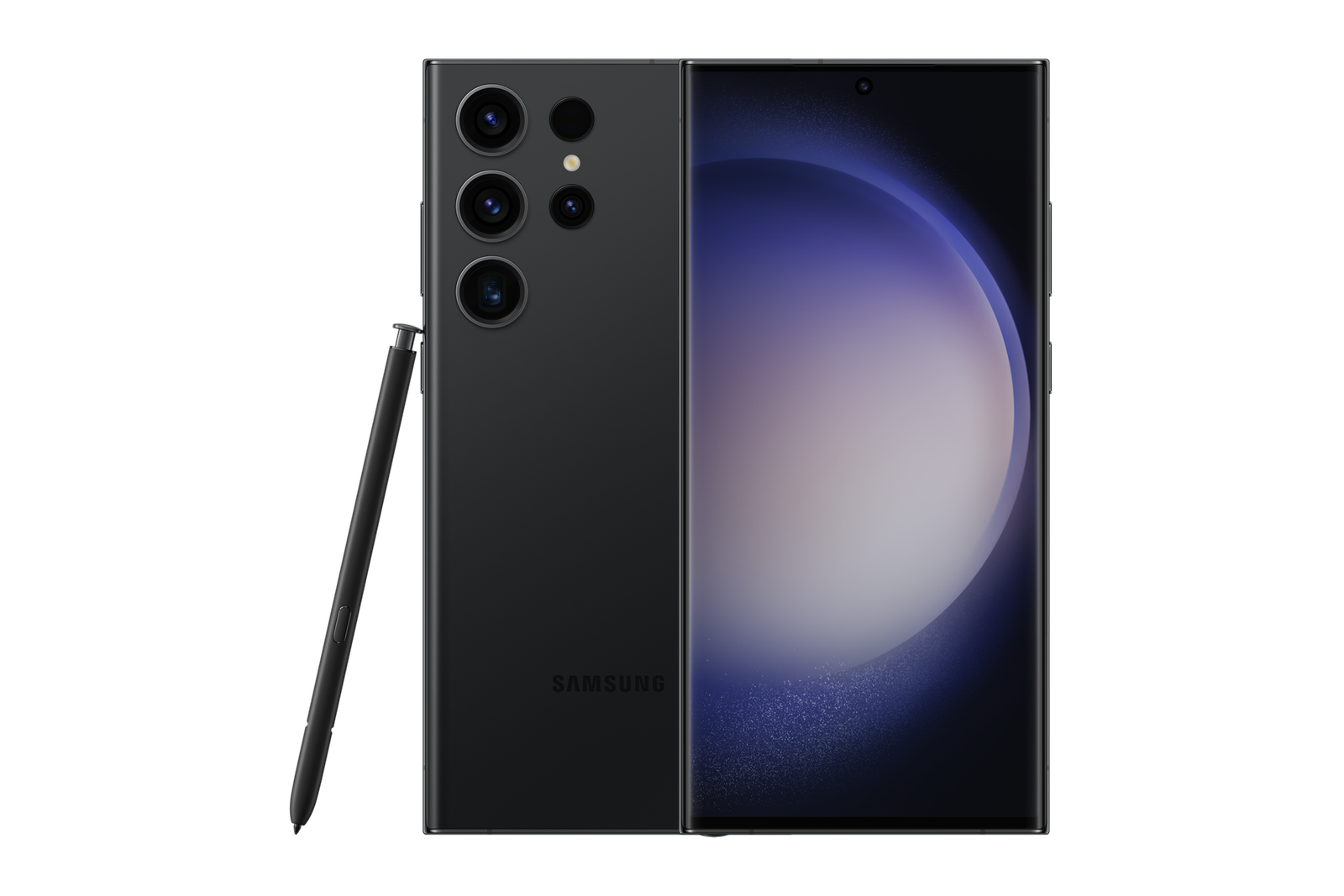
A green-looking AMOLED screen is not one single problem. On an Ex-UK Samsung Galaxy phone, a green tint that changes with brightness and settings can differ substantially from a persistent vertical green line that may indicate a serious screen fault. Buyers should not diagnose either condition from a blurred WhatsApp photograph; examine the actual phone and test several conditions before paying.
What Samsung says about green tint
Samsung explains that some AMOLED panels can show greenish or uneven colour in very dark content at low brightness, particularly in dark rooms. This is not automatically a hardware defect. Samsung also advises checking display and accessibility settings—such as Eye comfort shield, colour correction and Extra dim—when colours look abnormal. That guidance does not mean every green screen is normal, and it must not be used to dismiss a visible defect.
What is different about a persistent green line?
A thin green vertical or horizontal line that stays in the same position on different screens is a different symptom from a broad low-brightness tint. Persistent lines, flashing, dead pixels or disappearing touch response warrant professional assessment. A software screenshot might not capture a physical screen problem, so inspect with your eyes. Do not squeeze the curved edge, heat the screen or attempt internet ‘pressure fixes’: those actions can worsen damage.
How to perform a fair screen check in store
- Confirm the Galaxy model and inspect the glass for cracks, dents and frame separation.
- View a plain mid-grey image at low and medium brightness, then repeat at higher brightness.
- Try light mode and dark mode on different screens, with Eye comfort shield and colour filters understood.
- Look for stationary lines, unusual colour patches, dark spots, OLED burn-in and flickering on the same locations.
- Rotate the phone and examine both full-screen content and the Settings interface.
- Test touch accuracy across the full surface, including edges and keyboard input.
- Record the observations and request a qualified repair assessment if a persistent fault is present.
Can a software setting create a false alarm?
Yes. Colour filters, adaptive colour tone, Extra dim and other display options can change the screen’s appearance. Some options vary by Galaxy model and One UI version. Ask the seller before changing settings; note the original configuration, then retest where appropriate. If a line remains across different apps, backgrounds and brightness levels, do not simply classify it as a harmless colour setting.
Why used-screen quality matters financially
OLED panel repair on premium Galaxy models can be a meaningful expense. A cheap-looking Ex-UK flagship offer with unexplained lines may not be economical once screen replacement is considered. Ask for the condition of the actual stock device, any previous screen replacement and written warranty terms. Compare other Ex-UK Samsung phones, including the Galaxy S23 Ultra 256GB Ex-UK listing. Check the current WooCommerce selling price rather than an outdated blog amount.
Related buying and trade-in checks
Screen condition should be assessed alongside its effect on a used-phone asking price and a documented hardware inspection.
Frequently asked questions
Is any green tint on an AMOLED screen proof the phone is faulty?
No. Samsung documents possible low-brightness colour variations and settings effects. Check multiple brightness levels and backgrounds before drawing a conclusion.
Does a persistent green vertical line always disappear after an update?
No such outcome is guaranteed. Persistent lines need individual diagnosis; do not buy a phone assuming a software update will repair a possible panel issue.
Is a catalogue photo enough to judge screen condition?
No. A model image cannot prove the state of the specific used OLED panel you will receive.
Inspect Samsung stock at Infinite Tech
Infinite Tech is at Rehema House, Standard Street off Kimathi Street, First Floor Shop 2, Nairobi CBD. Call 0720 450 148 to ask about actual-unit inspection, availability and written terms before visiting.
Samsung manufacturer guidance
Galaxy screen green tint or stains; Samsung Africa: unusual screen colours.
2 thoughts on “Samsung Ex-UK OLED Green Tint vs Green Line: How to Inspect a Used Galaxy Screen”
Comments are closed.