

SSD Cloning vs Clean Windows Installation: Which Is Better?

SSD cloning vs clean install — Migrating to an SSD can involve copying the existing Windows installation or installing the operating system fresh. The choice depends on system health, backup completeness, software activation and whether the new disk is compatible.
Important technical checks and common mistakes
Not every drive is interchangeable. Before making a purchase, compare the exact computer or console model to manufacturer documentation for its SATA connection, PCIe NVMe support, M.2 module length and any required thermal hardware.
- Cloning is attractive when the current Windows installation is stable and reinstalling many programs would be time-consuming.
- A clean installation can remove accumulated software issues, but requires reconfiguration and application license recovery.
- In both cases, make a separate verified backup before manipulating partitions or changing boot hardware.
- Check BitLocker or device encryption recovery information before any disk replacement.
- Afterward confirm activation, boot mode, necessary drivers, user files, SMART health and a workable recovery plan.
Relevant SSDs available in the Infinite Tech catalogue
| Exact product and shopping link | Listed price (13 November 2026) |
|---|---|
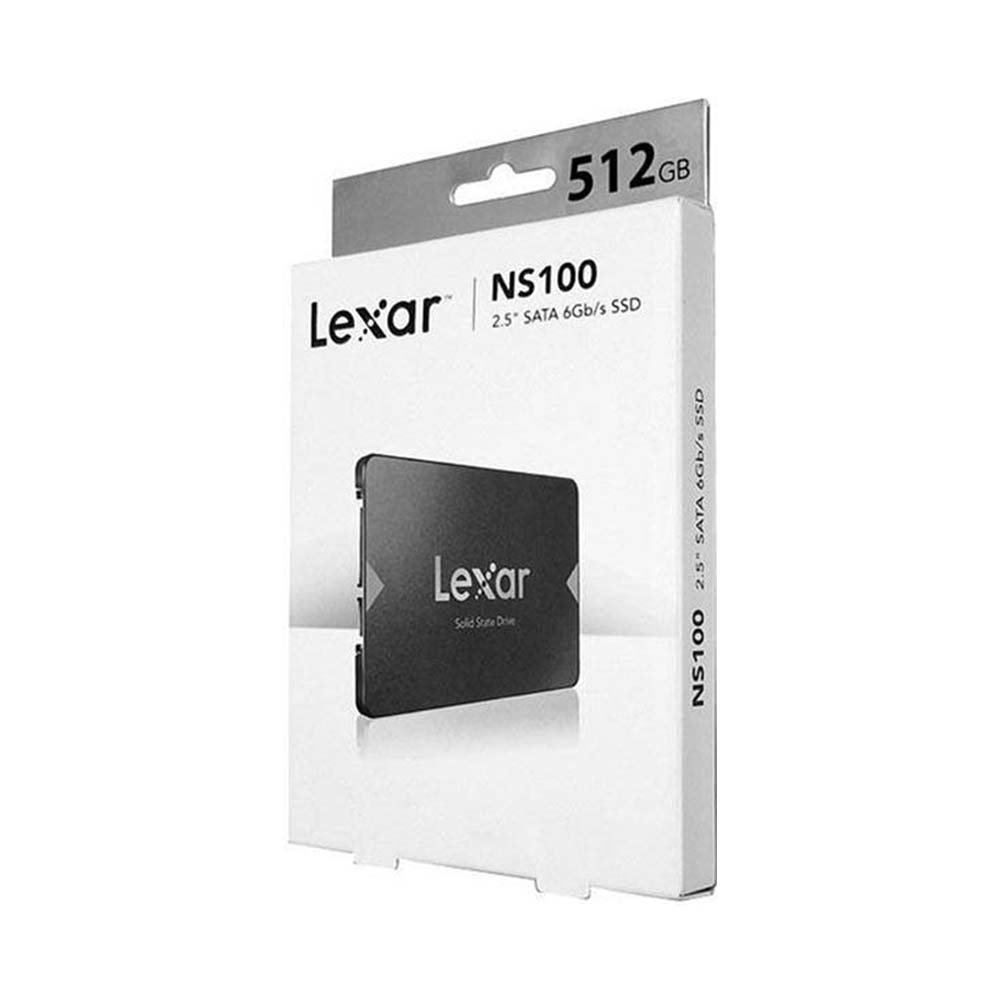
| Lexar NS100 512GB SATA | KSh 14,000 |
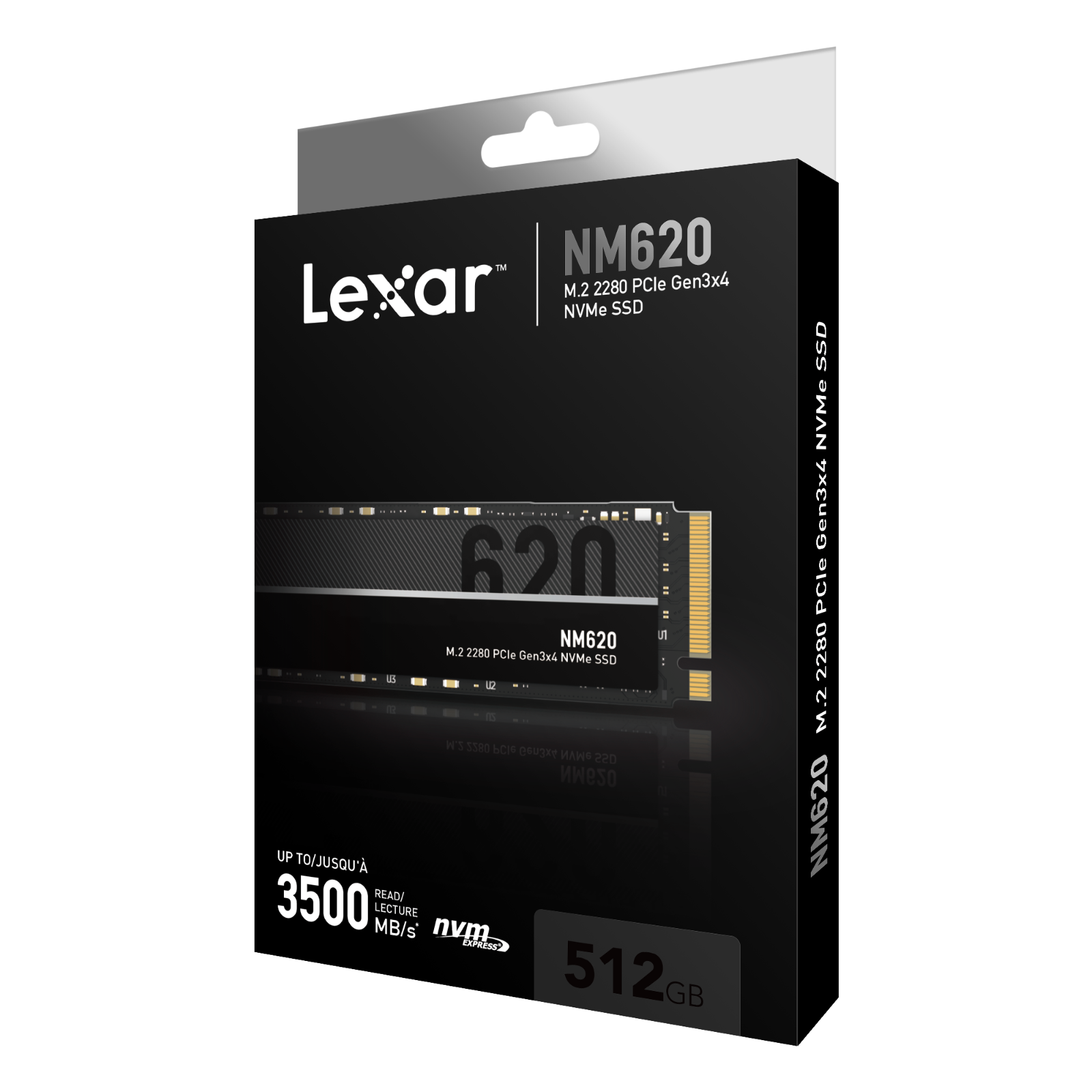
| Lexar NM620 512GB Gen3 NVMe | KSh 15,000 |
| Lexar NM620 1TB Gen3 NVMe | KSh 20,000 |
The prices above are historical listing snapshots, not binding future quotations. Click each SSD product to see the current WooCommerce selling price and to verify stock, warranty and product condition. No installation fee, heatsink, adapter or data-recovery service is included unless explicitly stated on the product page.
Safe SSD buying and installation checklist
- Write down the exact laptop, desktop motherboard or PS5 model number; do not rely on brand alone.
- Match the actual physical slot, supported protocol and SSD length, rather than choosing only on capacity.
- Read the manufacturer’s part-number-specific specifications and compare independent benchmarks only when relevant.
- Make a verified backup of important files before cloning, formatting, moving partitions or installing hardware.
- Recheck the drive after installation and retain purchase and warranty documents.
Frequently asked questions
Does a clean install automatically make every laptop faster than cloning?
Not necessarily. Performance depends on the prior system’s condition, hardware and software setup.
Can cloning move Windows from SATA to NVMe?
Sometimes, if the machine supports NVMe boot and the migration procedure handles the relevant drivers and partitions.
More SSD help and local shopping
For model compatibility, compare SATA vs NVMe storage, laptop SSD compatibility, and SSD condition checks. PS5 owners should follow Sony’s official storage requirements.
Explore the SSD Buying Guides Kenya topic hub and the SSD store listings. Visit Infinite Tech, Rehema House, Standard Street, First Floor Shop 2, Nairobi CBD. Send your exact device model to WhatsApp 0720450148 before placing a compatibility-sensitive order.
Editorial update: 13 November 2026. No laboratory testing of the illustrated drives is claimed. Prices, support and specifications require final SKU-level verification.

