

SSD Not Detected in BIOS: SATA and NVMe Troubleshooting Guide

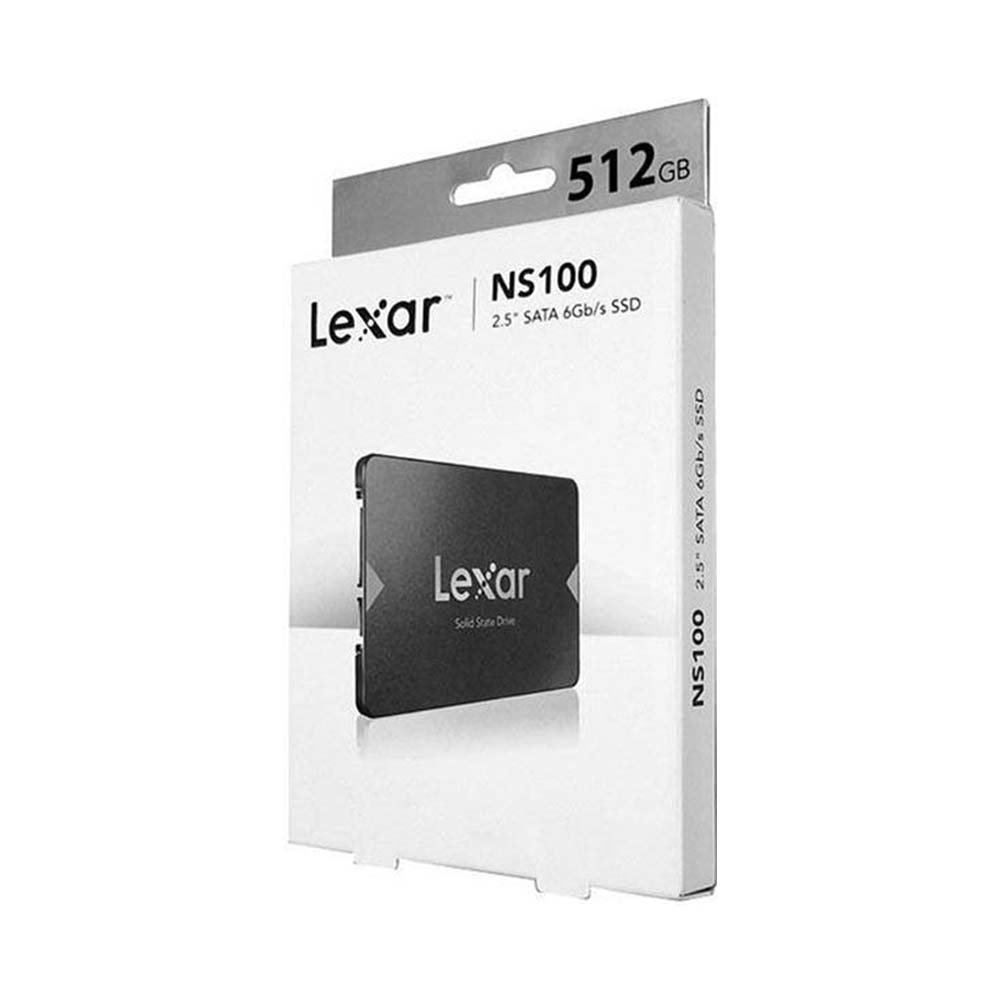
SSD not detected in BIOS — When a new SSD is missing from BIOS or Windows, do not immediately assume the drive is faulty. The cause may be protocol mismatch, an unseated module, disabled storage controller, required firmware settings or a cable problem.
Important technical checks and common mistakes
Not every drive is interchangeable. Before making a purchase, compare the exact computer or console model to manufacturer documentation for its SATA connection, PCIe NVMe support, M.2 module length and any required thermal hardware.
- For SATA, verify the SSD is connected to a working data and power connector and that the drive bay is correctly installed.
- For NVMe, check that the M.2 slot supports PCIe storage and the module is seated and secured without excessive force.
- Look in firmware storage listings before making software changes; a drive absent from BIOS may not be fixable by Windows Disk Management alone.
- If BIOS detects the disk but Windows does not, inspect Disk Management or the disk-initialization status without deleting existing partitions.
- Avoid destructive formatting, firmware updates or controller changes without a backup and model-specific support guidance.
Relevant SSDs available in the Infinite Tech catalogue
| Exact product and shopping link | Listed price (13 November 2026) |
|---|---|
| Lexar NS100 512GB SATA | KSh 14,000 |
| Lexar NM620 512GB Gen3 NVMe | KSh 15,000 |
| Lexar NQ780 1TB Gen4 NVMe | KSh 19,500 |
The prices above are historical listing snapshots, not binding future quotations. Click each SSD product to see the current WooCommerce selling price and to verify stock, warranty and product condition. No installation fee, heatsink, adapter or data-recovery service is included unless explicitly stated on the product page.
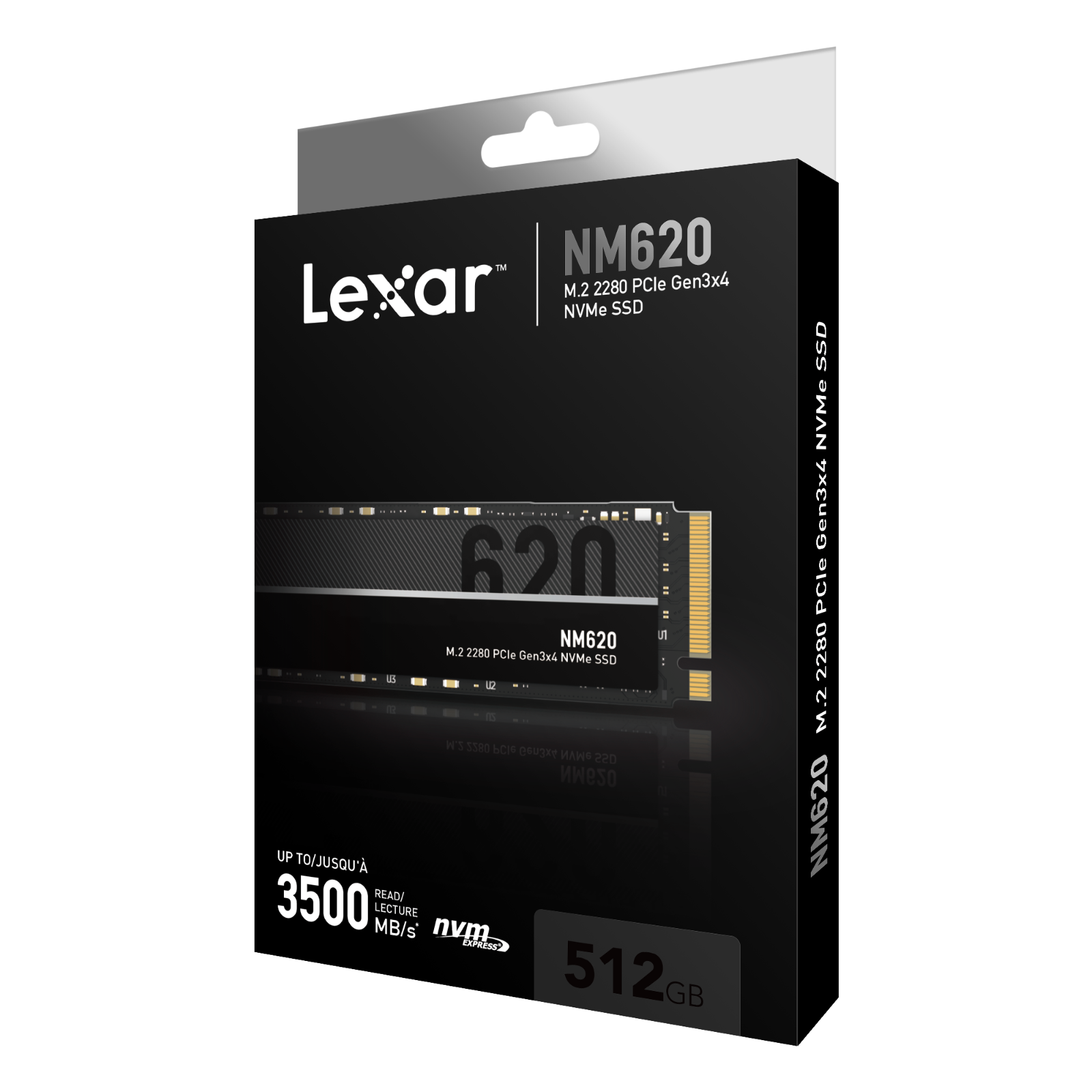
Safe SSD buying and installation checklist
- Write down the exact laptop, desktop motherboard or PS5 model number; do not rely on brand alone.
- Match the actual physical slot, supported protocol and SSD length, rather than choosing only on capacity.
- Read the manufacturer’s part-number-specific specifications and compare independent benchmarks only when relevant.
- Make a verified backup of important files before cloning, formatting, moving partitions or installing hardware.
- Recheck the drive after installation and retain purchase and warranty documents.
Frequently asked questions
Why does Windows show no SSD after installation?
The drive may be uninitialized, lacking a drive letter, not recognized by the controller or incompatible with the slot.
Should I format an SSD that contains my files?
No. Formatting destroys filesystem information and can cause data loss; check the drive and backups first.
More SSD help and local shopping
For model compatibility, compare SATA vs NVMe storage, laptop SSD compatibility, and SSD condition checks. PS5 owners should follow Sony’s official storage requirements.
Explore the SSD Buying Guides Kenya topic hub and the SSD store listings. Visit Infinite Tech, Rehema House, Standard Street, First Floor Shop 2, Nairobi CBD. Send your exact device model to WhatsApp 0720450148 before placing a compatibility-sensitive order.
Editorial update: 13 November 2026. No laboratory testing of the illustrated drives is claimed. Prices, support and specifications require final SKU-level verification.

