

M.2 SSD Sizes Explained: 2230 vs 2242 vs 2280 Compatibility

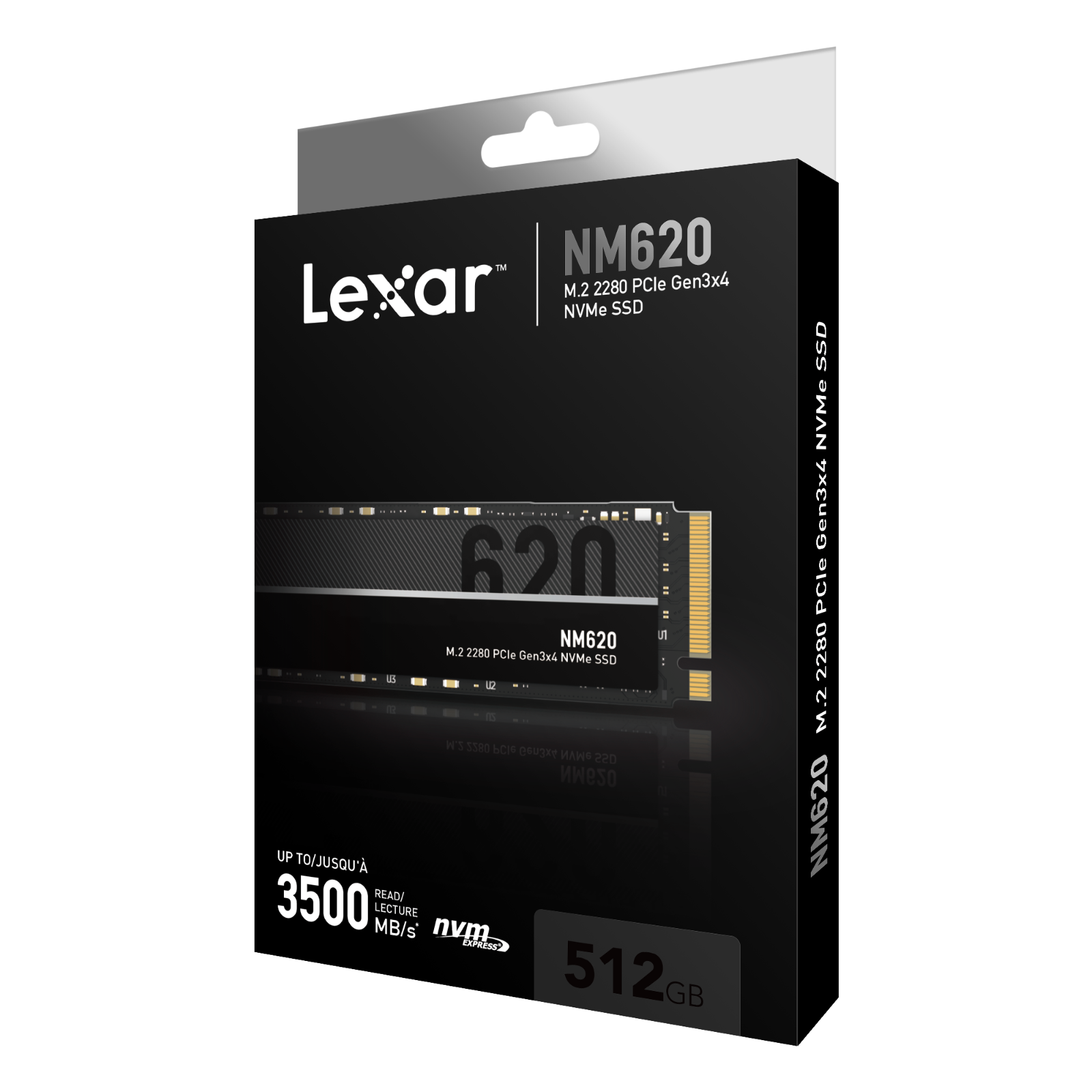
M.2 2230 vs 2280 SSD — The numbers in an M.2 designation describe physical dimensions: 2230 is approximately 22 by 30mm, 2242 is 22 by 42mm and 2280 is 22 by 80mm. Physical length is only one requirement; the socket must also support the storage interface.
Important technical checks and common mistakes
Not every drive is interchangeable. Before making a purchase, compare the exact computer or console model to manufacturer documentation for its SATA connection, PCIe NVMe support, M.2 module length and any required thermal hardware.
- Identify the M.2 slot’s connector keying and supported electrical protocol before choosing an SSD.
- A 2280 SSD cannot always be secured in a laptop intended only for a short 2230 module.
- Some laptops have mounting positions for multiple lengths, but check the actual screw or retention bracket.
- M.2 SATA and M.2 NVMe modules may look similar yet are not universally interchangeable.
- Do not infer SSD upgrade support from a spare M.2 wireless-card connector.
Relevant SSDs available in the Infinite Tech catalogue
| Exact product and shopping link | Listed price (13 November 2026) |
|---|---|
| Lexar NM620 512GB Gen3 NVMe | KSh 15,000 |
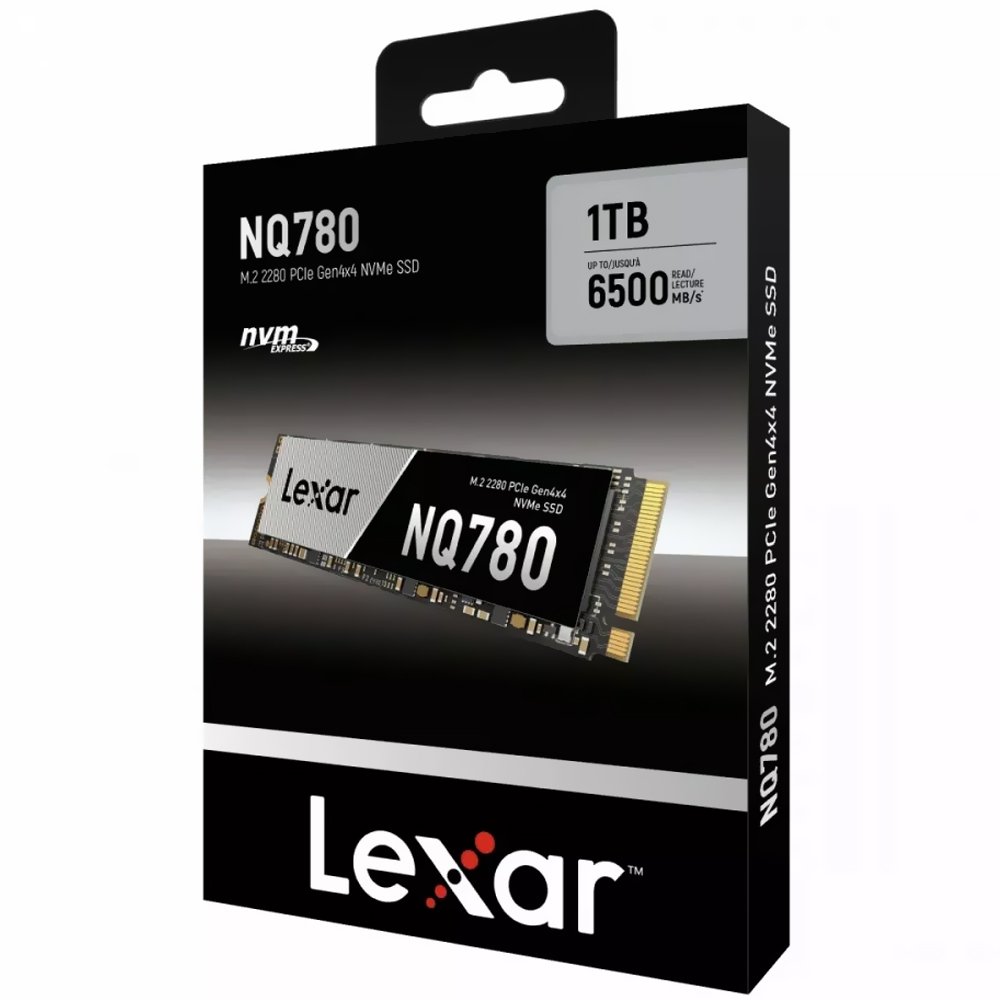
| Lexar NQ780 1TB Gen4 NVMe | KSh 19,500 |
| Western Digital CL SN720 2TB SED NVMe | KSh 21,500 |
The prices above are historical listing snapshots, not binding future quotations. Click each SSD product to see the current WooCommerce selling price and to verify stock, warranty and product condition. No installation fee, heatsink, adapter or data-recovery service is included unless explicitly stated on the product page.
Safe SSD buying and installation checklist
- Write down the exact laptop, desktop motherboard or PS5 model number; do not rely on brand alone.
- Match the actual physical slot, supported protocol and SSD length, rather than choosing only on capacity.
- Read the manufacturer’s part-number-specific specifications and compare independent benchmarks only when relevant.
- Make a verified backup of important files before cloning, formatting, moving partitions or installing hardware.
- Recheck the drive after installation and retain purchase and warranty documents.
Frequently asked questions
What does 2280 mean?
Nominal module width 22mm and length 80mm.
Will a 2230 SSD work in a 2280 slot?
Only where the motherboard supports the module and provides secure mounting or a correctly approved adapter.
More SSD help and local shopping
For model compatibility, compare SATA vs NVMe storage, laptop SSD compatibility, and SSD condition checks. PS5 owners should follow Sony’s official storage requirements.
Explore the SSD Buying Guides Kenya topic hub and the SSD store listings. Visit Infinite Tech, Rehema House, Standard Street, First Floor Shop 2, Nairobi CBD. Send your exact device model to WhatsApp 0720450148 before placing a compatibility-sensitive order.
Editorial update: 13 November 2026. No laboratory testing of the illustrated drives is claimed. Prices, support and specifications require final SKU-level verification.

